1-14 Workstation 5 Field Service Guide
Introduction to the WS5 FRUs
LCD Customer Display
LCD Customer Display
This section lists the available FRU’s for the LCD Customer Display. See
Chapter 6 for instructions on removing and replacing these items. The WS4,
KWS4, WS4 LX and WS5 support this display.
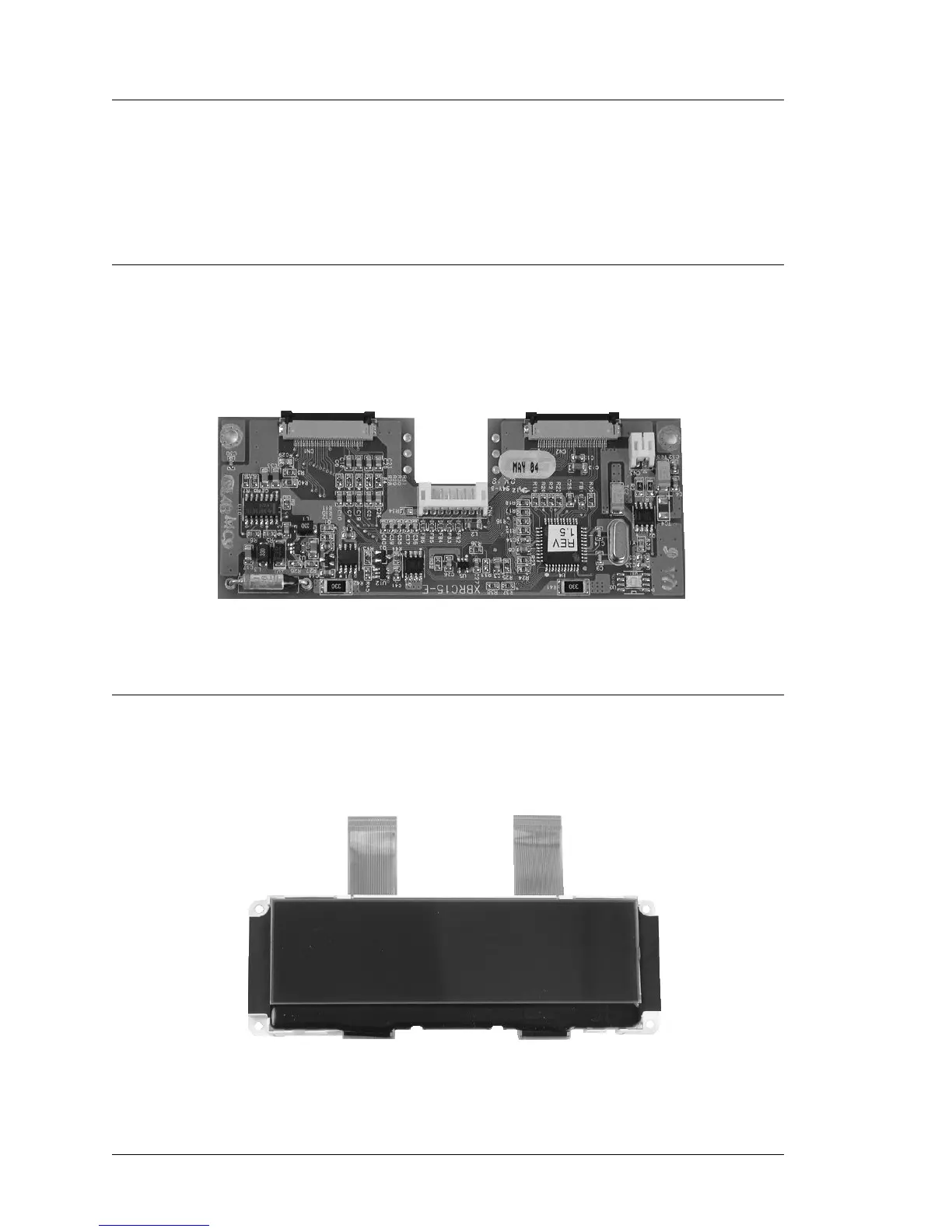
LCD Interface Board - P/N 400702-001
The LCD Customer Display Interface Board is used for the Integrated, Pole
and Adjustable Stand Pole mounted display. This board also drives the
Operator Display in the KWS4.
Figure 1-13: LCD Customer Display Interface Board
LCD Module, Optrex - P/N 700594-117
The 240x64 Monochrome LCD Module is used for the Rear and Pole Mount
LCD Customer Display. It is also used for the Operator Display on the KWS4.
Figure 1-14: Optrex LCD Module for the LCD Customer Display



 To Next Page