3-28 Workstation 5 Field Service Guide
Workstation 5 Troubleshooting
Touchscreen Related
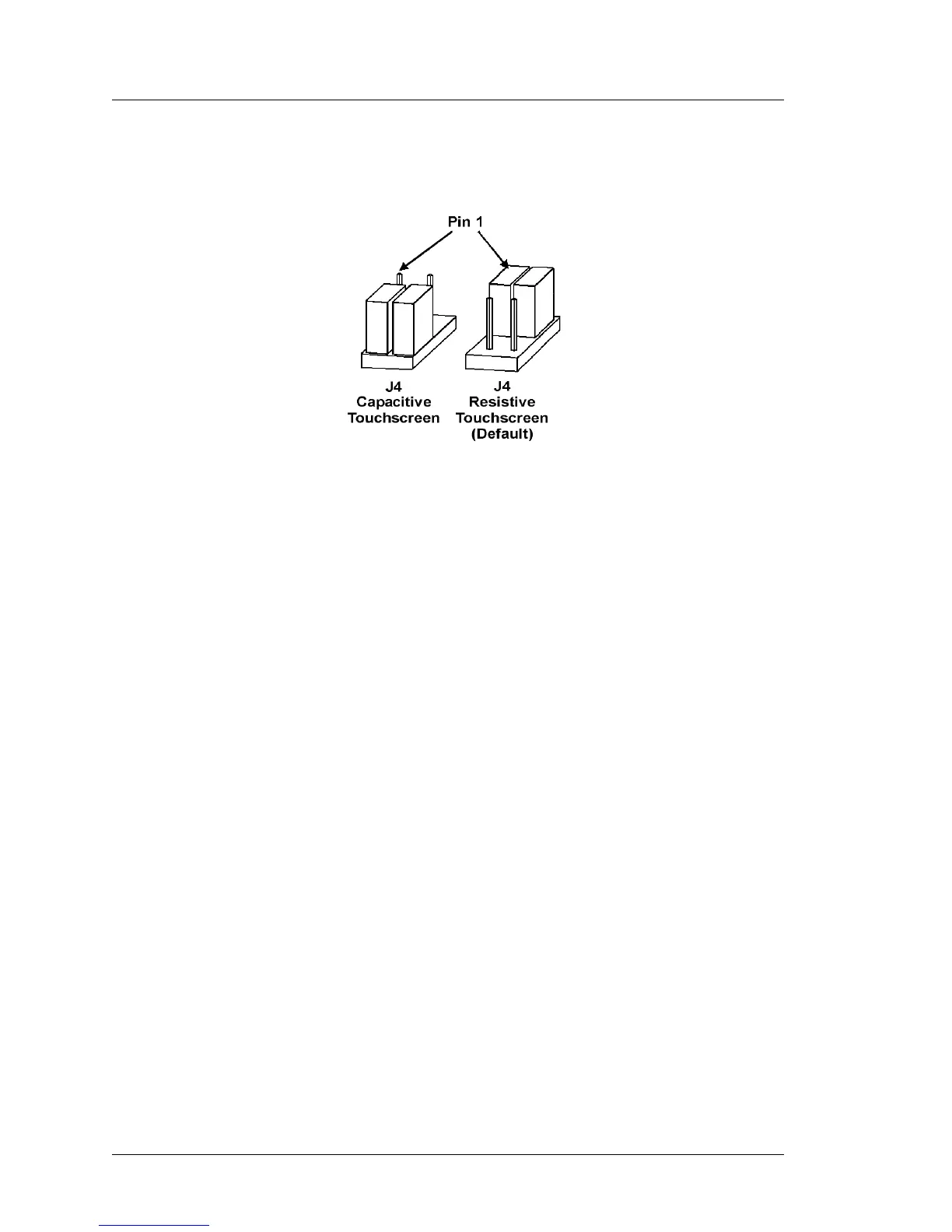
Figure 3-9: Resistive/Capacitive Touchscreen Configuration Jumpers
False Touches
Symptoms: The cursor may jump to random locations or to the same location
without touching the screen. The cursor may also jump to a different location
than where you touch.
• Damaged touch surface. Look for obvious gouging caused by objects
dropped on the screen.



 To Next Page