4-6 Workstation 5 Field Service Guide
Remove and Replace the Workstation 5 FRUs
Magnetic Card Reader
Installation
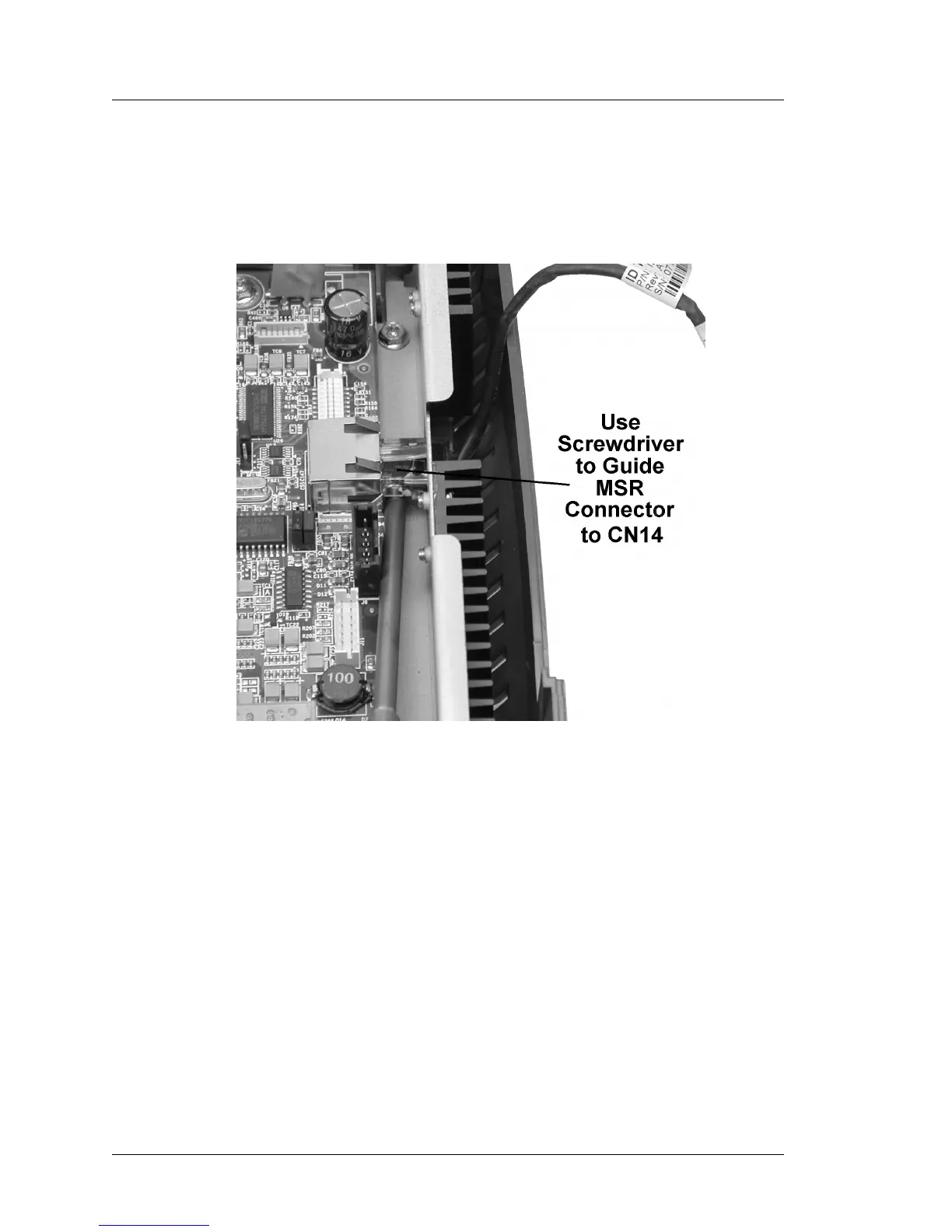
1. Orient the modular connector with the tab facing upwards, then push it
through the cut-out in the side of the chassis to CN14. Figure 4-5 shows
how to use a screw driver to guide the modular connector into place.
Figure 4-5: Installing the MSR Connector
2. Insert the MSR channel into the slots along the side of the base.
3. Replace the LCD/Touchscreen Assembly and Cover. A procedure can be
found at end of this Chapter.



 To Next Page