Workstation 5 Field Service Guide 4-25
Remove and Replace the Workstation 5 FRUs
The System Board
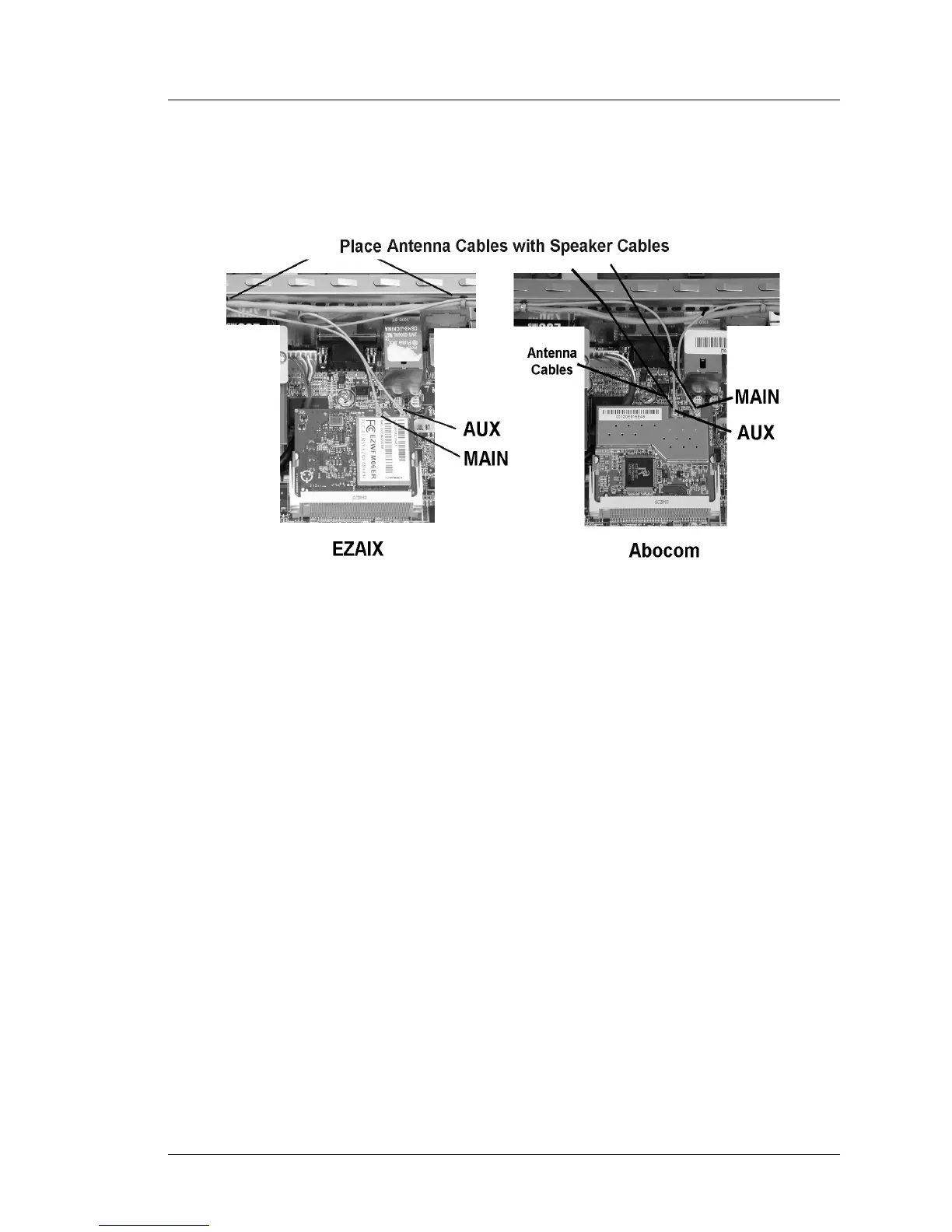
5. Install the antennae cables. Note that the Main and Aux connectors are
reversed between the two boards. Figure 4-29, below.
Figure 4-29: Installing the Wireless Card Antennae
The Abocom wireless card requires GR1.2 or later to function.



 To Next Page