4-30 Workstation 5 Field Service Guide
Remove and Replace the Workstation 5 FRUs
Reassembling the Workstation 5
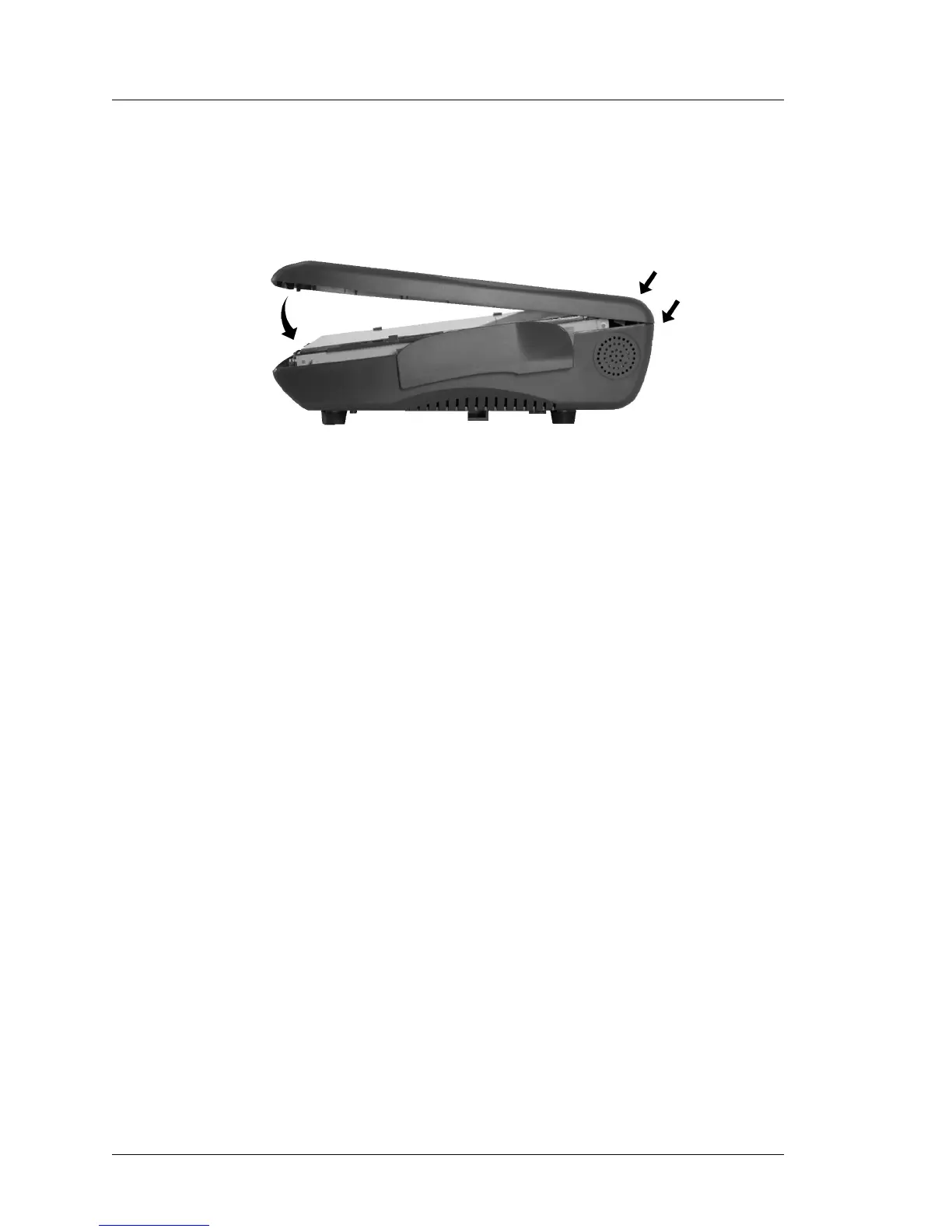
4. Before installing the Top Cover, examine the gasket to ensure it is seated
properly. Install the cover by attaching it to the hook at the rear of the base
first, then snapping the front of the cover into place.
Figure 4-34: Installing the Workstation 5 Top Cover
5. Tighten the captive screws to secure the cover. If a Fingerprint Reader or
other option is installed in the top cover, avoid placing the unit on the
housing while fasten the screws on the underside of the base.



 To Next Page