SECTION II
TESTING AND TROUBLESHOOTING
© Midmark Corporation 2002 SF-1803 Page 2-5 Printed in U.S.A.
After all key inputs have been tested, display advances
to:
Service Diagnostics is complete.
(1) Unplug unit from electrical outlet.
(2) Place dip switch 1 ( Figure 2-3) in OFF
(left)
position for Normal Operation.
(3) Install panels and plug unit back into the outlet.
Press STOP
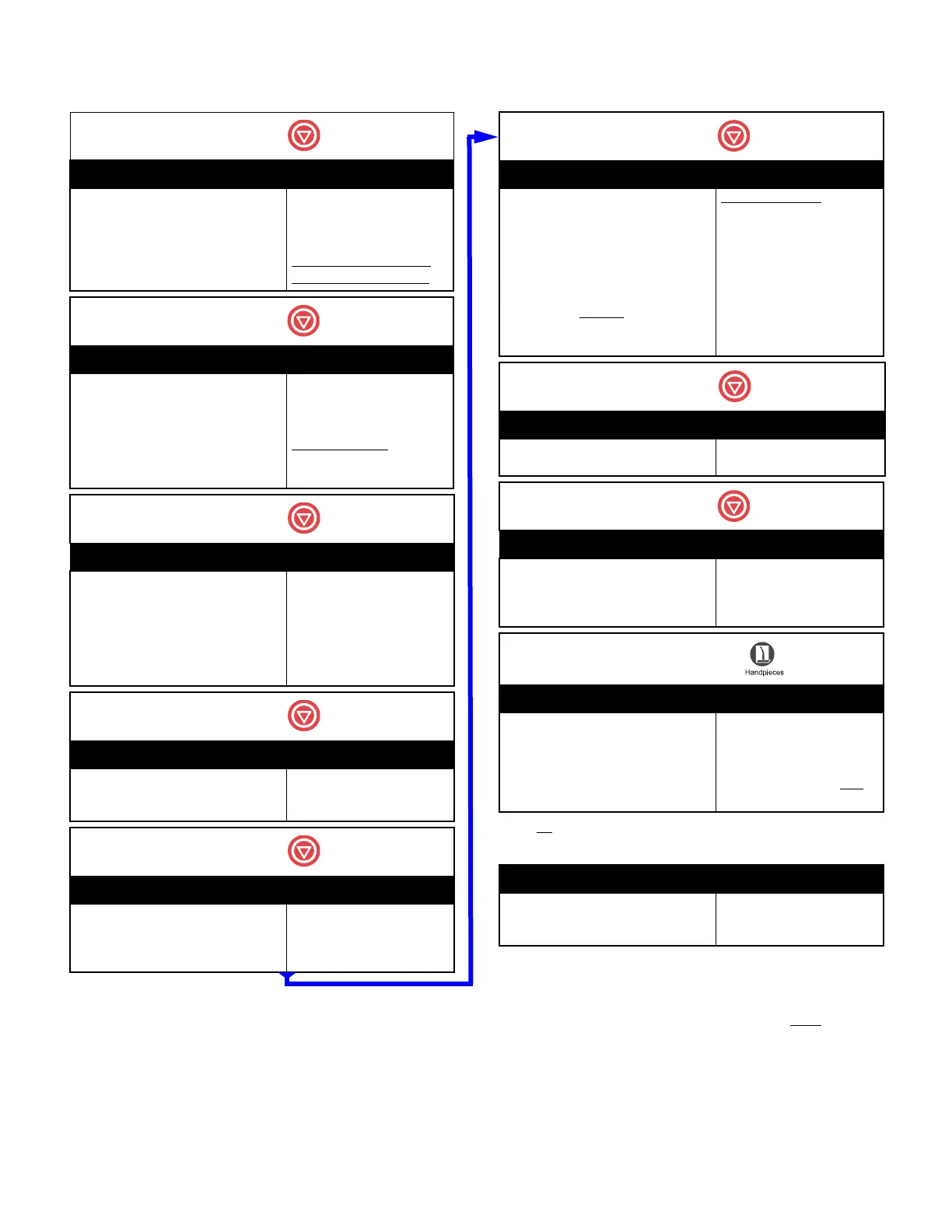
Display Action / Notes
DOOR OPEN TEST
*
< START > TO TOGGLE
< STOP > FOR NEXT TEST
Pressing START energizes
Door Opening Motor.
Door goes to partially open
position.
*Does not appear on “D”
(defeatured) Model units.
Press STOP
Display Action / Notes
STEAM HEATER TEST
< START > TO TOGGLE
< STOP > FOR NEXT TEST
Pressing START energizes
Steam Heater coil.
Heater will automatically
shut-off after 15 seconds.
Run only 2 cycles
to prevent
over-heating. Allow unit to
cool
Press STOP
Display Action / Notes
< STOP > FOR NEXT TEST
HI-LIM DOOR FILL
CLOSED OPEN EMPTY
Shows conditions of High
Limit Switch (Open or
Closed).
Door Interlock Switch (Open
or Closed).
Water Level Sensor (Empty
or Full).
Press STOP
Display Action / Notes
< STOP > FOR NEXT TEST
XX.X°F XX.XPSI
Displays chamber tempera-
ture and pressure.
Press STOP
Display Action / Notes
< START > I / O TEST
< STOP > RECALL ERRORS
< PACKS > KEYPAD TEST
Press STOP
Display Action / Notes
< START > TO ZERO
< STOP > FOR NEXT TEST
ERROR: 1: CXXX 2: CXXX
3: CXXX 4: CXXX 5: CXXX
NOTE
If a C099 Code is denoted in the
error codes ignore it
. It was gener-
ated at the factory and nothing is
wrong.
Last 5 error codes
dis-
played.
Number 1 is the most recent
code.
Pressing START erases dis-
played codes. Pressing
STOP retains codes.
Press STOP
Display Action / Notes
< STOP > FOR NEXT TEST
XX.X°F XX.XPSI
Displays chamber tempera-
ture and pressure.
Press STOP
Display Action / Notes
< START > I / O TEST
< STOP > RECALL ERRORS
< HANDPIECES > KEYTEST
Press HANDPIECES
Display Action / Notes
PRESS < START >
TO TEST KEY INPUT
When START button is
depress an audible signal is
heard to verify input of key.
Diagnostic Mode automati-
cally advances to the next
key to be tested.
Display Action / Notes
< STOP > FOR NEXT TEST
XX.X°F XX.XPSI
Displays chamber tempera-
ture and pressure.
Rev. 7/01/03
Return To Table of Contents



 To Next Page