SECTION II
TESTING AND TROUBLESHOOTING
© Midmark Corporation 2002 SF-1803 Page 2-24 Printed in U.S.A.
Maintenance Message is
displayed.
PERFORM MONTHLY
MAINTENANCE
PERFORM WEEKLY
MAINTENANCE
Sterilizer software
senses that the cycle
count has reached 28
days from initial start-up
or monthly maintenance.
Check unit and refer to
Installation / Operation
manual for correct main-
tenance procedures.
Perform monthly mainte-
nance per I/O manual.
Sterilizer software
senses that the cycle
count has reached 7, 14,
or 21 days from initial
start-up or monthly main-
tenance.
Check unit and refer to
Installation / Operation
manual for correct main-
tenance procedures.
Perform weekly maintenance
per I/O manual.
Printer (Optional) does not
print.
Printer does not generate
data.
Printer is out of paper. Lift printer cover and
check condition of paper.
Install new roll of paper (refer
to I/O manual).
Cartridge ribbon is dry. Check condition of car-
tridge ribbon.
Install a new cartridge ribbon
(refer to I/O manual).
Printer wire harness is
disconnected.
Check if printer harness
is plugged in on terminal
pins of printer and on
plug J14 of Main P.C.
board.
Plug wire harness in at printer
connection and / or plug J14
on main P.C. board
(refer to I/O manual.
Printer wire harness has
broken or open lead.
Check continuity of leads
on wire harness.
Replace printer wire harness.
Printer is malfunctioning. Check for 5 VDC on pins
7 & 8 at Printer.
If voltage is present, replace
printer (Refer to para 4-23).
Check for 5 VDC on pins
7 & 8 at plug J14 on Main
P.C. board.
If no voltage is present replace
Main P.C. board (Refer to
para 4.13).
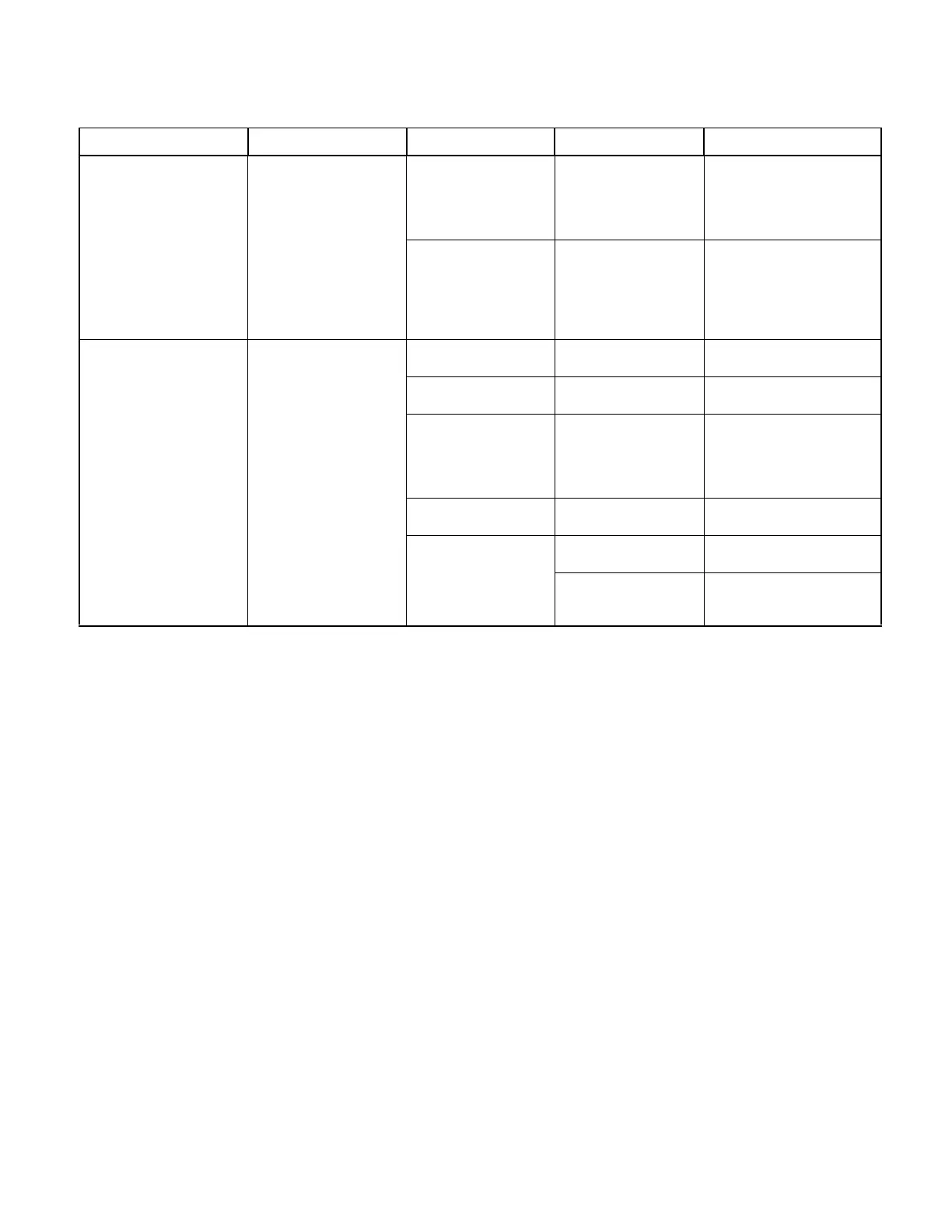
Table 2-3. Troubleshooting Guide
Problem Display / Symptom Probable Cause Check Correction
Return To Table of Contents



 To Next Page