Technical Information
11
VA
1
offee
stem
3.1.4 Hot Water Dispensing
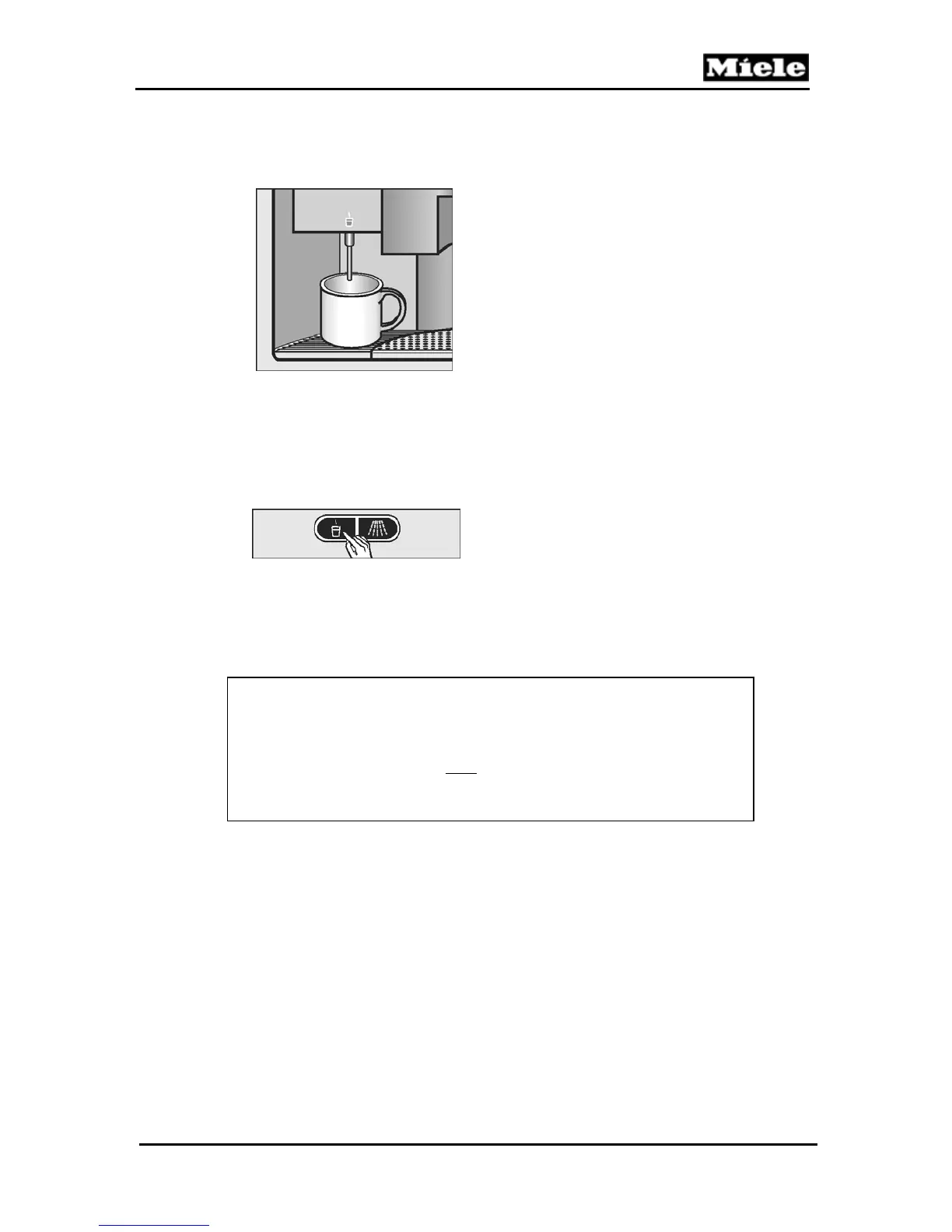
1. Place a cup under the hot water dispenser.
Figure 3-6: Cup placed under hot water dispenser
2. Press the hot water button. Hot water will be dispensed.
3. Press the hot water button again to stop the hot water flow.
Figure 3-7: Hot water button
Service Tip
The hot water dispensing stops automatically if…
a specific volume (cup size) is programmed
and
the "Programmed Hot Water" feature is activated.



 To Next Page