Technical Information
24
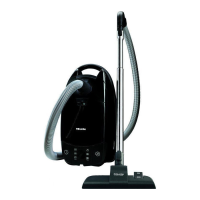
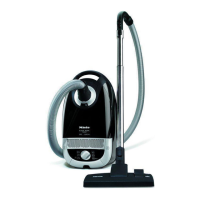
S 500 & S 600 Canister Vacuums
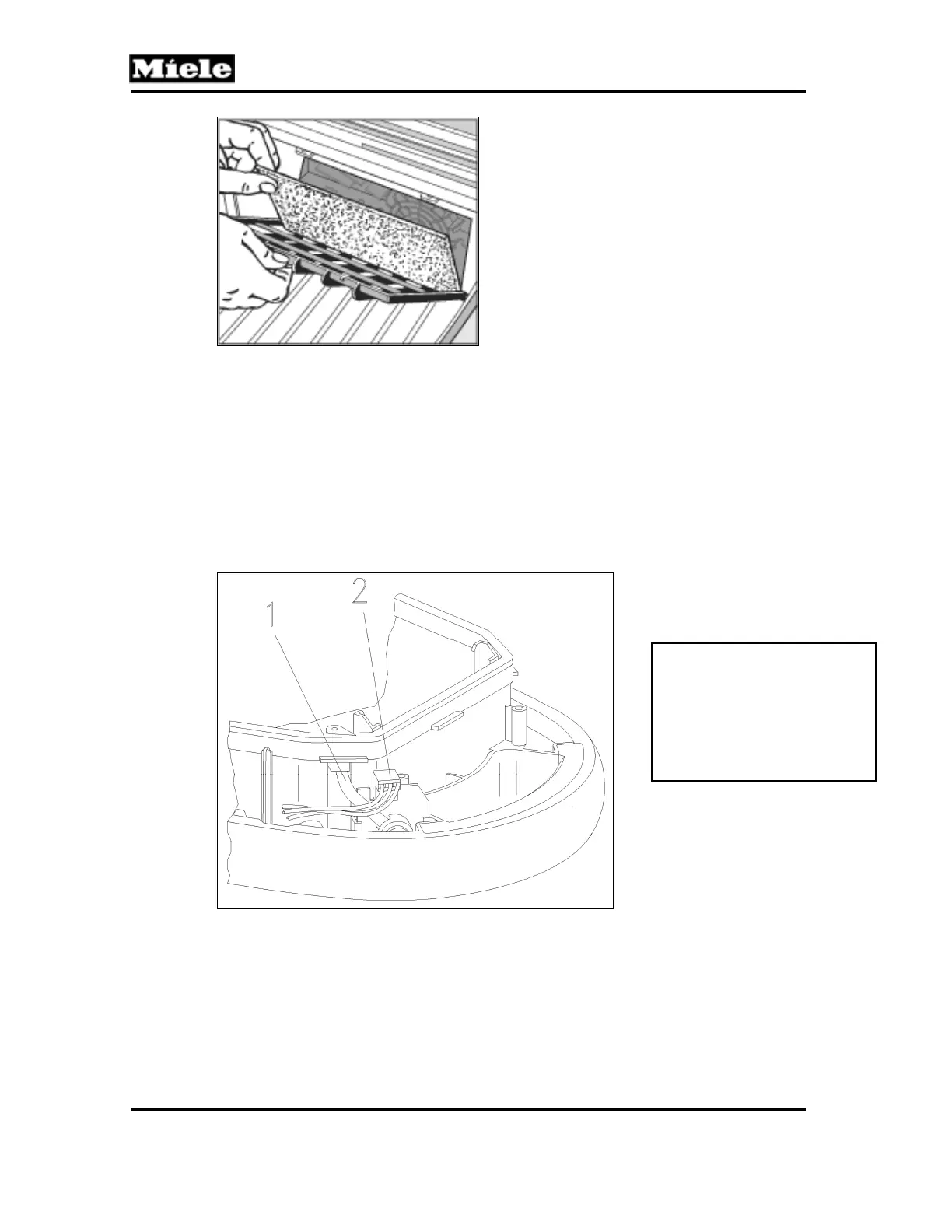
Figure 010-12: Changing the Dust Compartment Filter
4.11 Vacuum Pressure Monitor Removal
1. Remove the casing top. See Section 020-4.2.
2. Remove the cap. See Section 030-4.1.
3. Remove the cover frame. See Section 020-4.5.
4. Lift the sealing ring at the vacuum pressure monitor.
5. Remove the hose (Figure 010-13, Item 1) from the sealing ring and the
vacuum pressure monitor.
6. Disconnect the plug connector (Figure 010-13, Item 2) and remove the
vacuum pressure monitor.
Figure 010-13: Vacuum Pressure Monitor Removal
Note:
When re-installing, slide
the hose as far as
possible into the sealing
ring and onto the vacuum
pressure monitor.



 To Next Page