Milestone Srl MA213-003 – DMA-80 EVO – User Manual
157
9 21CFR-11 DMA SOFTWARE
The U.S. FDA Code of Federal Regulations (CFR) Title 21 part 11 (Electronic records: electronic
signatures) defines the criteria under which electronic records and electronic signatures are considered
trustworthy, reliable and equivalent to paper records. The DMA software is fully compliance with this
regulation.
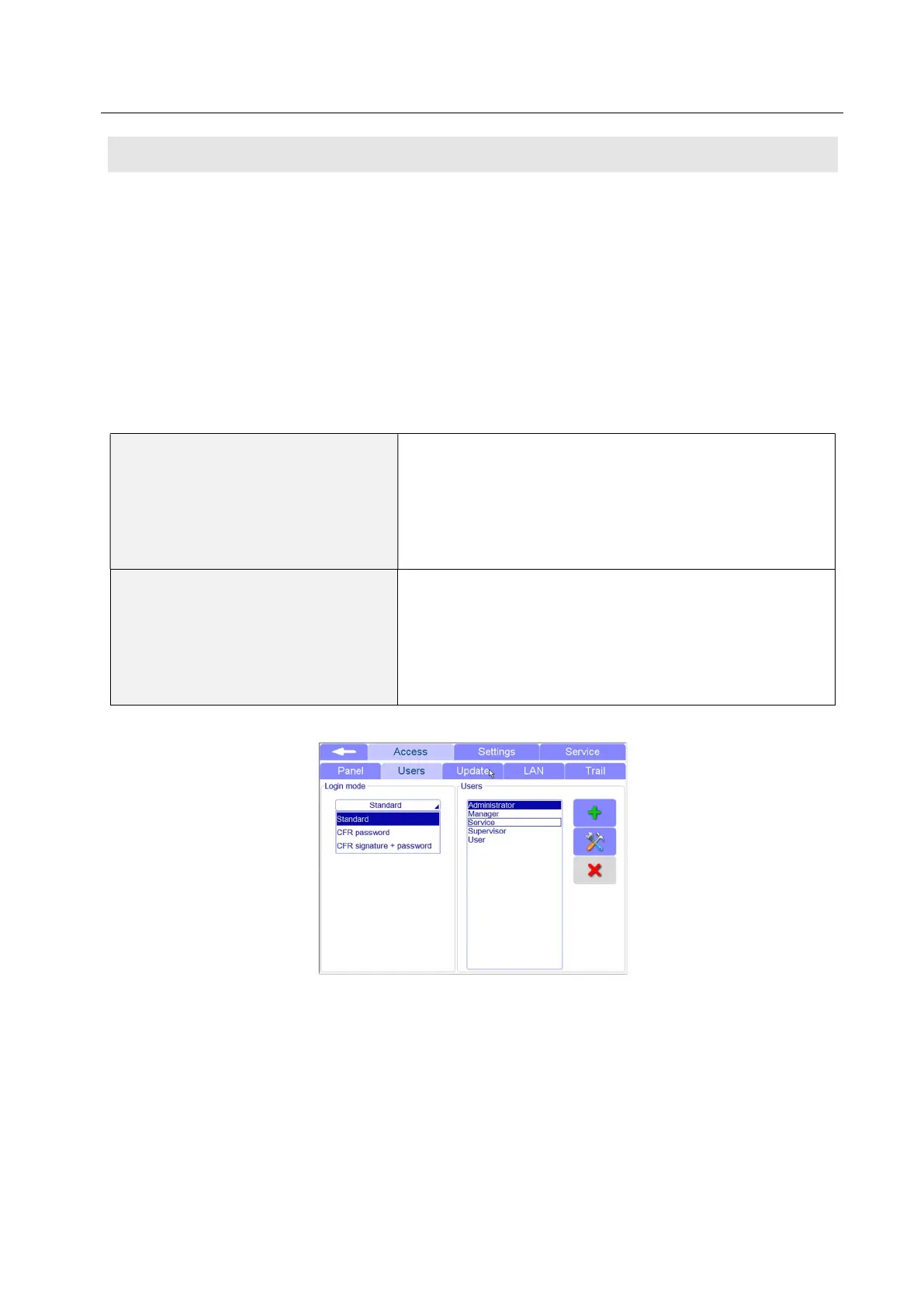
Thought the settings of the software it is possible to select the “CFR login mode” in order to switch on all
the functions requires by the the 21 CFR-11 regulations.
9.1 Activation of the 21CFR part 11
The login mode in accordance with 21 CFR-11 can be done in two different ways.
CFR Password
Create new user profiles with different access privileges.
Each profile have a specific password to login. Method and
measurements file needs to be signed before saving and
using.
The password should have at least 5 characters with a
maximum of 8. Only numbers are allowed
CFR Signature + password
Create new user profiles with different access privileges.
Each profile have a specific password with a signed USB
key, both necessary for the login. (Available only in case of
terminal)
The password should have at least 5 characters with a
maximum of 8. Only numbers are allowed
You can set a password expiration. At the end of its lifetime, the software will ask to change the old
password with a new one.
Activating this function, the software immediately asks to change the old password with a new one.



 To Next Page