Milestone Srl MA213-003 – DMA-80 EVO – User Manual
96
The colored bar represents the measurement run through the different phases.
The blue bar indicates the current status of the ongoing measurement.
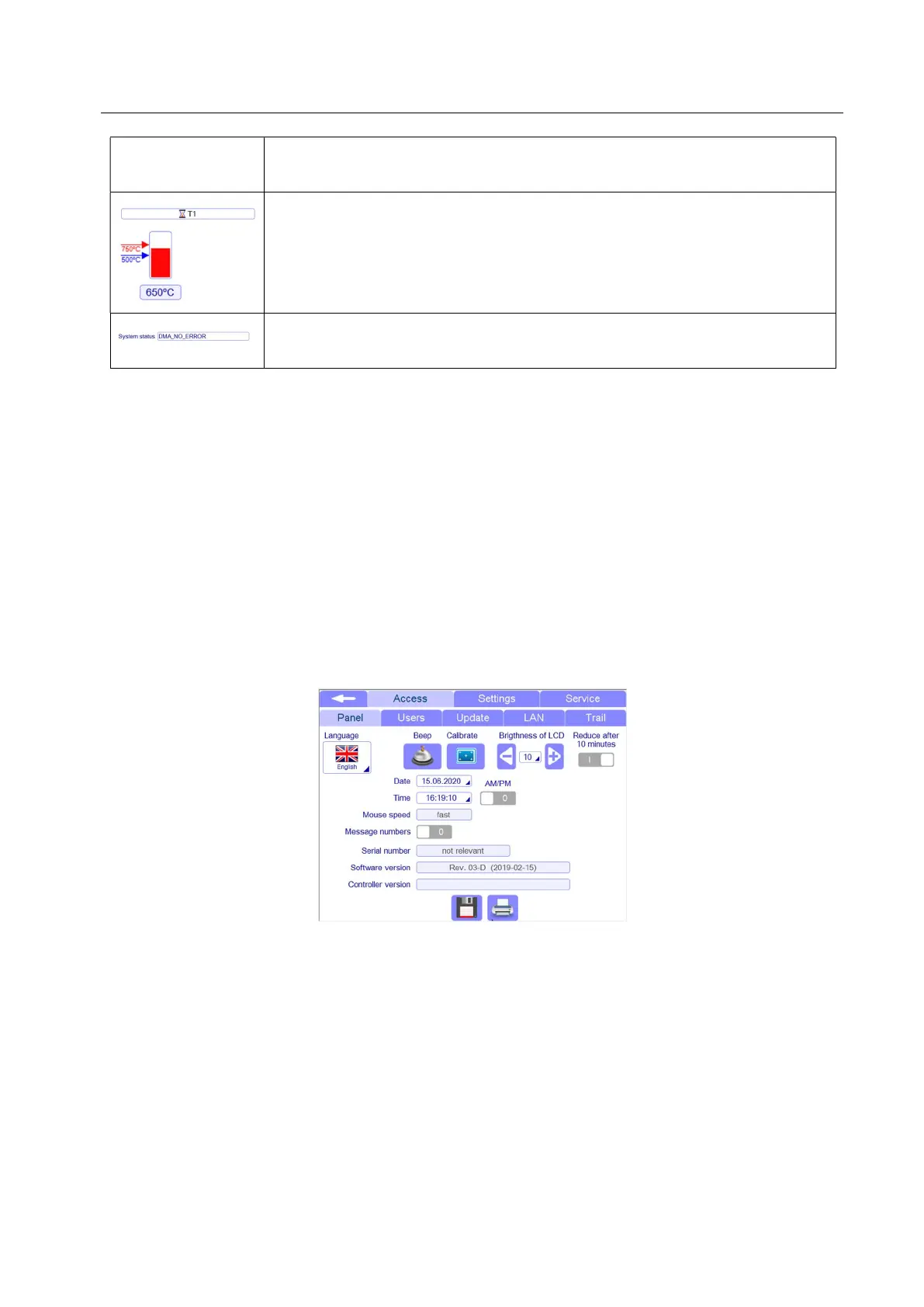
Waiting time: when an hourglass is shown on the counter bar, it means that the
temperature of this furnace is over the set value and it is reaching it to allow the
measurement to start.
The corresponding furnace shows the set temperature value (arrow in blue
colour) and the current temperature (arrow in red colour)
System status: This field shows the status of the system. Here different
messages are reported in case of errors in the system.
5.15 Settings
From the measurement pages, it is possible to access to the settings of the instrument clicking on the
Settings field of the popup menu.
Most of settings are only accessible with Service permissions, so here below are reported the settings
available for Administrator use.
5.15.1 Settings-Access
5.15.1.1 Panel



 To Next Page