Milestone Srl MA213-003 – DMA-80 EVO – User Manual
25
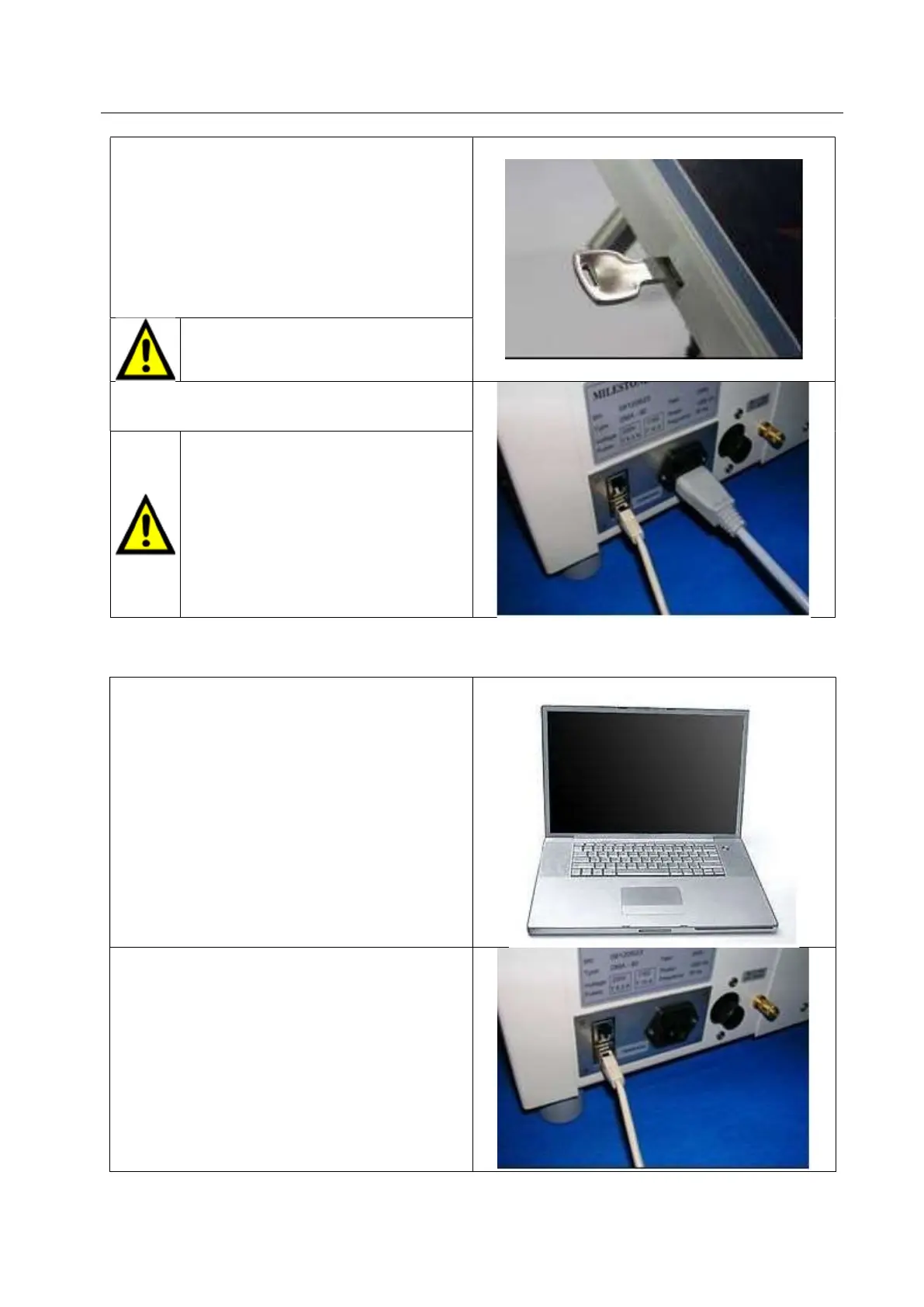
Introduce the USB key into the reader port located.
The USB-key must be introduced with
label facing the user.
Plug the power cord into DMA-80 EVO unit.
Do not pass the power cord over
sharp edges.
The unit must be connected to a
grounded, single phase line with 220-
230 VAC output. Provided with the
unit is a grounded power cord with a
Shuko plug. It is important that the
ground pin on the receptacle be
attached to the neutral/common at the
breaker box.
2.3.3 DMA 80 EVO connection with PC
Minimum PC configuration required for DMA-80
EVO
CPU: Pentium III 800
RAM: 256 MB
Space on the disc: 20 MB
No. 1 USB port
No. 1 CD reader
Operative system: all version of Windows from
XP to 10
Printer: all compatible printers with Windows.
Plug the RJ45 cable into DMA-80 EVO unit.



 To Next Page