Milestone Srl MA213-003 – DMA-80 EVO – User Manual
63
5.11.3 Methods management
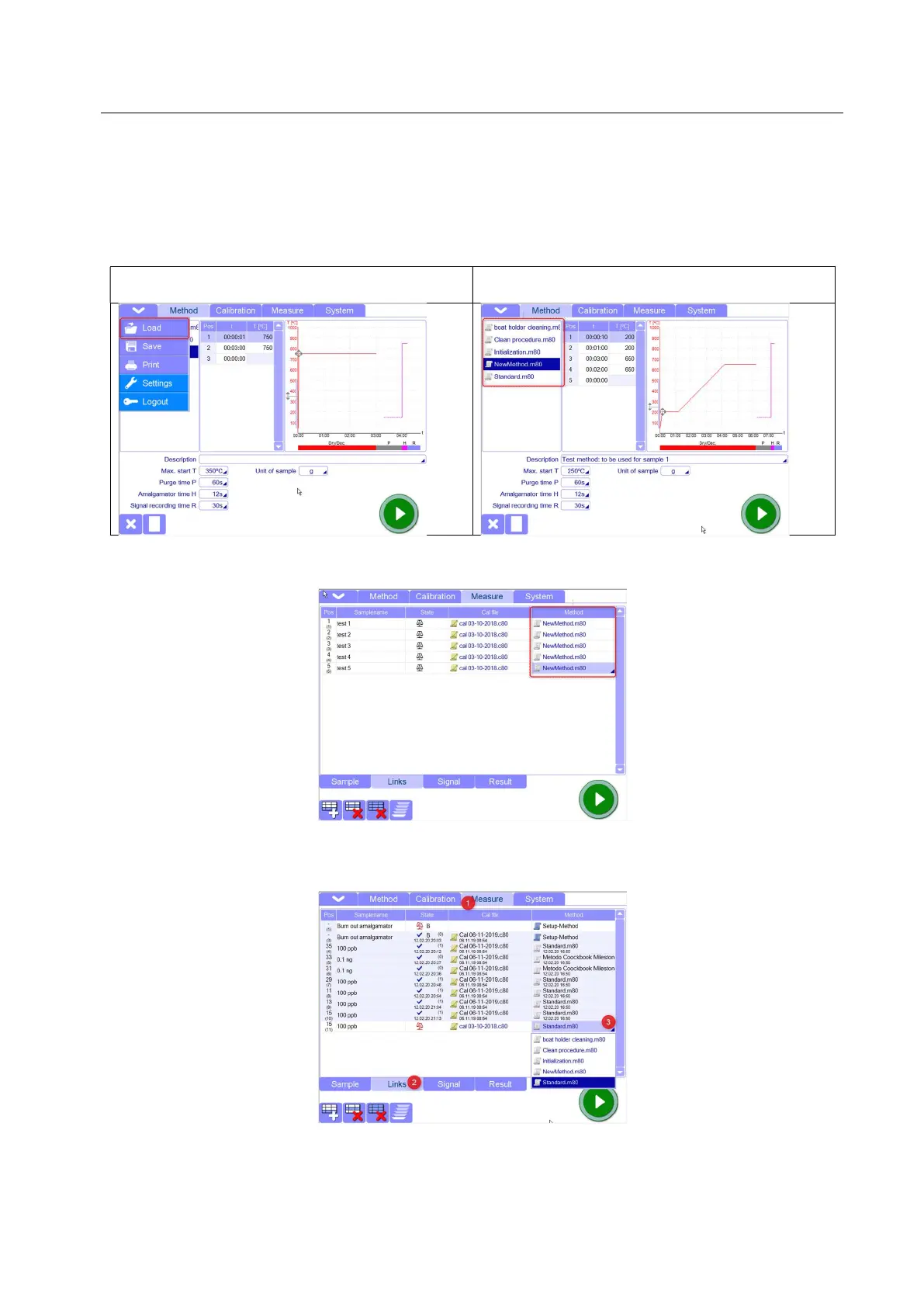
The method to be used for the measurements can be selected directly in Method page, loading it, in case
you need to run a list of samples with the same method.
This should be made when you want to create a new list of measurement in Measure page.
Method selected from popup menu Method selected from quick panel (only the last
created /loaded methods are available)
In this way, all measurement lines in Measure page will have the same method you selected in the
Method page.
If you want to use different methods for a list of measurements or you want to add measurements and
change the methods, then you have to do it in Links page.



 To Next Page