Milestone Srl MA213-003 – DMA-80 EVO – User Manual
43
5 SOFTWARE
5.1 Login
Switching on the DMA-80 EVO unit, also the terminal 660/1660 is turned on and the program is initialized.
If the login mode USB key and Password has been selected (FDA-21CFR part11), the software requires
to introduce your USB key with signature. In case of unit controlled by PC software package, this is not
requested.
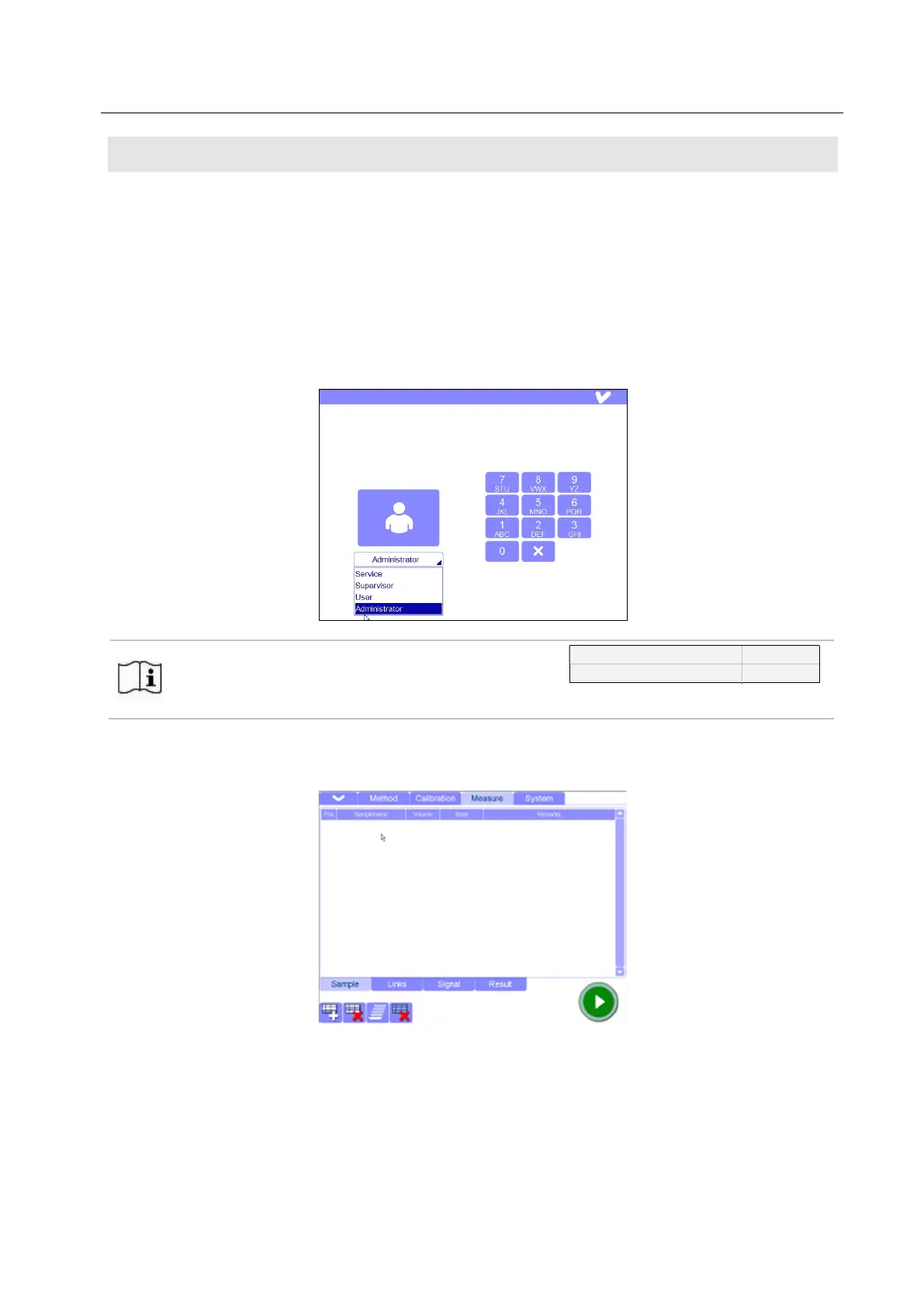
There are different levels of access authorization. Select your access in the login window. Type your
name and confirm it by the tick on the top right of the page or by pressing the left large icon. At this point
use the touch screen or the mouse, since the keypad is not active yet.
The factory password for Administrator and User are
here reported.
The password can be changed in the Control Panel,
if needed.
123456
123
Once completed the login, the DMA main page is opened. Here the samples can be set up for the direct
mercury determination. If the user has already operated with the unit, the most recent file is available.
5.2 Operation according to FDA-21 CFR Part 11
When using T660 or T1660, the CFR-Part 11 can be activated by the Service by the setting „ USB key
and Password”. If you want to save a measurement file, there is the possibility of the signature, once
confirmed the file name.



 To Next Page