Milestone Srl MA213-003 – DMA-80 EVO – User Manual
53
5.10.5 Automatic printout in PDF
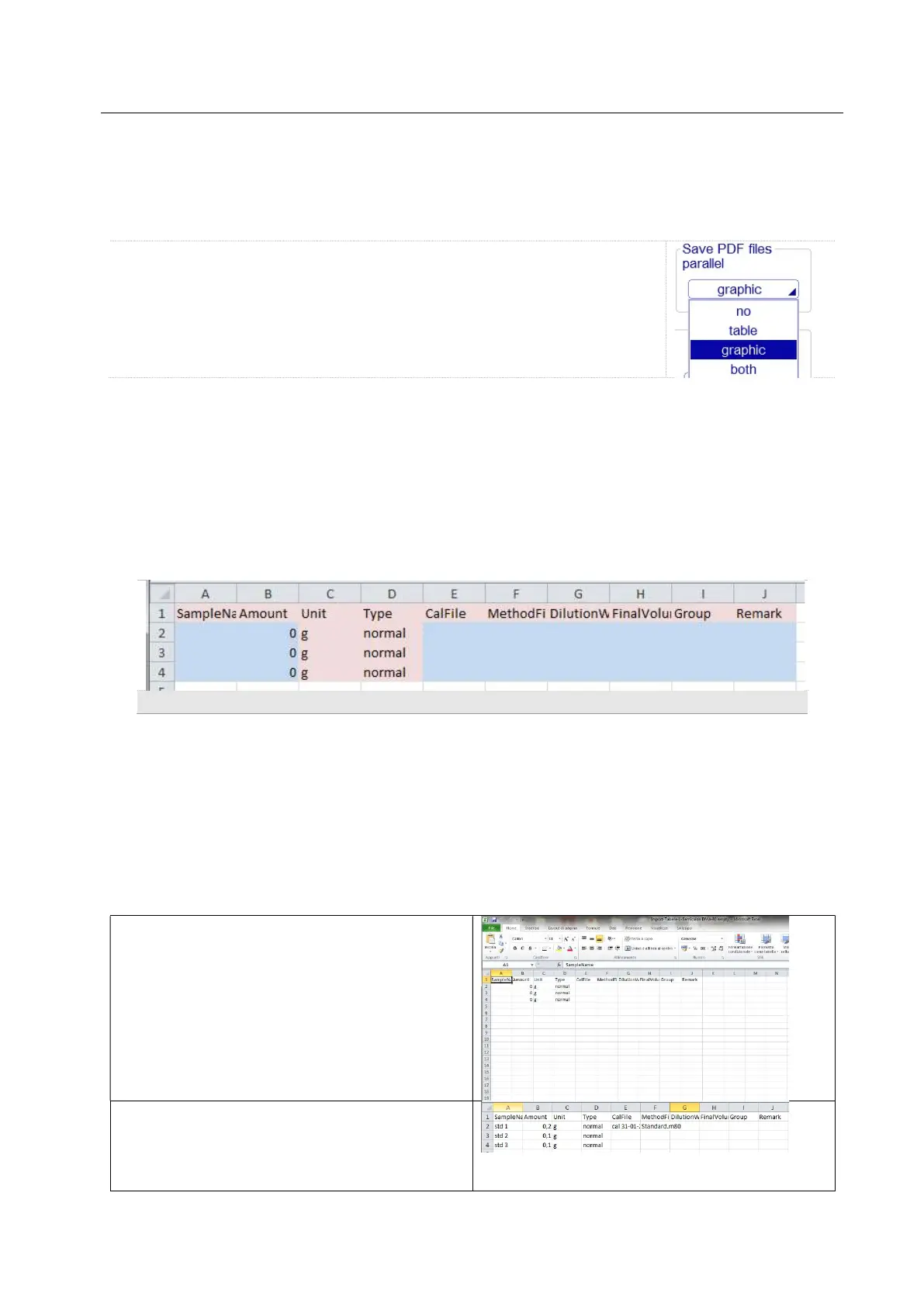
The administrator can specify in the setup under setting/files whether parallel
to the measurement saving you want to automatically save the PDF files. It’s
possible to choose as well, if you want to save the measurement in tables
form (“table”) or each single signal with all data („graphic”). Alternatively both
PDF files can be saved in the background.
5.10.6 Import CSV files
From DMA software rev. 03-C, it is possible to import a CSV file from an external source.
The standard model of CSV file compatible with the DMA.80 software is supplied with the USB key
shipped with terminal or PC software package
The file can be filled with desired information but the name of the column and other data can not be
modified otherwise the DMA software is not able to read the file.
Here below a screenshot of the CSV layout where in blue the customizable fields are marked.
CSV import layout
- The Amount field must contain at least a number. If this is left empty, then the DMA software will
not read the import file
- Cal file and Method file field can be left empty and filled on the DMA software once the file is
opened. If they are left empty the software automatically will fill them with the method and
calibration opened on the terminal.
Otherwise you can fill them before to import the file, but you have to insert the exact name of
calibration and method file saved on the terminal.
5.10.7 How to import a CSV file
Open the CSV file you find on the USB key of
your terminal or PC software, on your PC.
Fill the available fields with the desired
information.
Save the file with the same format of the original
file .CSV



 To Next Page