Milestone Srl MA213-003 – DMA-80 EVO – User Manual
52
Therefore, the PDF function is the best way to take the data from the terminal and then print them from a
common PC.
In case of PC software package , you can use all models of printer compatible with your PC.
Print function in
Measure page
Print icon in Settings
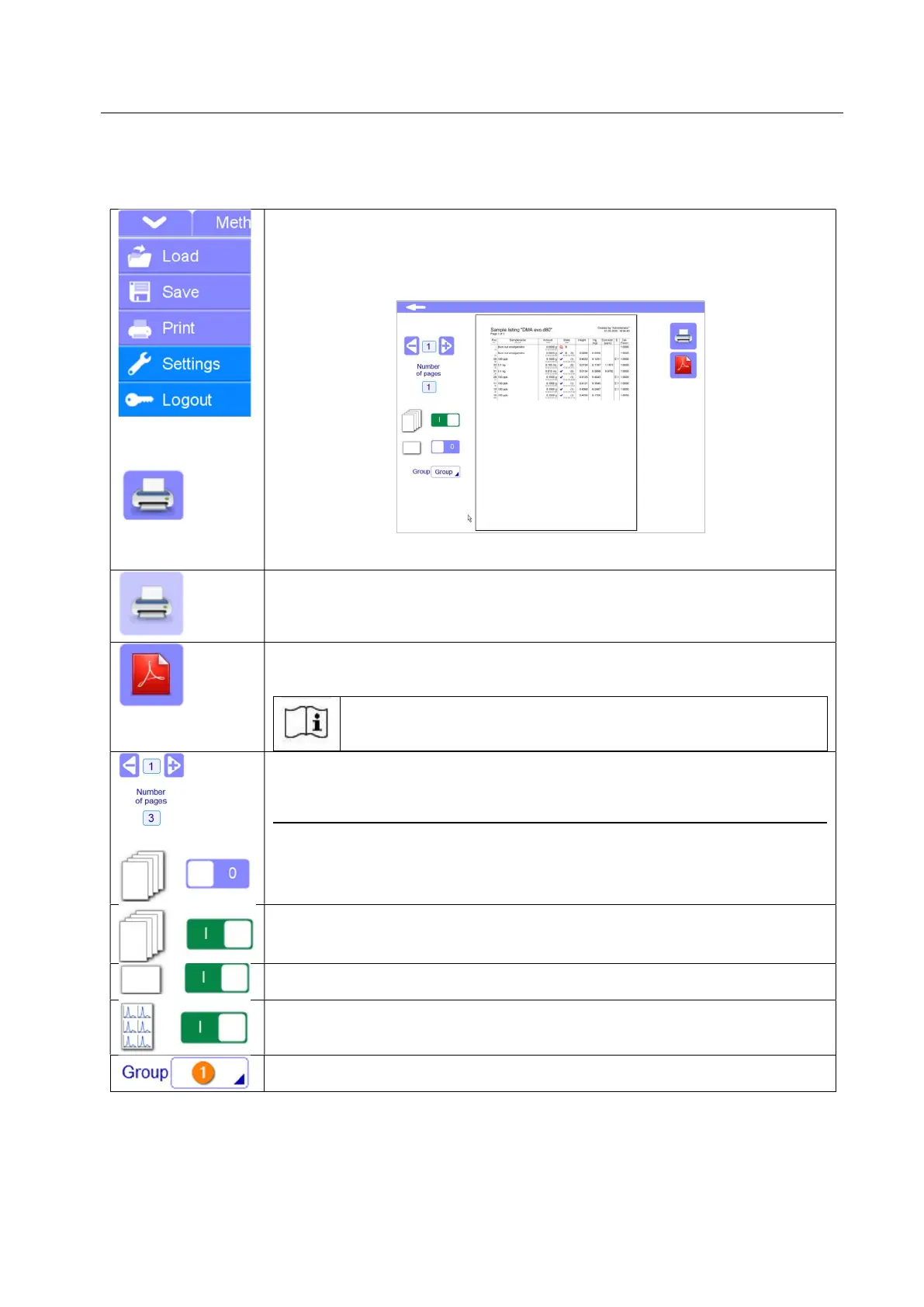
PRINT: Print function is available from the popup menu of the Method,
Calibration and Measure pages.
Print icon is available for all pages of Settings menu.
By tapping the print function, a preview will be opened.
By pressing once again the print button, the selected file will be printed if a
printer is connected directly with terminal or PC.
PRINTER NOT AVAILABLE: If no printer is detected, the print icon is displayed
in brighter colour on the preview page.
By a double click of the icon, a list of printers compatible with your software
version will be displayed.
PDF FUNCTION: possibility to create a copy of the file in PDF format. By
pressing this icon the saving field will appear.
The administrator can specify in the setup under setting/files
(5.17.4) whether parallel to the measurement saving you want to
automatically save the PDF files.
PAGES TO BE PRINTED: Select a specific page to be printed. The selected
page will be shown in the preview. Other pages will not be printed.
The only specific page is printed if the MULTIPLE PRINTING function is disabled
MULTIPLE PRINTING: If selected, it allows to print all page regardless of you
selected in preview
LANDSCAPE FORMAT: If available, the page can be printed in landscape
format.
GRAPH PRINTING: Available only for Measure page. Only the name and graph
of the measurement will be printed. No other values.
GROUP PRINTING: groups of measurements previously selected in the
measure page can be printed



 To Next Page