Milestone Srl MA213-003 – DMA-80 EVO – User Manual
45
After the signature, the file can be saved with the tick up right. The signature is part of the file and now the
document is signed with username, date/time and type of signature. The signature is displayed also on
the top of all results printouts.
The symbol „eraser“ is used to remove a signature. In case of changes to files, the signature is no longer
valid. This occurs for example by a further measurement. If necessary, it must be re-signed.
5.6 Data safety of measurement file in CFR Part 11
Cancellation or overwriting on the USB key or B-server of measurement data file is not possible from the
program. If the data is deleted externally (also on a PC) from the media, this is not due to our
responsibility.
This does not apply to other files, such as calibration and methods. Methods can be i.e. deleted from the
administrator.
5.7 Documentation - erroneous login -
After three failed login attempts, this is documented in the trail.
5.8 Password expiration
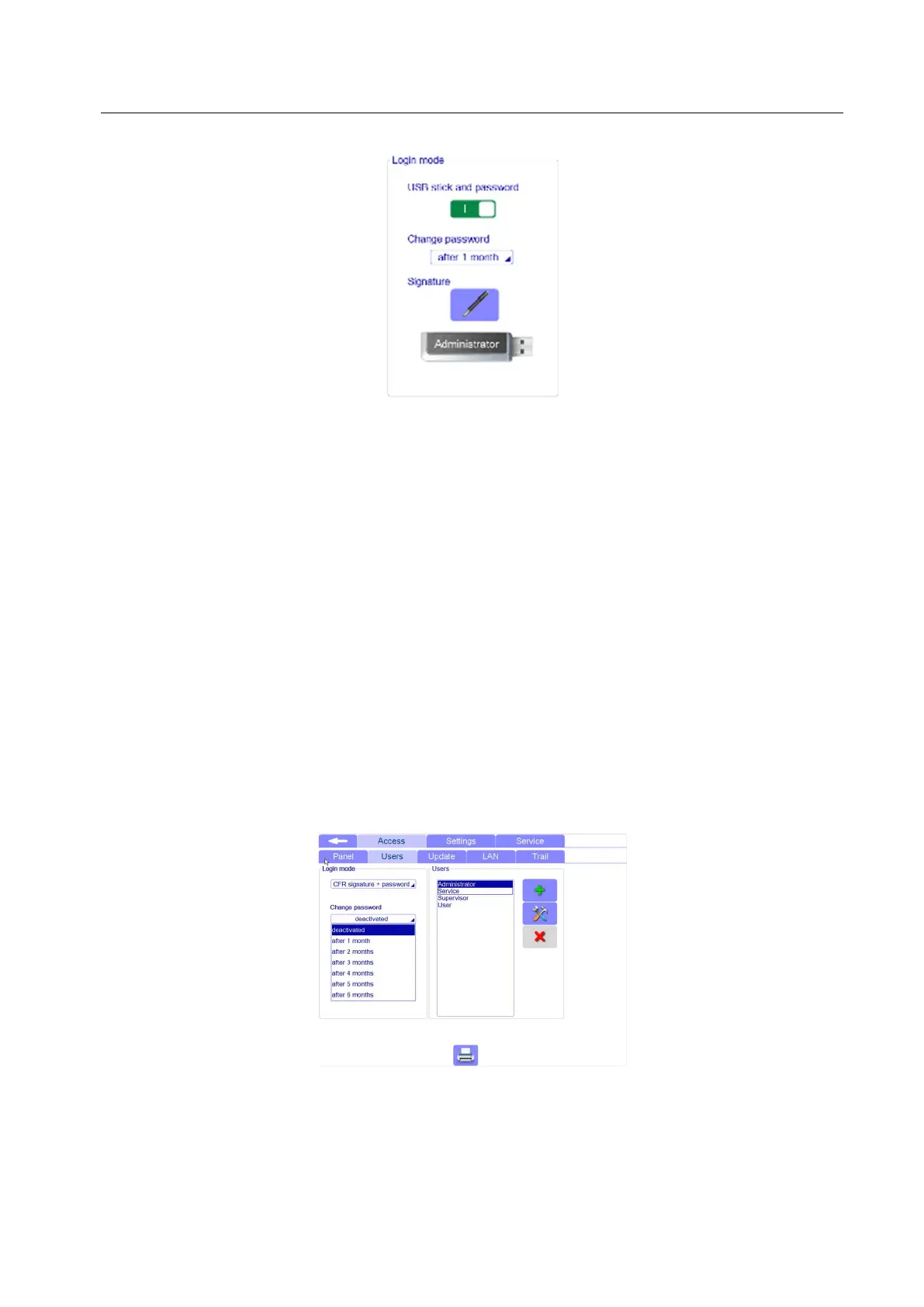
On demand, the service can set a deadline for password expiration in the setup under Access/Users.
5.9 Program end/Logout
After storing the relevant data, the unit can be easily switched off. By switching off the unit, also the
terminal is switched off. When you switch on again the unit, a new login is necessary. If a user concludes



 To Next Page