Milestone Srl MA213-003 – DMA-80 EVO – User Manual
91
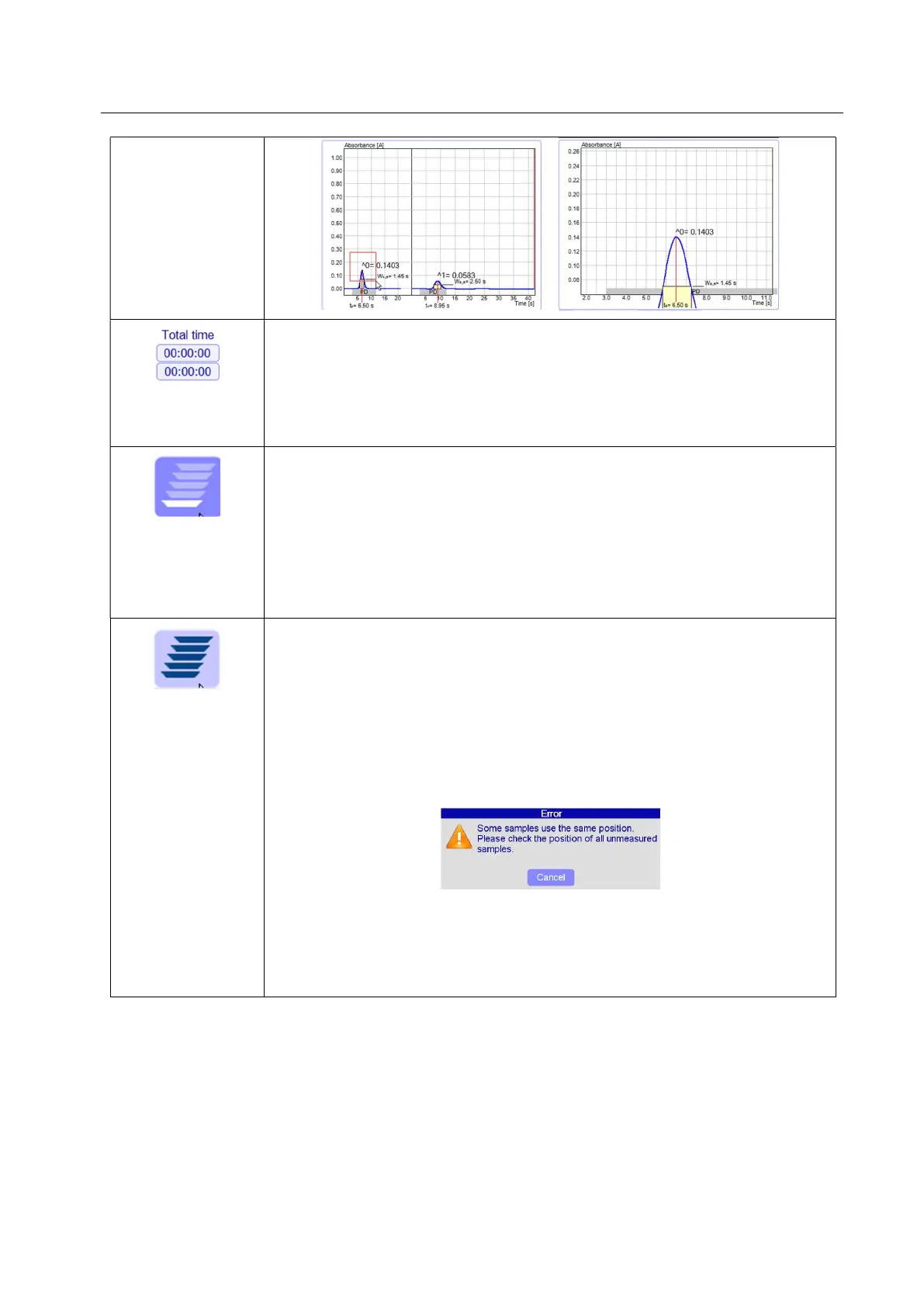
Analysis time (only available in sub-section “Signal”): After the start, an
estimation of the total time is displayed.
- Total time: in case of automatic measurement of several samples, it is the total
time of all samples.
- Sample Time: indicates the run-off time of the total measurement.
Measurements under simple mode (available in sub-sections “Sample”,
“Links”, “Result”): Each sample is measured individually, and it has to be
manually started.
If Simple Mode is activated and a sample is added, the number over the
selected record will be taken, alternatively the sample can be selected (from pos.
1 to 40), as in this operating mode each sample can be measured individually..
After measurement, the next position of the sample plate, if available, is driven
into load position.
Measurement under automatic mode (available in sub-sections “Sample”,
“Links”, “Result”): Samples are automatically measured in sequence one after
the other. After measurement the rotating plate turns to loading position of the
next sample, and the next measurement starts automatically.
If Automatic Sample Processing is activated and a sample is added, the upper
number increases; the next not occupied number is used, since in this mode the
samples are automatically successively processed. Each position may be
occupied only once. If a position is doubly occupied, no measurement can be
started, and the following error message is displayed:
Anyway, it’s possible to use the same position several times. This can be
performed by a later change of the sample position, during an ongoing automatic
measurement. The measurement must be started for this purpose. The positions
of the samples on hold marked by the hourglass can now be changed. This
allows for example to clean a boat by repeated annealing.
5.13.2 Create a new measurement
A new measurement can be created by an empty page and new file or it can be added to a list of samples
already measured.
Here it is reported the basic procedure to create a new measurement line:
1. Add a new measurement line



 To Next Page