Milestone Srl MA213-003 – DMA-80 EVO – User Manual
64
The available methods in the popup menu of the Links page are the ones temporarily saved in the quick
panel; therefore be sure that the method you want is available otherwise load it in Method page and then
select it form popup menu of Links page
5.12 Calibration page
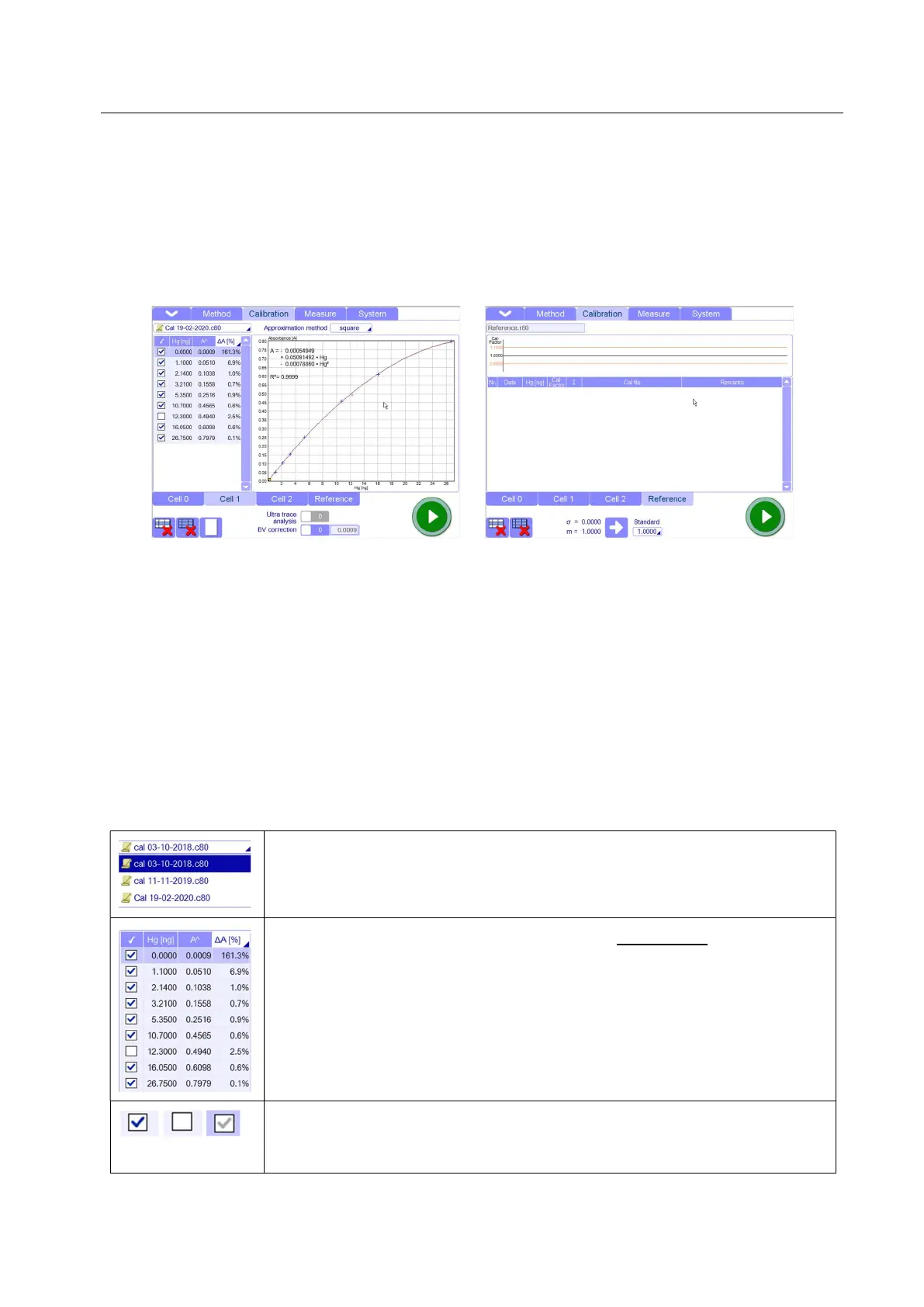
In this page it is possible to create, modify, save and print the calibration curve of the unit and also
manage the reference samples.
Here all calibration points are automatically reported in the graph from the Measure page and
subsequently connected together by the user.
It is not possible to add or create calibration points from this page. This is only the graphic representation
of the calibration curve (file .c80 format).
The data file of the calibration curve is created in the Measure page where it is possible to insert the
calibration points.
5.12.1 Calibration- Parameters
Quick selecting panel: Here, only the most recent or the last 10 created
calibration curves are available for quick selection.
Calibration points: these are the calibration points automatically reported by the
software, from the Measure page, where they have been created
Selected point: when a point is selected, it will be in involved in the tracking of
the curve. If not, it will be shown but not involved in the tracking of the curve.



 To Next Page