Milestone Srl MA213-003 – DMA-80 EVO – User Manual
44
5.3 Login according to CFR 11
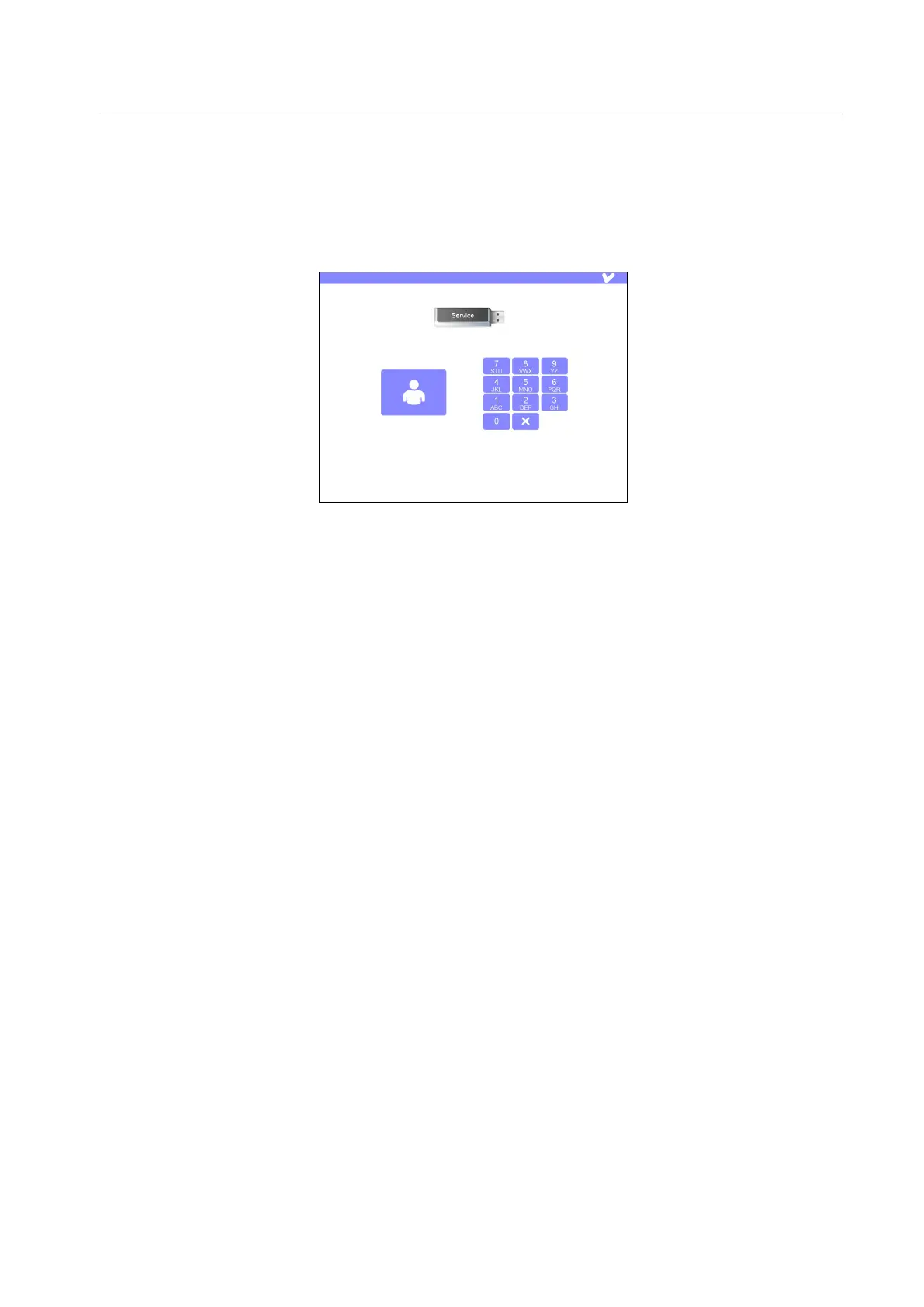
In CFR Part 11, the user logs in with a signed USB key and his password. The signature is displayed on
the screen. If there is no USB, the symbol flashes. If a USB without signature is used, the name of the
user is missing. Without a properly signed USB and a valid password, it’s not possible to work with the
unit.
5.4 Methods release by signature
In order to be in compliance with CFR Part 11, each method must be signed by the administrator before
the execution. It’s possible to use only signed method for the measurement. This also applies to the
Administrators. If a method of the sample tables is not signed, an appropriate message is displayed.
The method signature is carried out during the storage. There the administrator can sign the methods and
release them for the user. The method signature is carried out in the same way as the file data (described
later). Once saved a method with signature, the signed method is marked with the corresponding symbol
in the quick selection.
5.5 Data file storage and signature
Measurement data files and methods can be signed. The signature of the methods can be carried out
only by the Administrator, since the user cannot store any method. Therefore the access to the signature
is denied to the user.
Data files, however, can be electronically signed by the user.
All the users with a signed USB key and a personal password can sign the measurement data files. It is
documented who processed the samples, in addition it can be signed by the same or another person. The
function is linked to the active storage of the run. It’s possible to store also without signature.
When signing, the function can be registered, i.e. „auditor“. Then press on the „pen“ symbol. The login is
displayed. Once introduced the right USB key, the right password can be entered.



 To Next Page