Milestone Srl MA213-003 – DMA-80 EVO – User Manual
51
START BLINKING: The warming up of the unit has not completed yet since
some temperatures or detector voltages have not reached their starting values,
yet. If you press the icon and the table with measurements is ready, then the run
will begin automatically after the warming up is completed.
STOP: A measurement is ongoing. The external ring shows the progress of the
sample analysis
STOP BLINKING: By pressing this icon, it starts blinking and the run will be
interrupted once completed. This means that the system is stopped, after
completing the ongoing analysis. The icon flashes until the analysis conclusion.
If you want to stop the analysis immediately, press the button once again. Then
the boat will be removed.
A complete stop of the system by double click of the icon during a
measurement can cause damages to the catalyst (i.e. when stopping
the measurement of liquid samples) and release of combustion
fumes.
INITIALIZATION: When this icon appears in place of START button, then
initialization of the system is required.
INITIALIZATION ON GOING: The external ring shows the progress of the
initialization.
5.10.3.2 Number and text input by touch-screen
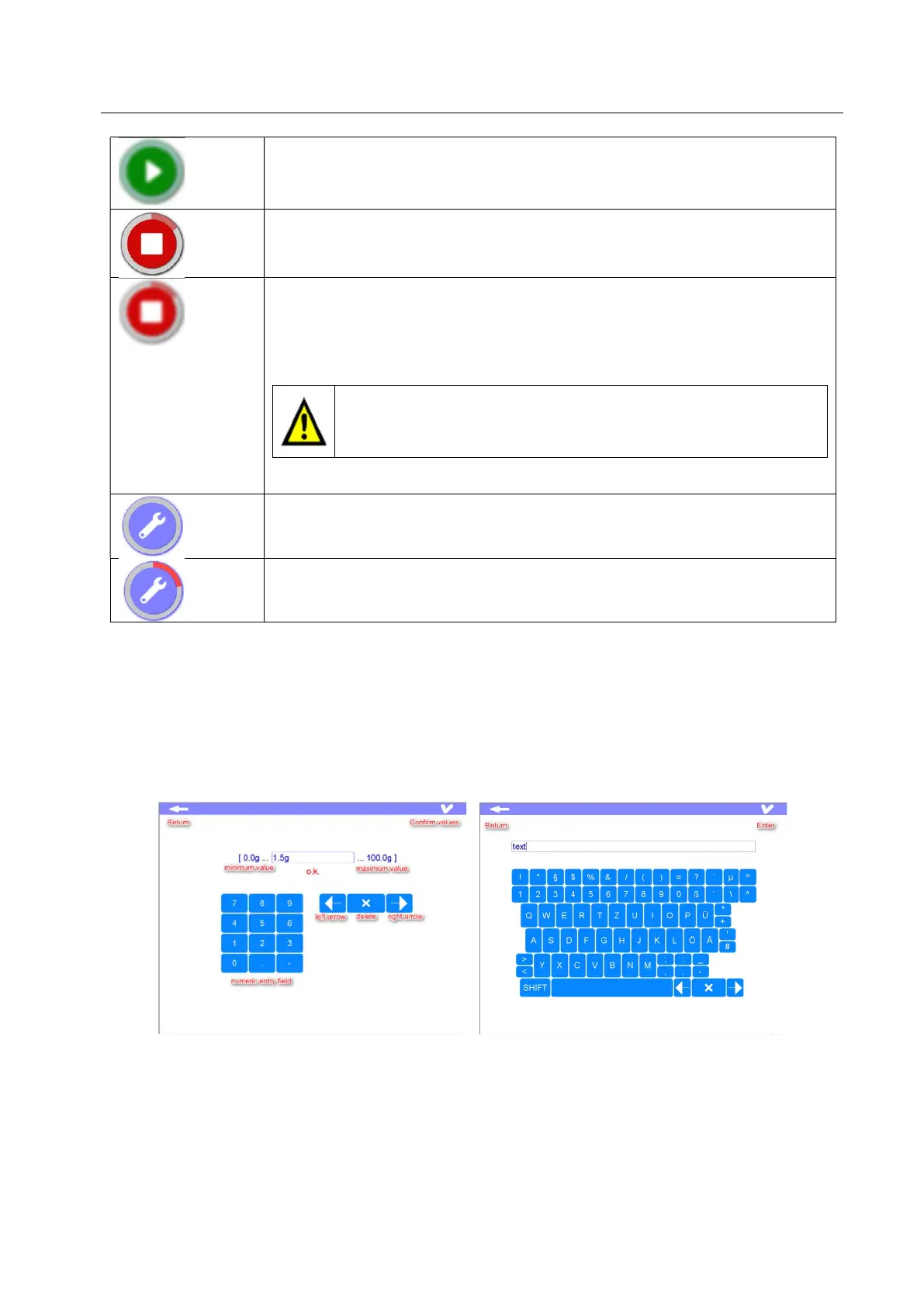
Several fields need the input of numerical values or words. After double click on the respective field or
numbers that should be modified, a numeric keypad is displayed. Where words can be entered, after
double click the standard keypad will be displayed
PC USB keypad or externally one connected to terminals can be used.
5.10.4 Print
With terminals type 660 and 1660 is possible to connect directly a printer but the number of compatible
models is very limited due to high language protocols that the new printers satisfy.



 To Next Page