Milestone Srl MA213-003 – DMA-80 EVO – User Manual
55
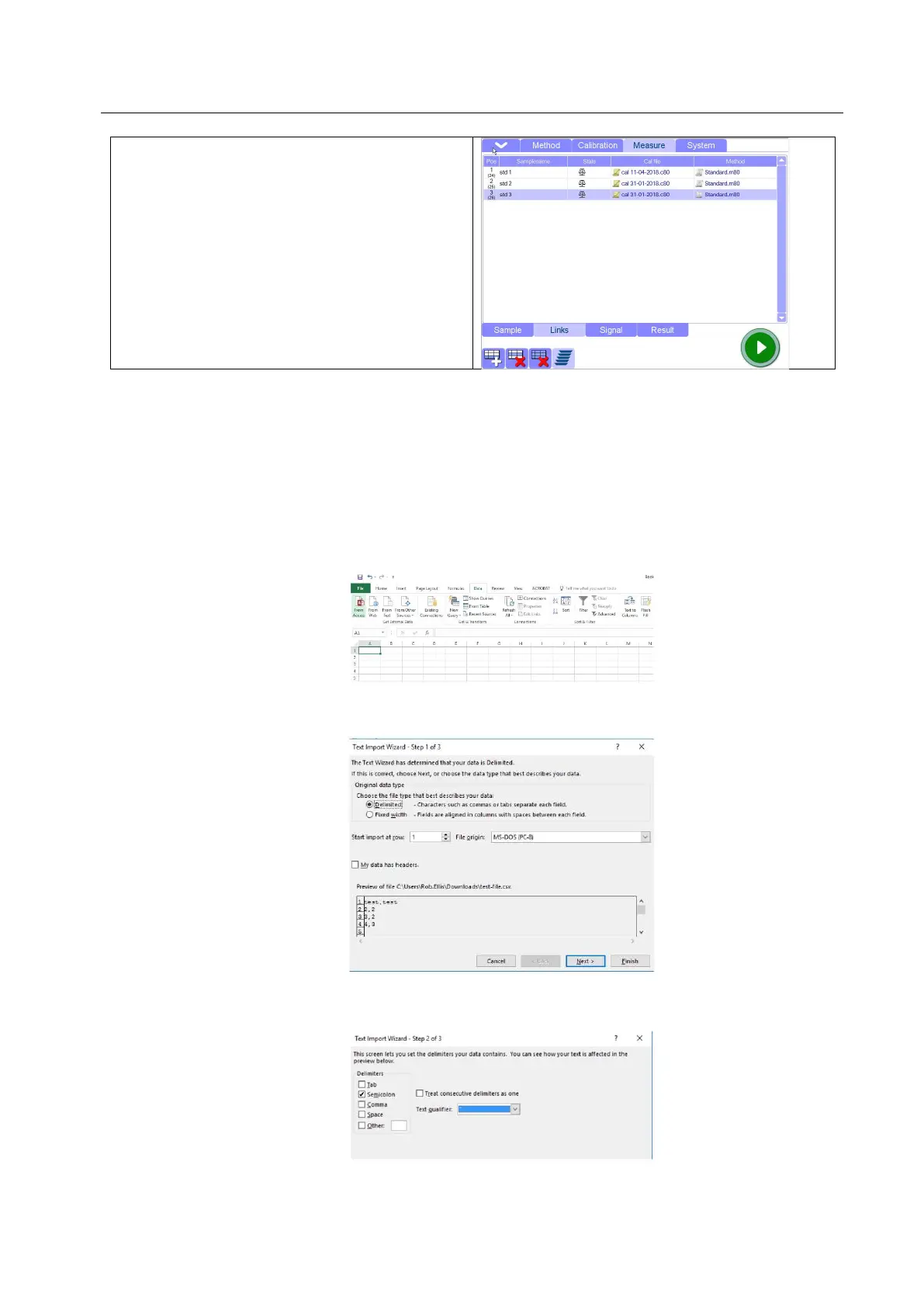
5.10.8 Importing CSV formatted data into Excel
Sometimes, it can happen that the original CSV file provided by Milestone meets some errors or it is
distorted when it is opened with Excel.
The below procedure allows to adjust the file in the correct format.
1. Download and save the CSV Milestone file in your chosen location
2. Start Excel
3. Select 'Data' on the ribbon, and then 'From Text'. (If the menu options are greyed out this could
be because you do not have a workbook open).
4. Browse for the *.csv file you need to import, and click “Import”.
5. In the Text import wizard, ensure the 'Delimited' option is selected. Click Next.
6. In the delimiters section, tick “Semicolon”. The text qualifier box should show the double-quote
symbol. Click Next.



 To Next Page