Milestone Srl MA213-003 – DMA-80 EVO – User Manual
56
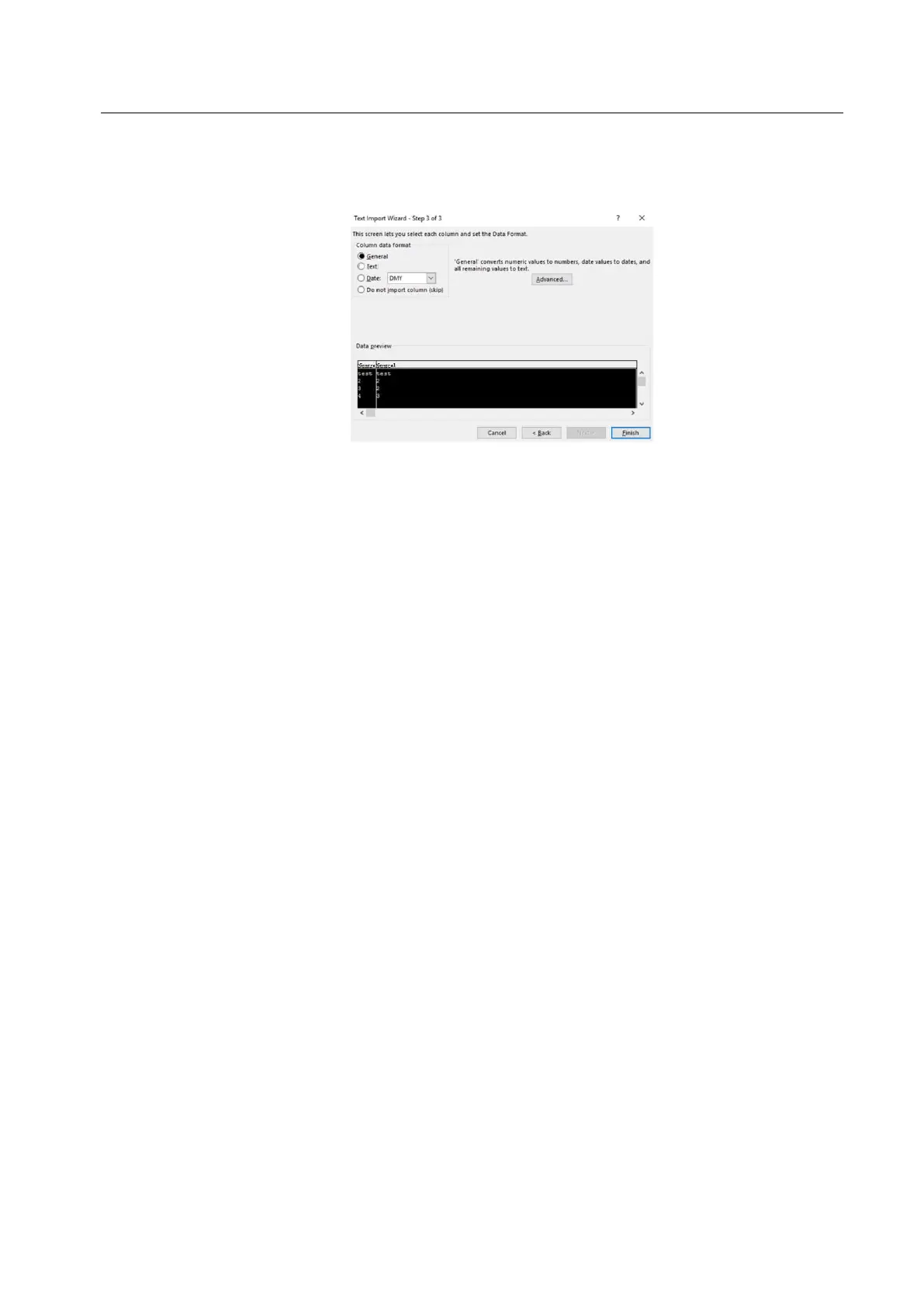
7. Mark every columns as “General”. The first column only will initially be highlighted. Move the
horizontal cursor as far as it will go to the right; then, holding the shift key down, click the very last
column heading. You should now have every column highlighted. Click the “General” data format.
Click Finish.
8. It may ask you 'Where do you want to put the data?'. It will allow you to click into any cell on the
blank worksheet to determine where the data should go. Click 'OK' to proceed.
9. The data should now appear in the spreadsheet. Where column headings are included these will
appear in the top row. Check that fields have not lost leading zeros where applicable.



 To Next Page