Milestone Srl MA213-003 – DMA-80 EVO – User Manual
24
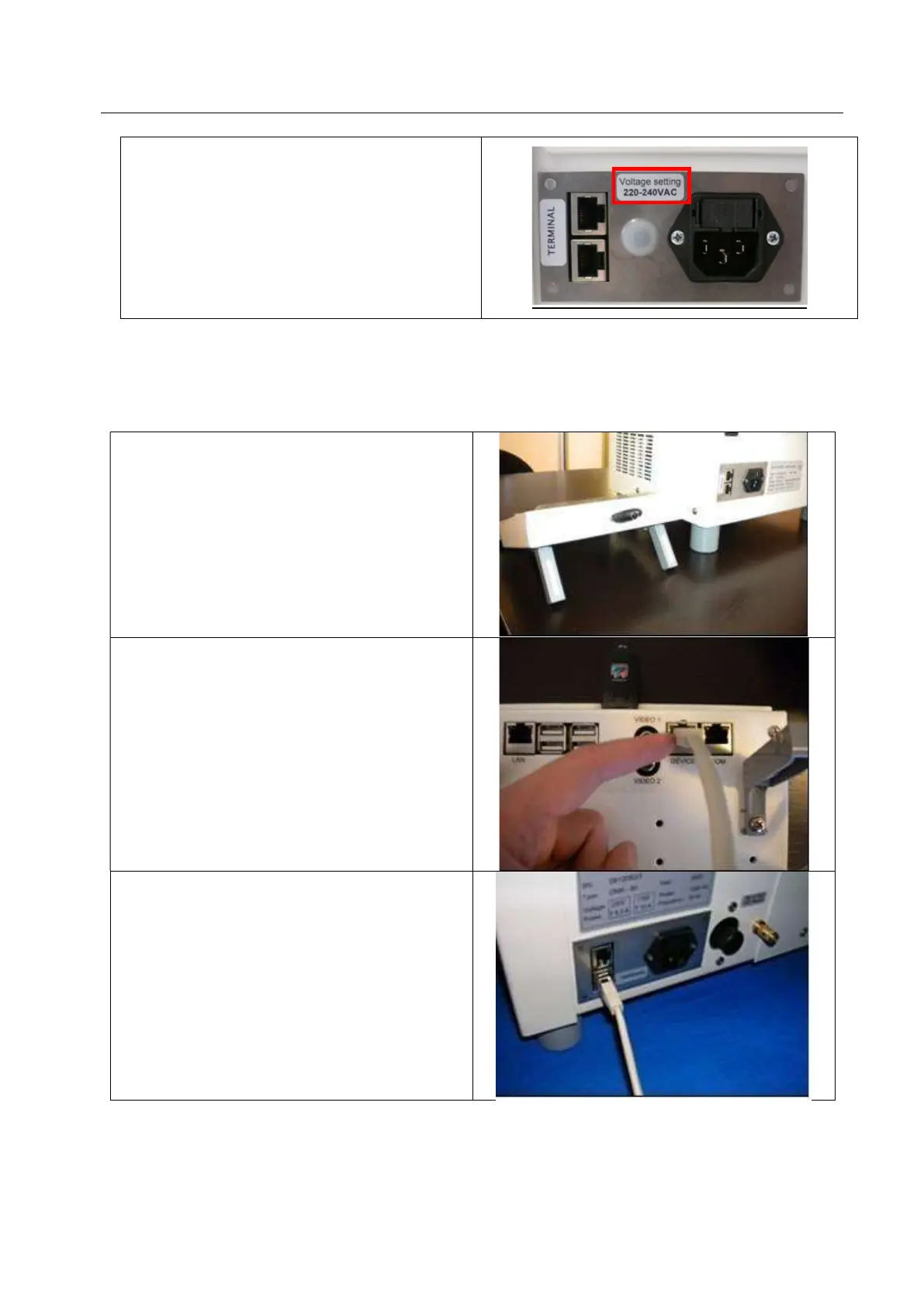
Inside the fuse bag, the labels to indicate the
voltage set, are present.
Put the label which indicates the voltage set on
the existing one, next to the power socket
2.3.2 DMA connection with Terminal 660
Place the Terminal beside the DMA-80 EVO unit,
as shown below. A bench space of approximately
150 cm by 70 cm is required with approximately 15
cm of space on all side to ensure movement of air.
Plug-in the serial cable into Terminal (DEVICE
PORT).
Plug-in the end of serial cable into DMA-80 EVO
unit.
Both connections are fine



 To Next Page