Milestone Srl MA213-003 – DMA-80 EVO – User Manual
47
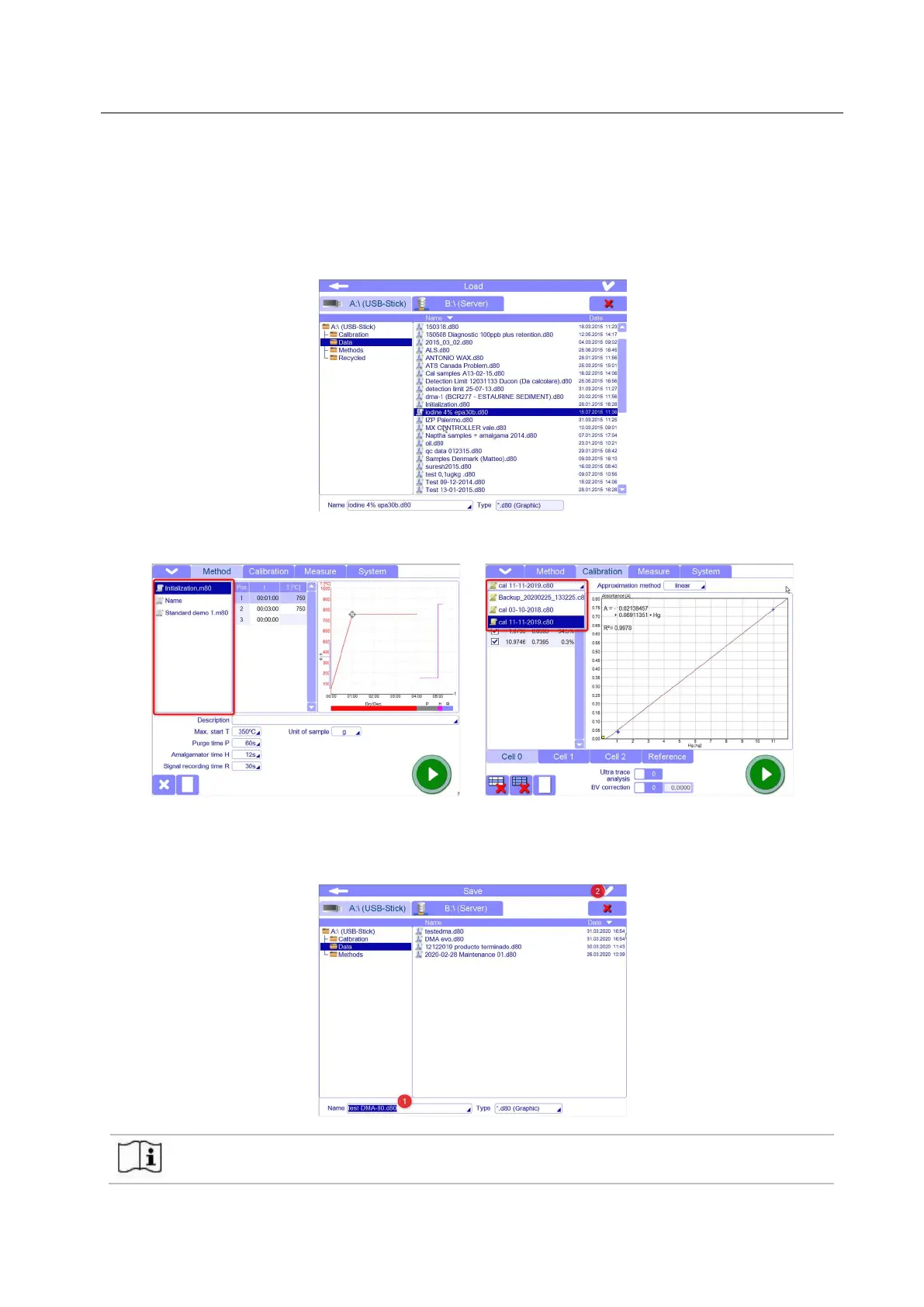
- FILE OPENING: Files can be opened from the storage memory by the popup menu “Load”.
The software allows to see and open only the files with the extension of the page where you are.
For example, if you are in Calibration page and open the pop up menu for opening the files, then you can
just see and load calibration files in .c80 format. Data and method files will not be seen.
For this reason, files should have been saved in the proper folder in according with their extension
(measurement files in .d80 format will be in the Data folder, calibration files in .c80 format will be in
calibration folder, method files in .m80 format will be in method folder).
Choose the desired file from the list and confirm by the tick up right. The file will be opened.
In case of calibration or method files, you can also find them in the quick selecting panel. Here, only the
most recent or the last 10 created methods and calibrations are available for quick selection.
- FILE SAVING: Files can be saved in the storage memory by the popup menu “Save”.
Input the desired name in the field “Name” and confirm by the tick up right..
Once entered the name, the system will automatically add the appropriate extension (i.e. „.d80“). By the
tick up right, the file is stored, and the window closed.
When any modifications is made to the file, it should be saved. Anyway, if you forget to do it,
when you change the page, a message appears so that you can make the saving if you need.



 To Next Page