OM-278174 Page 60
F
Complete Parts List is available at www.MillerWelds.com
Message Error Remedy
Free tungsten to clear error
Tungsten has contacted workpiece for more than
five seconds without starting an arc.
Cable error — Connect wire feed
housing cable to clear error.
A process that requires a welding gun to be at-
tached to the internal motor is selected, but the
wire feed housing cable is not attached to the
positive or negative stud of the power source.
Connect wire drive assembly cable to either the
positive or negative stud, or select a different
process.
The control board is damaged. Contact authorized service location
Cable error — Wire feed housing ca-
ble is touching electrode or work.
A process that does not require a welding gun to
be attached to the internal motor is selected, but
the wire feed housing cable is attached to the
positive or negative stud of the power source.
Remove wire drive assembly cable from either
the positive or negative stud, or select a different
process.
The control board is damaged. Contact authorized service location
Transformer Saturation error — Re-
lease trigger to clear OR cycle power
to clear.
Main transformer has detected an overcurrent
condition.
Cycle power to clear error. If this problem per-
sists, contact Miller Electric Mfg. authorized serv-
ice location.
Missing UI Membrane Switch Overlay. UI membrane is not detected as being plugged
in.
Contact Miller Electric Mfg. authorized service
location.
UI Membrane Switch Overlay doesn’t
match arc controller program
Detected UI membrane is not detected as match-
ing the type reported by the main control board.
Contact Miller Electric Mfg. authorized service
location.
Over Voltage Protection Trip
Cycle power to clear error
System has detected an over voltage condition
on the output.
Contact Miller Electric Mfg. authorized service
location.
Secondary Current Sensor Fault
Check connection
Harness is not detected for secondary current
sensor..
Contact Miller Electric Mfg. authorized service
location.
CAN Data Version Incompatible The UI and the Control are not compatible, per-
haps due to a partial firmware upgrade.
Restart the Firmware upgrade process.
Contact authorized service location.
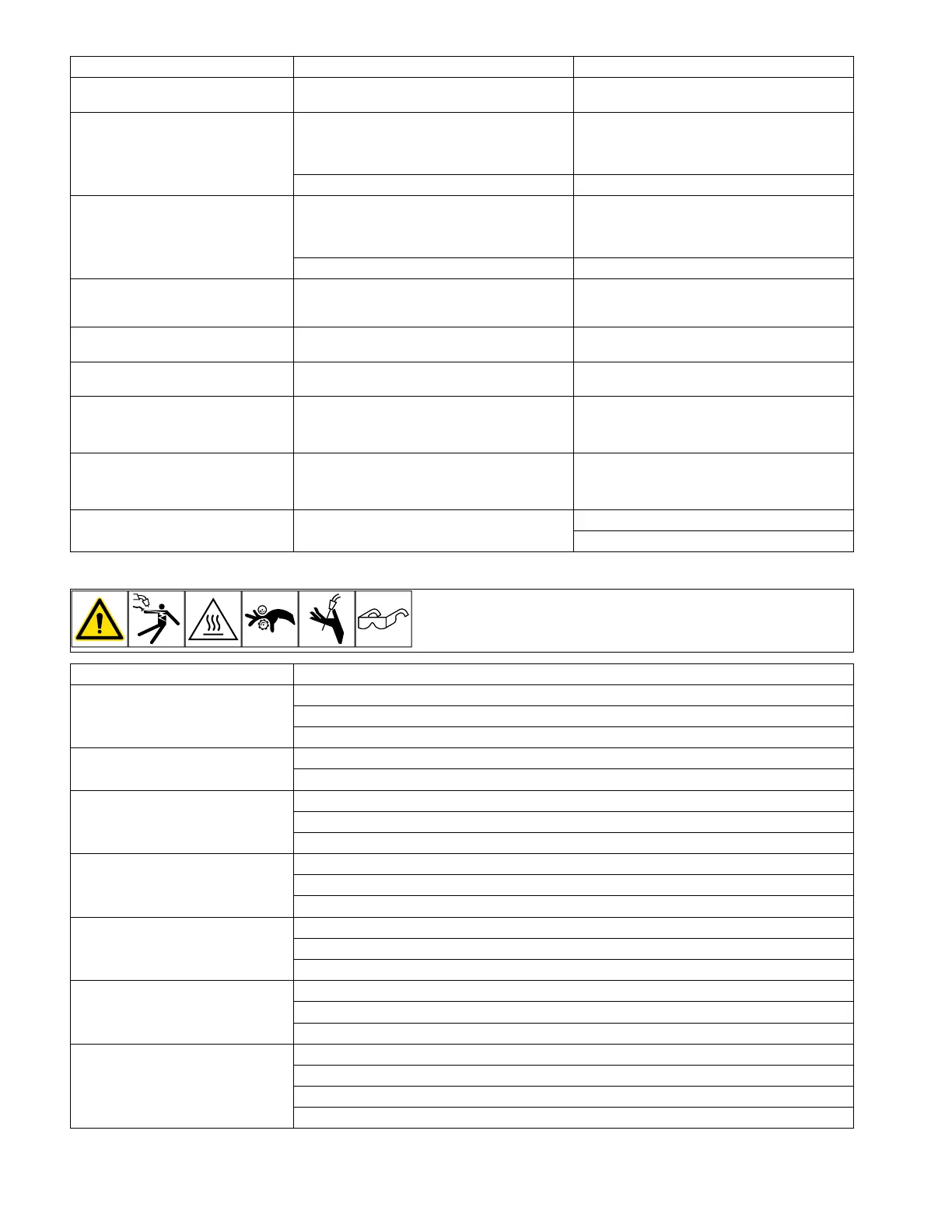
7-6. Troubleshooting
Trouble Remedy
No weld output; unit completely
inoperative.
Place line disconnect switch in On position.
Check and replace line fuse(s), if necessary, or reset supplementary protector.
Be sure power cord is plugged in and that receptacle is receiving input power.
No weld output; unit is on. Check and secure loose weld cable(s) into receptacle(s).
Check and correct poor connection of work clamp to workpiece.
Erratic or improper welding arc or
output.
Use proper size and type of weld cable (see your Distributor).
Clean and tighten weld connections.
Verify electrode polarity; check and correct poor connections to workpiece.
Fan not operating. Unit not warmed up enough to require fan cooling.
Check for and remove anything blocking fan movement.
Have Factory Authorized Service Agent check fan motor and control circuitry.
Stick welding problems; Hard starts;
poor welding characteristics; unusual
spattering.
Use proper size and type of electrode.
Verify electrode polarity; check and correct poor connections.
Make sure remote control cable is not connected.
TIG welding problems; Hard starts;
poor welding characteristics; wander-
ing arc; spattering problems.
Use proper size and type of tungsten.
Use properly prepared tungsten.
Verify electrode polarity.
TIG welding problems; Tungsten elec-
trode oxidizing and not remaining
bright after welding.
Shield weld zone from drafts.
Check for correct type shielding gas.
Check and tighten gas fittings.
Verify electrode polarity.












 To Next Page