OM-284794 Page 37
F
Complete Parts List is available at www.MillerWelds.com
8-4. Voltmeter/Ammeter Display Messages
F
All directions are in reference to the front of the unit. All circuitry referred to is located inside the unit.
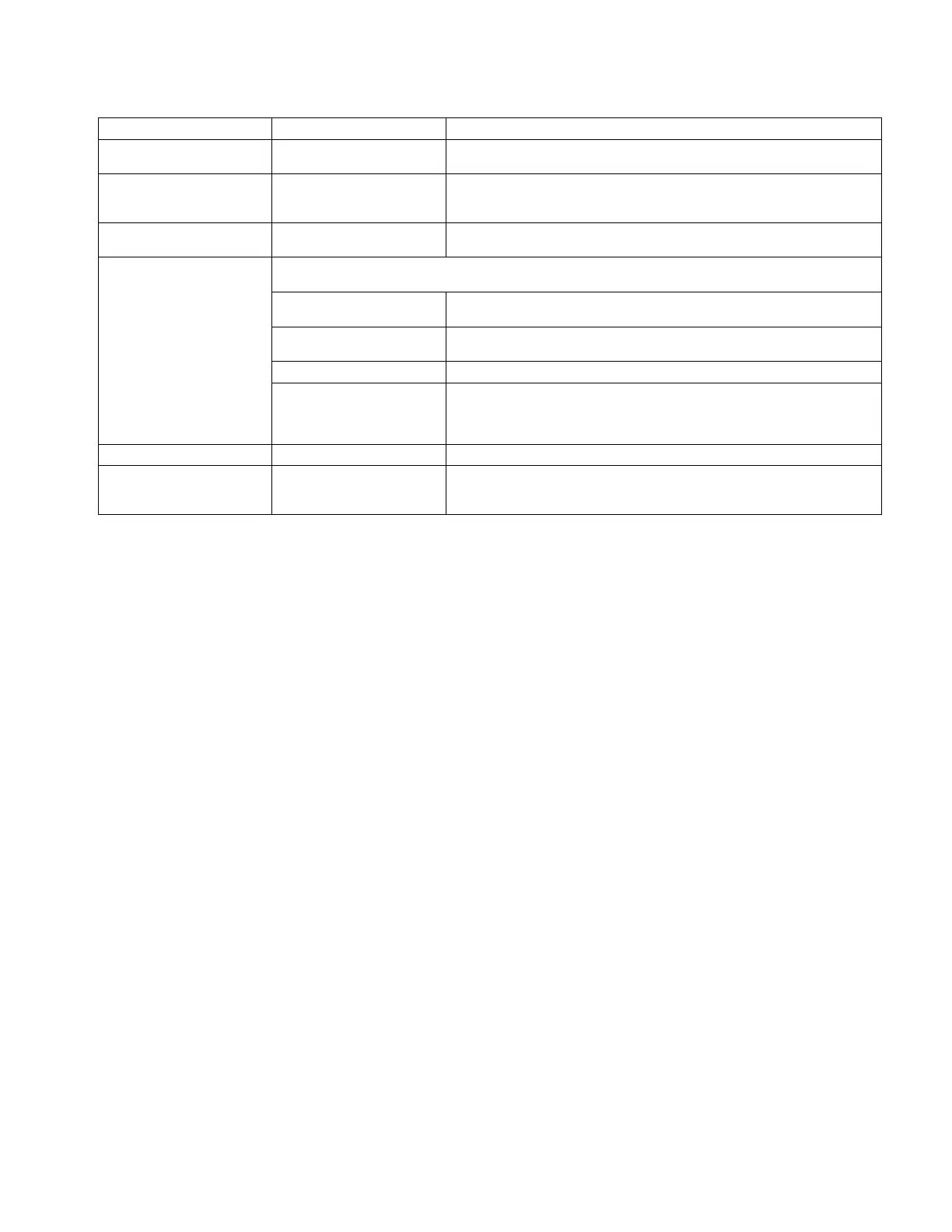
Message Type Display Message Description
Release Trigger [RELE] [ASE] /
[TRIG] [GER]
Remote 14 receptacle contactor control (Pins A-B) must be opened before
proceeding.
Un Short Output [UN S] [HORT] /
[OUTP] [UT]
Short on weld output connections must be removed before proceeding. See
Section 8-5 if display shows after weld output connections have been verified
as not having a short.
Over Temperature Error [OVER] [TEMP] Over temperature condition has occurred. Error will clear after temperatures
reach acceptable levels.
Latching Error When one of the following errors occurs, the Standby LED flashes. To clear error, press Standby button or turn
off power. See Section 8-5 if error does not clear or happens frequently.
[CHEK] [INPT] Check Input: High or low voltage has been sensed. Have a qualified person
check input voltage.
[WELD] [CABL] Weld Cable: An error related to the weld cables has been sensed. Straighten
out or shorten weld cables.
[SEE] [O.M.] See Owner’s Manual: See Section 8-5.
[COOL] [PWR] Cooler Power: An error related to the power supplied to the cooler, incorrect
primary wiring on single phase, or a blown fuse has occurred. When error will
not clear or occurs frequently, machine can be used without the cooler. Turn
Cooler Power off (see Section 7-1).
Not Valid [NOT] [VALD] Message is displayed when attempting an incompatible setup.
Software Not Valid [SOFT] [WARE] /
[NOT] [VALD]
A software compatibility error has been detected. A software update is re-
quired (see Section 5-10). See Section 8-5 if display shows after a software
update is performed.












 To Next Page