Chapter 6 Programming 6-43
@ For X-Pitch, Y-Pitch and Reference X, Y, enter a tentative value 1 and
exactly enter teaching points through T-box after Optimization.
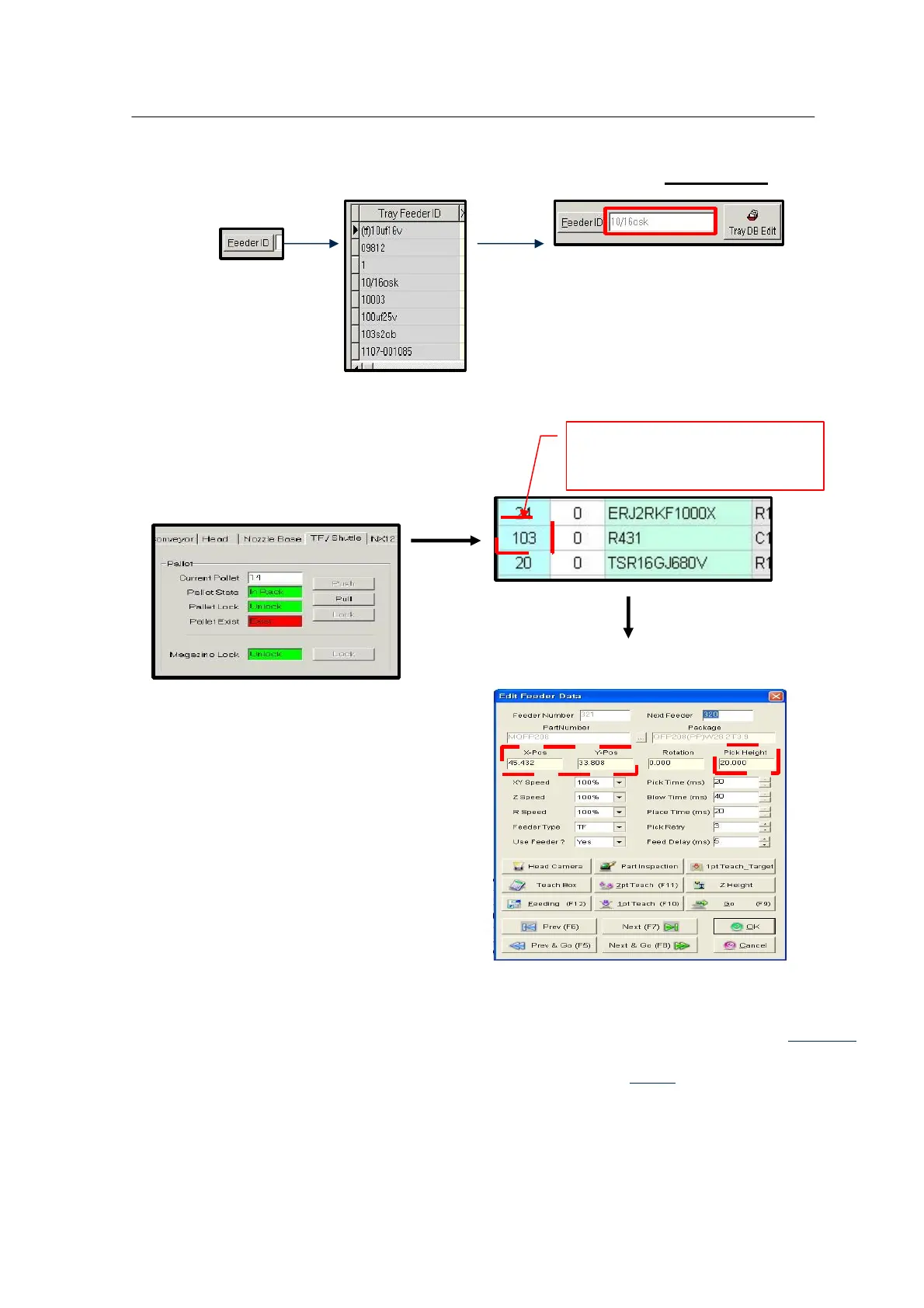
The entered Tray Feeder ID is linked with Part Number.
Execute Optimization and select IO control to enter
Tray information.
Check the following by entering Reference
X, Y, Z positions. Input values are
described in the following section.
Setting Reference X , Y , Z



 To Next Page