Chapter 2 Machine Overview
2-7
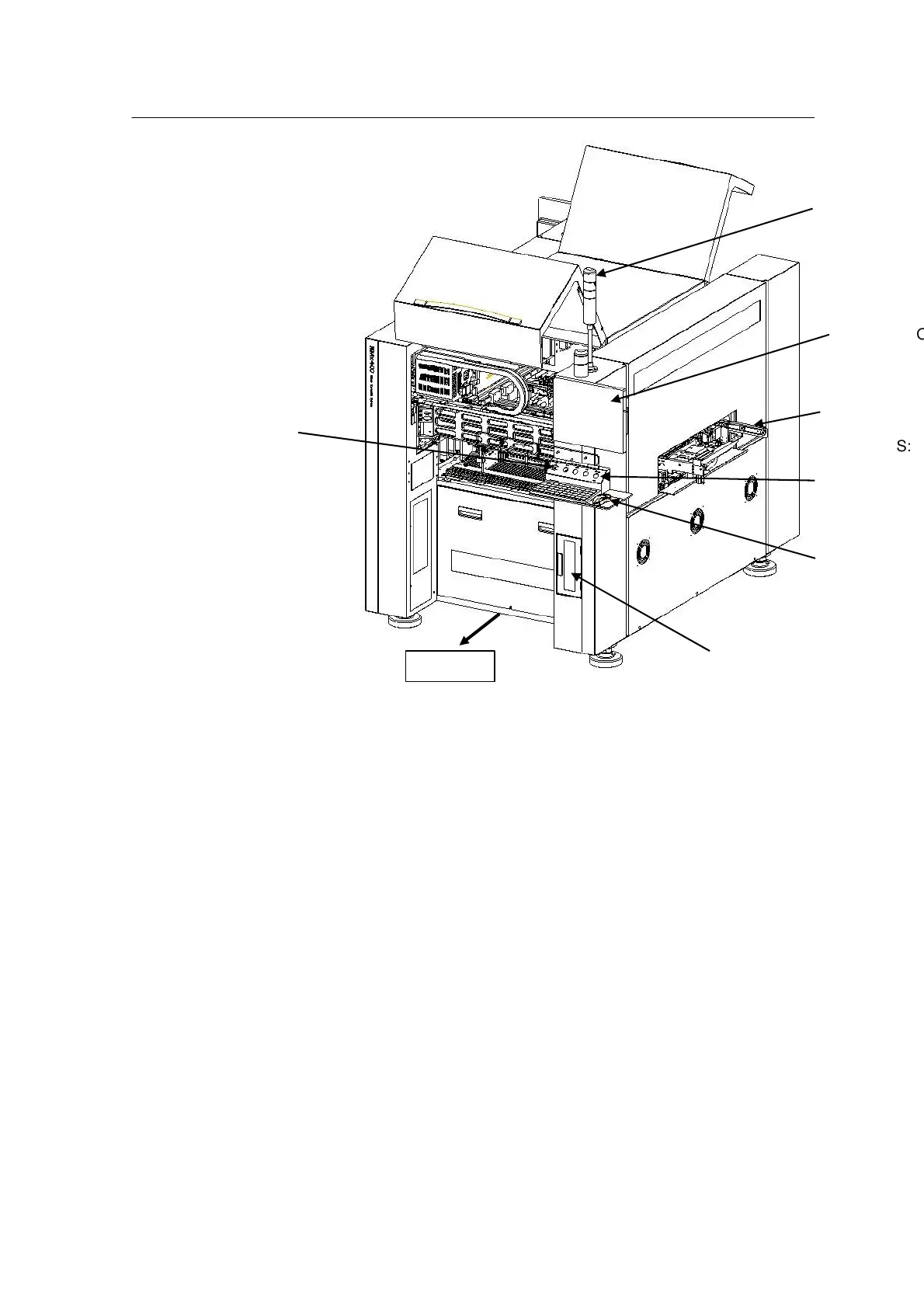
1.TOWER LAMP : Indicates machine errors in three colors (red, yellow, green).
2.EMERGENCY SWITCH : Used to stop the machine in an
emergency
3.17” LCD Monitor : Used for vision & PC monitor
4.OPERATING SWITCH : Configured ergonomically
5.KEYBOARD & MOUSE : Improves operability
6. COVER : Safety door designed for easy handling by one
person
Mx400P/PS models: Rear door assembly modified when TF-5
is attached to the rear
Mx400/P Interior Parts



 To Next Page