Installation and Set Up
26 5016072 A
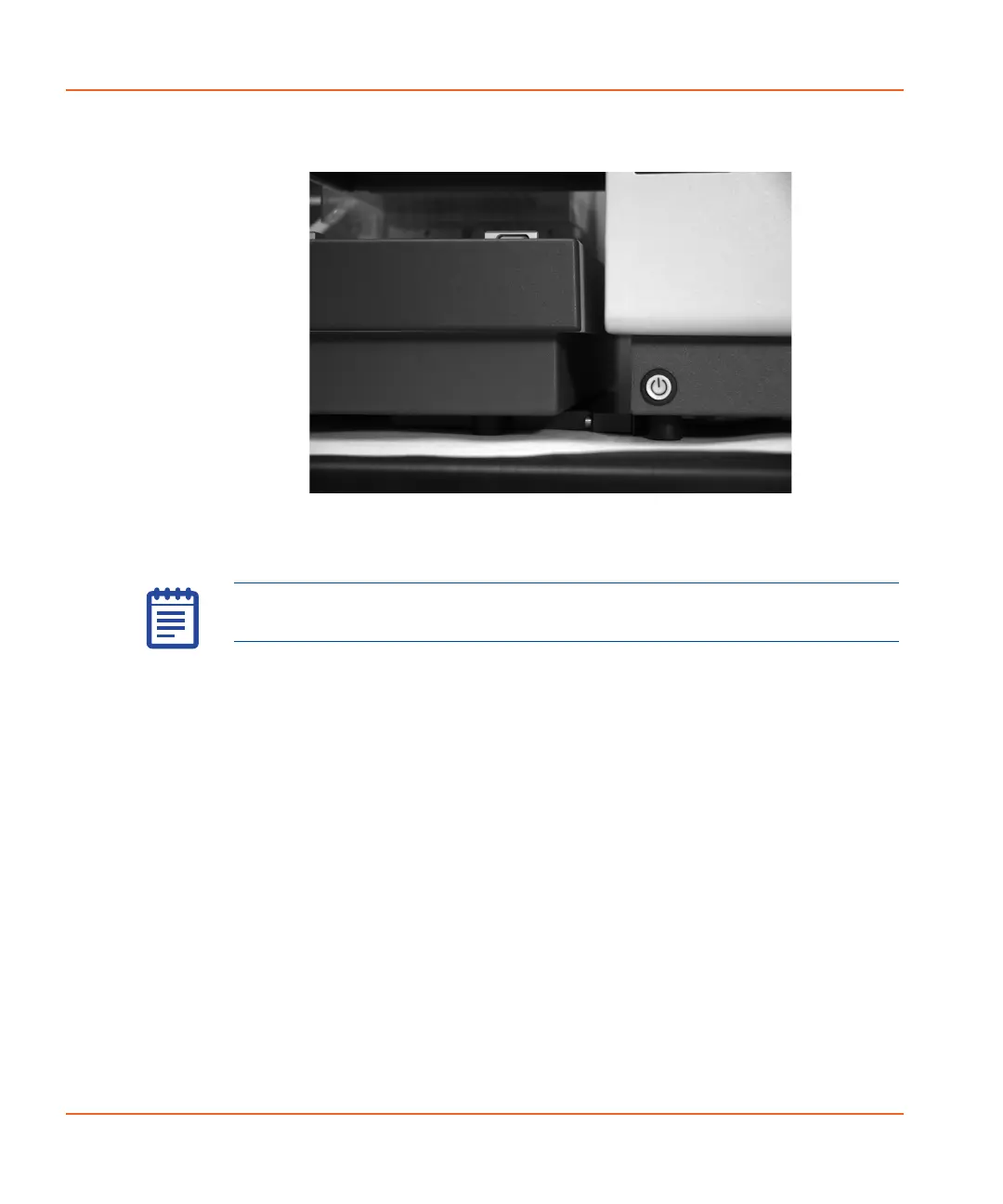
5. Confirm that the StakMax microplate handler is set up correctly.
See Figure 2-14.
Figure 2-14 Confirming correct physical set-up.
6. Connect the StakMax cables. See Connecting the StakMax
Cables on page 44.
Note: Additional connection and usage information can be found in
the AquaMax
®
2000/4000 Microplate Washer User Guide.
StakMax-UG-5016072A.book Page 26 Friday, October 21, 2011 3:51 PM














 To Next Page