Installation and Set Up
30 5016072 A
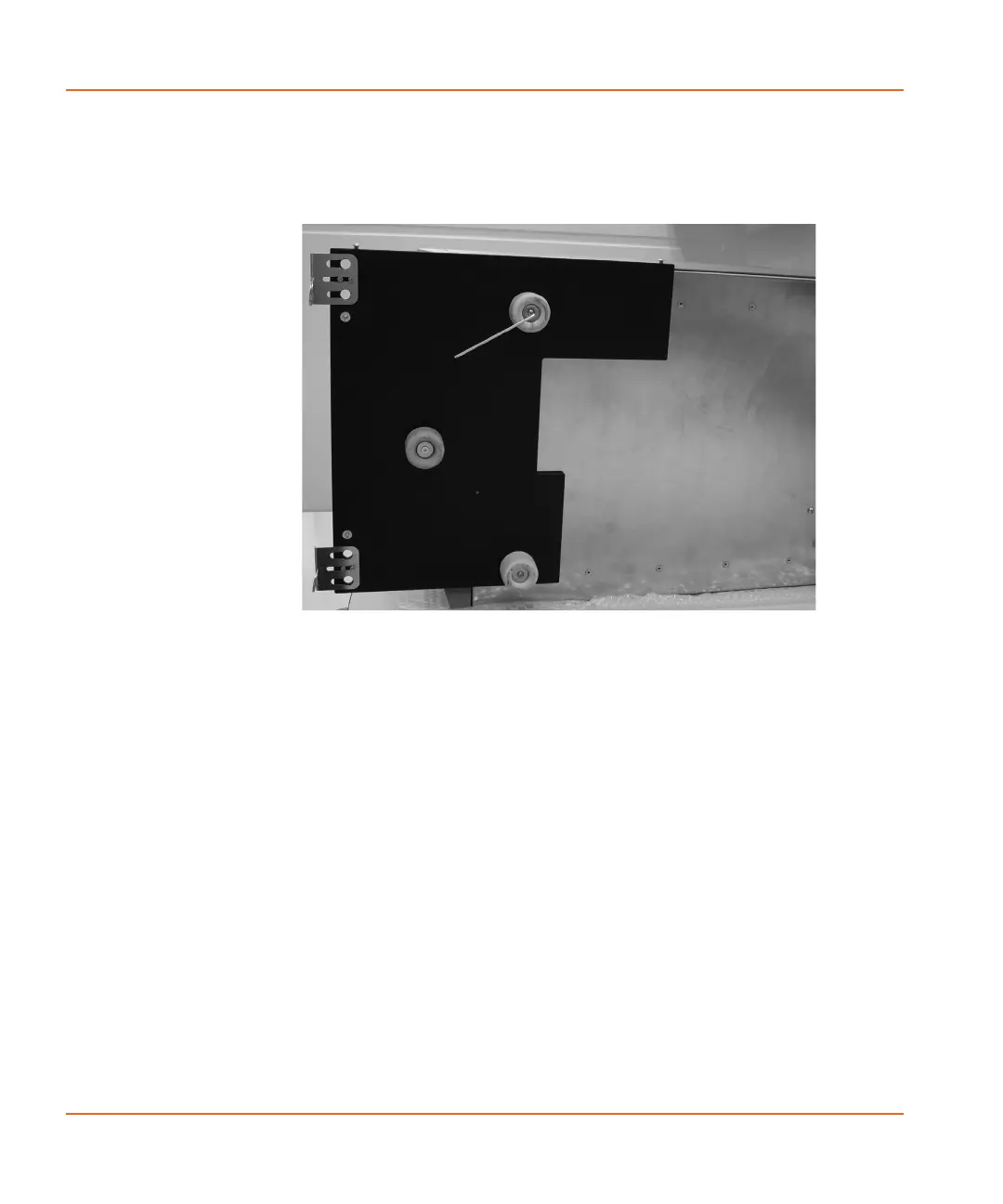
10. Use the new screws from the accessory kit to attach the
baseplate to the reader by reattaching the front feet to the
bottom of the reader.
Figure 2-17 Attaching baseplate to the reader
11. Return the plate reader to an upright position and then install
the StakMax microplate handler stand. See Installing the
StakMax Microplate Handler Stand on page 31.
StakMax-UG-5016072A.book Page 30 Friday, October 21, 2011 3:51 PM














 To Next Page