Installation and Set Up
34 5016072 A
To perform a front installation
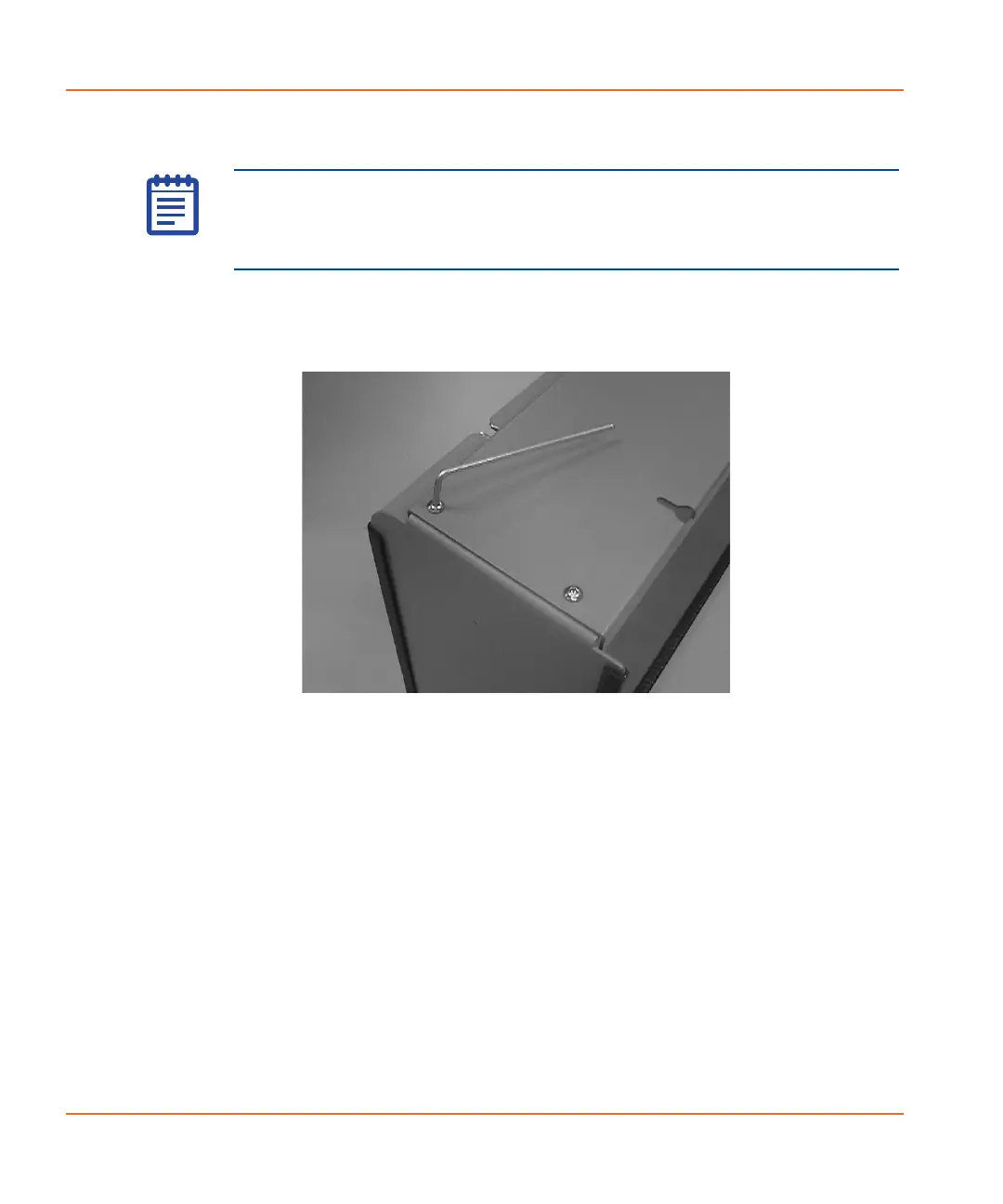
1. Use the 2.5 mm hex key screwdriver to remove the four screws
from the inner edge of the instrument stand. See Figure 2-21.
Figure 2-21 Removing screws from the instrument stand
Note: To open the bottom cartridge drawer after performing a front
installation, you need to remove the front cover from the cartridge
drawer. The cover is held in place with magnets. See To open the
cartridge drawer on page 102.
StakMax-UG-5016072A.book Page 34 Friday, October 21, 2011 3:51 PM














 To Next Page