StakMax Microplate Handling System User Guide
5016072 A 35
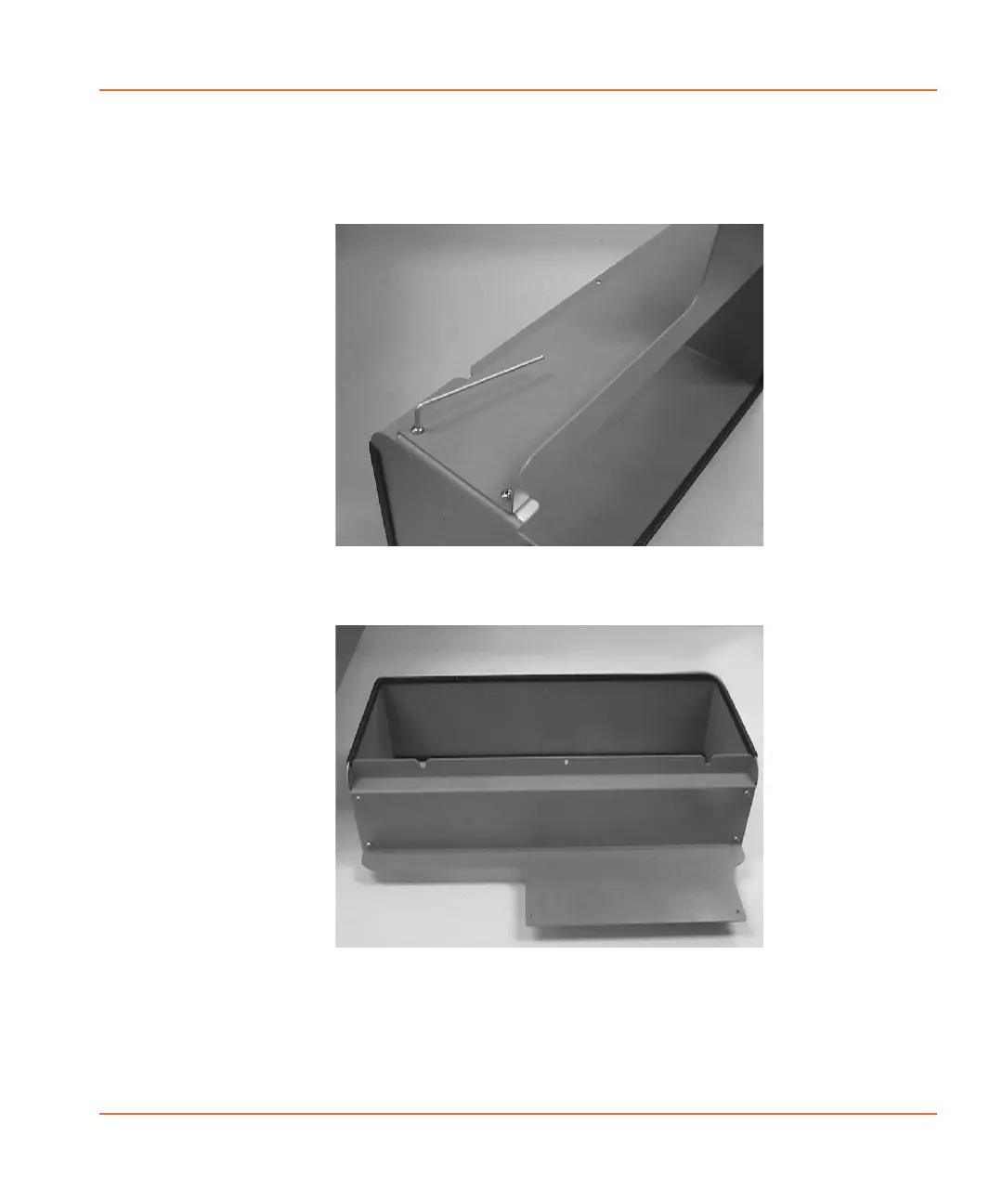
2. Remove the detached side from the stand and then use the
2.5 mm hex key screwdriver to attach the front installation
adapter in its place, as shown in Figure 2-22 and Figure 2-23.
Figure 2-22 Attaching the front installation adapter
Figure 2-23 StakMax instrument stand with front installation
adapter attached
StakMax-UG-5016072A.book Page 35 Friday, October 21, 2011 3:51 PM














 To Next Page