Installation and Set Up
72 5016072 A
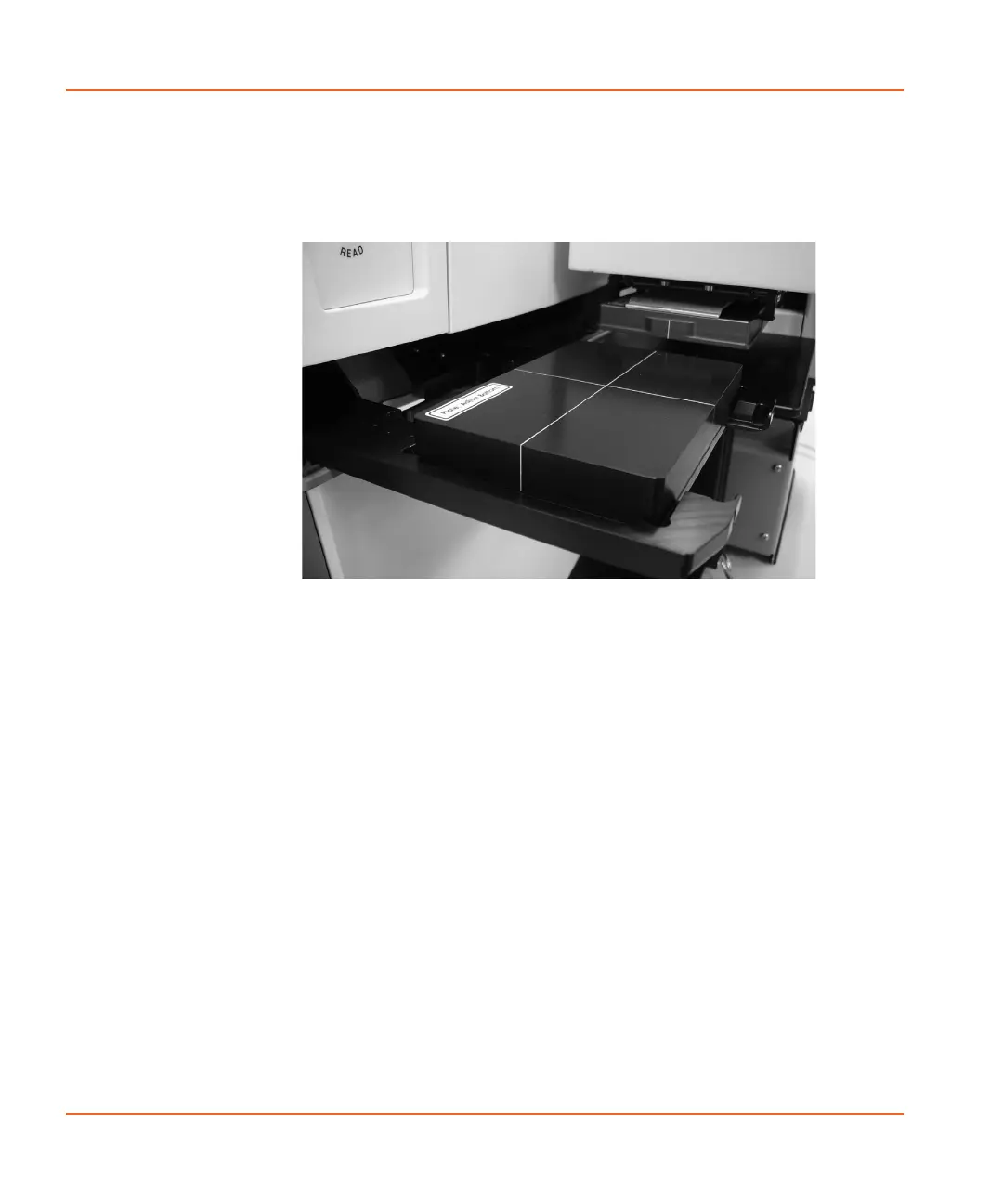
13. When the plate drawer opens, place the Bottom Adjustment
Plate with Landscape orientation (for side-by-side installation)
or Portrait orientation (for front installation) on the plate drawer.
See Figure 2-63.
Figure 2-63 Bottom Adjustment Plate in reader plate drawer
14. Check that you placed the plate on the reader plate drawer
properly and then click Next to continue.
The plate drawer loads and then ejects directly under the
stacker arm and Top Adjustment Plate.
StakMax-UG-5016072A.book Page 72 Friday, October 21, 2011 3:51 PM














 To Next Page