StakMax Microplate Handling System User Guide
5016072 A 73
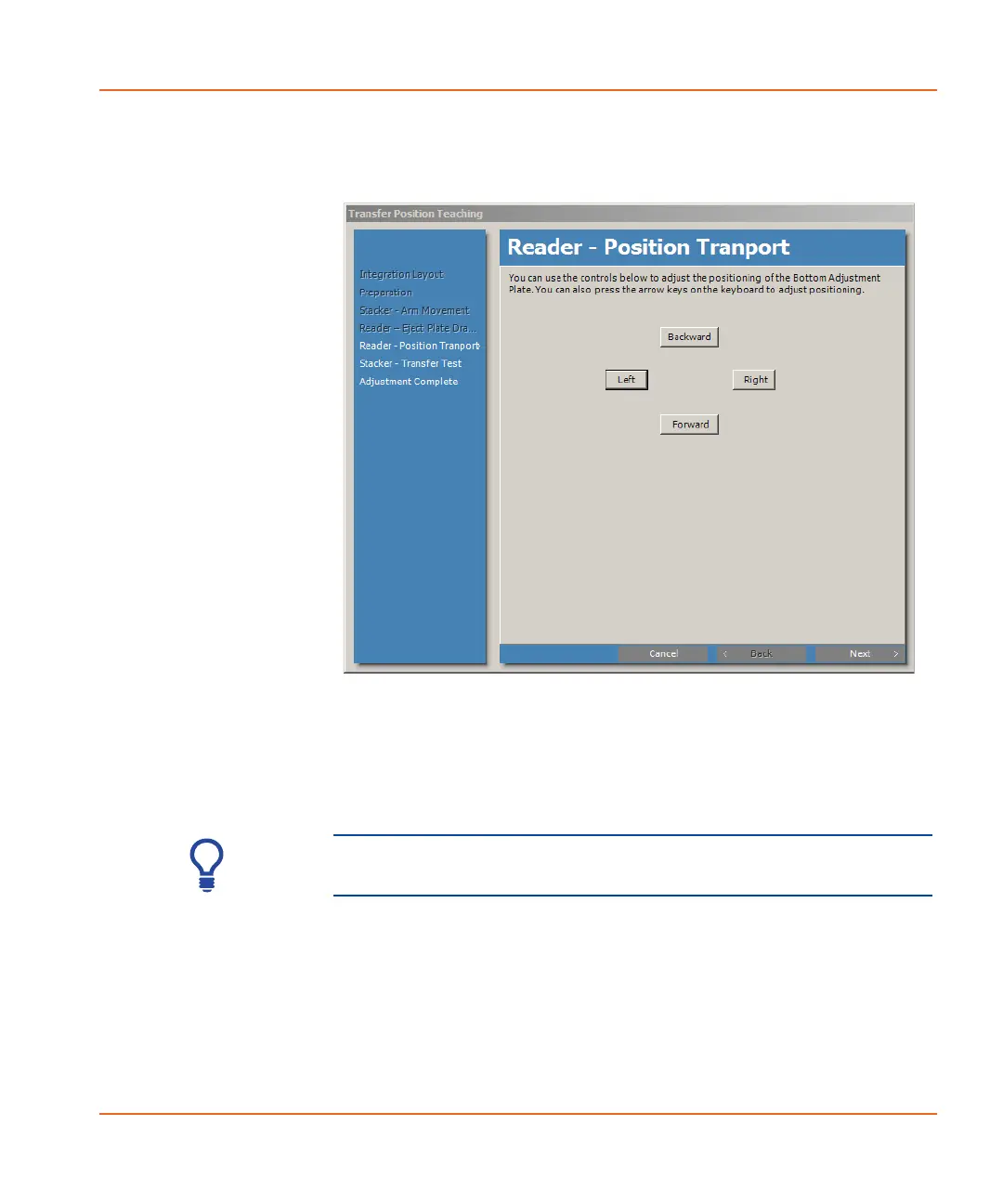
The Reader-Position Transport window appears. See
Figure 2-64
Figure 2-64 Reader - Position Transport window.
15. If necessary, click the Left, Right, Backward, and Forward
controls to adjust the positioning of the Bottom Adjustment
Plate until the marks on the front and the side of the Top
Adjustment Plate and Bottom Adjustment Plate are properly
aligned, as shown in Figure 2-65 on page 74.
Tip! You can also press the arrow keys on the keyboard to
adjust the positioning of the plate.
StakMax-UG-5016072A.book Page 73 Friday, October 21, 2011 3:51 PM














 To Next Page