StakMax Microplate Handling System User Guide
5016072 A 99
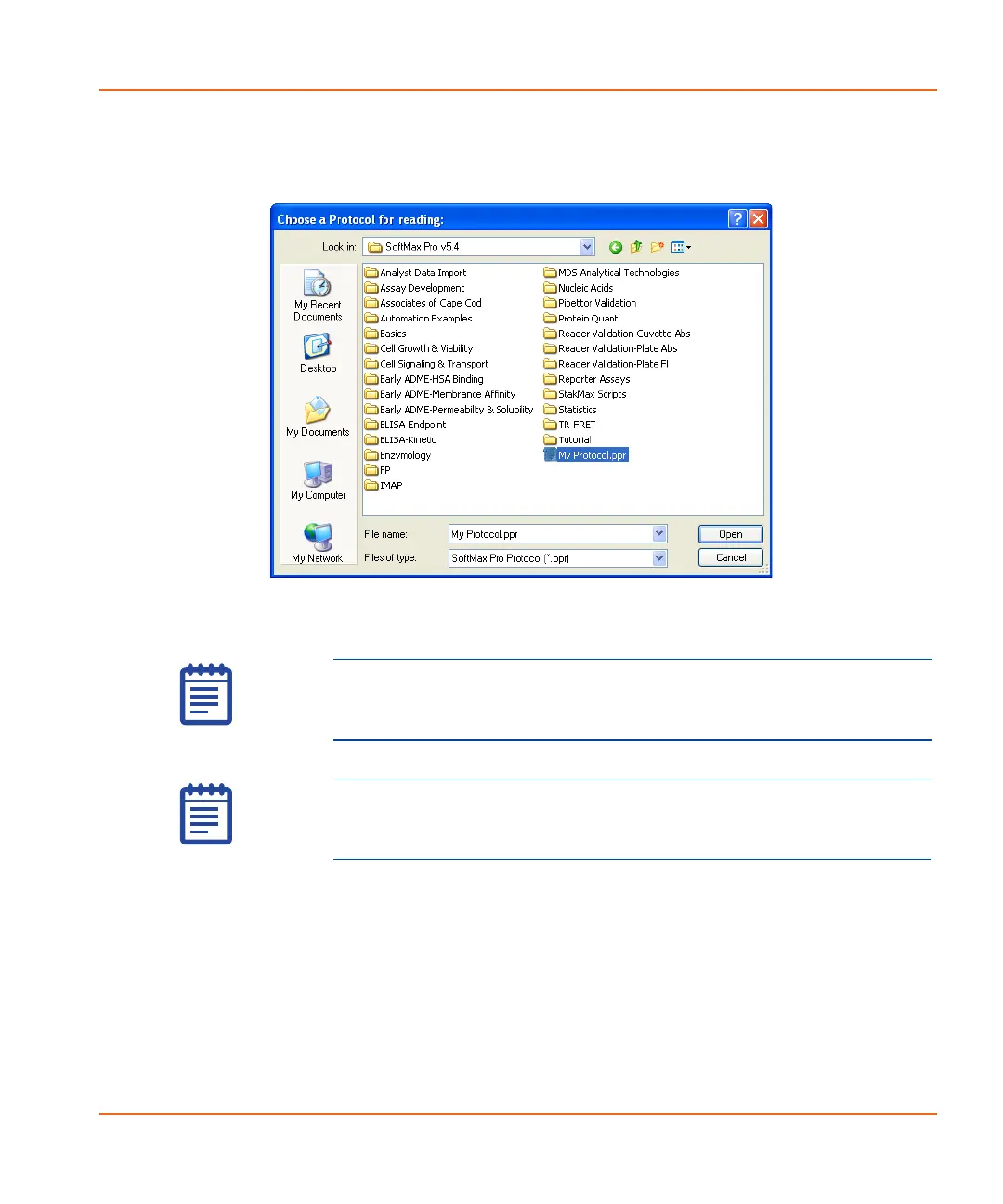
Source Protocol: Click Assign to select a protocol. The Choose a
Protocol for reading window appears. See Figure 3-20.
Figure 3-20 The Choose a Protocol for reading window.
• Select a protocol and then click Open.
• The assigned protocol displays in the Source Protocol field.
Destination: This field should display “The results will be saved using
Autosave” because AutoSave is required to start a plate read from the
Read Plate window.
Read: Click to start the reading.
Cancel: Click to cancel the action and return to the main StakMax
window.
Note: By default the .ppr file type displays. To select a 6.1
protocol with the .spr extension, change the File Type field to
All Documents.
Note: If you do not see the protocol you want in this list, refer
to the SoftMax
®
Pro User Guide for information on protocol
authoring.
StakMax-UG-5016072A.book Page 99 Friday, October 21, 2011 3:51 PM














 To Next Page