NPort Server User’s Manual
4-4
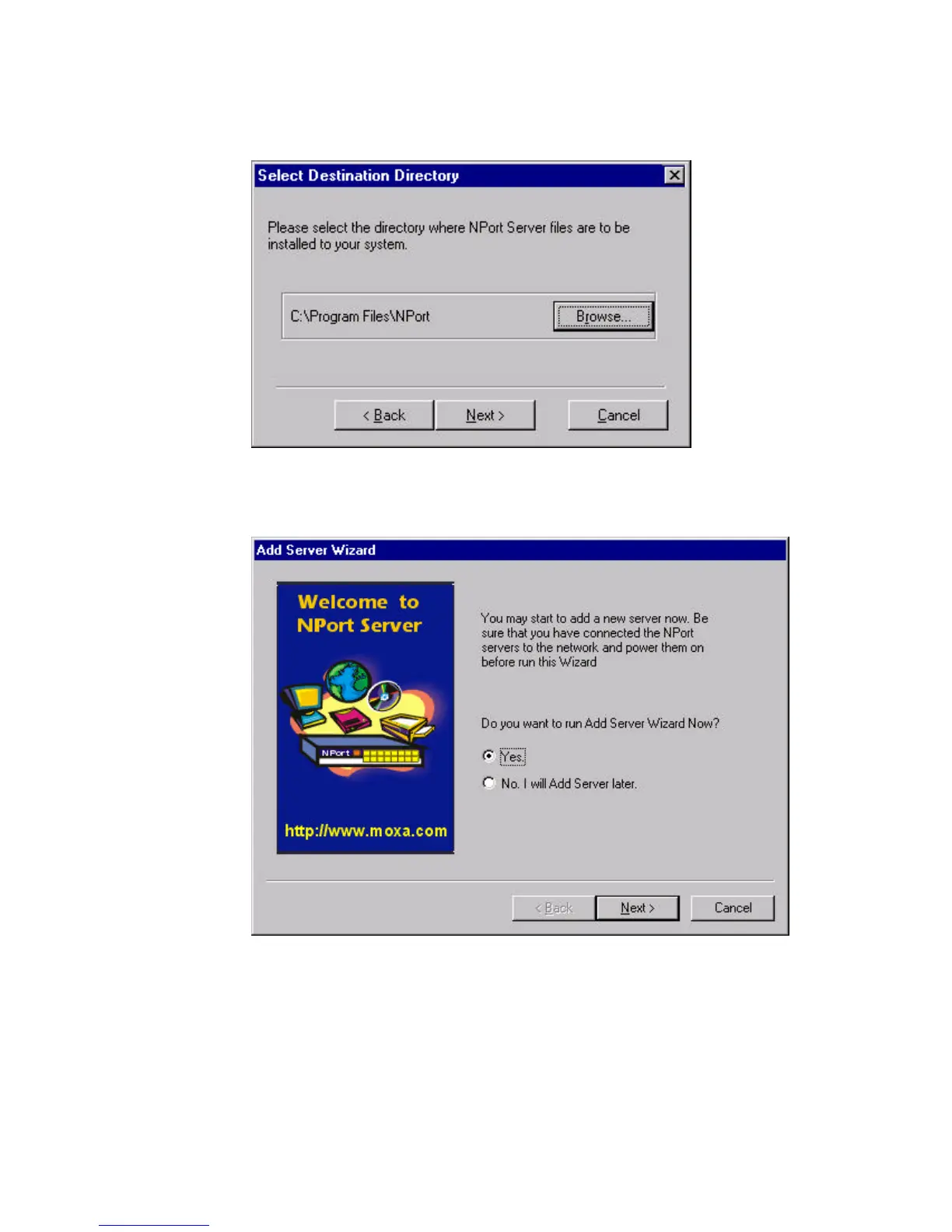
5. Enter the name of directory to install the NPort Server files. You may click
Next to use default directory name.
6. NPort Manager pops up a dialog asking if you like to add a new NPort
Server now.
7. Click Next to start Add Server Wizard. Following is the instruction that
guides you to add a selected NPort Server to your NT system.













 To Next Page