NPort Server User’s Manual
4-20
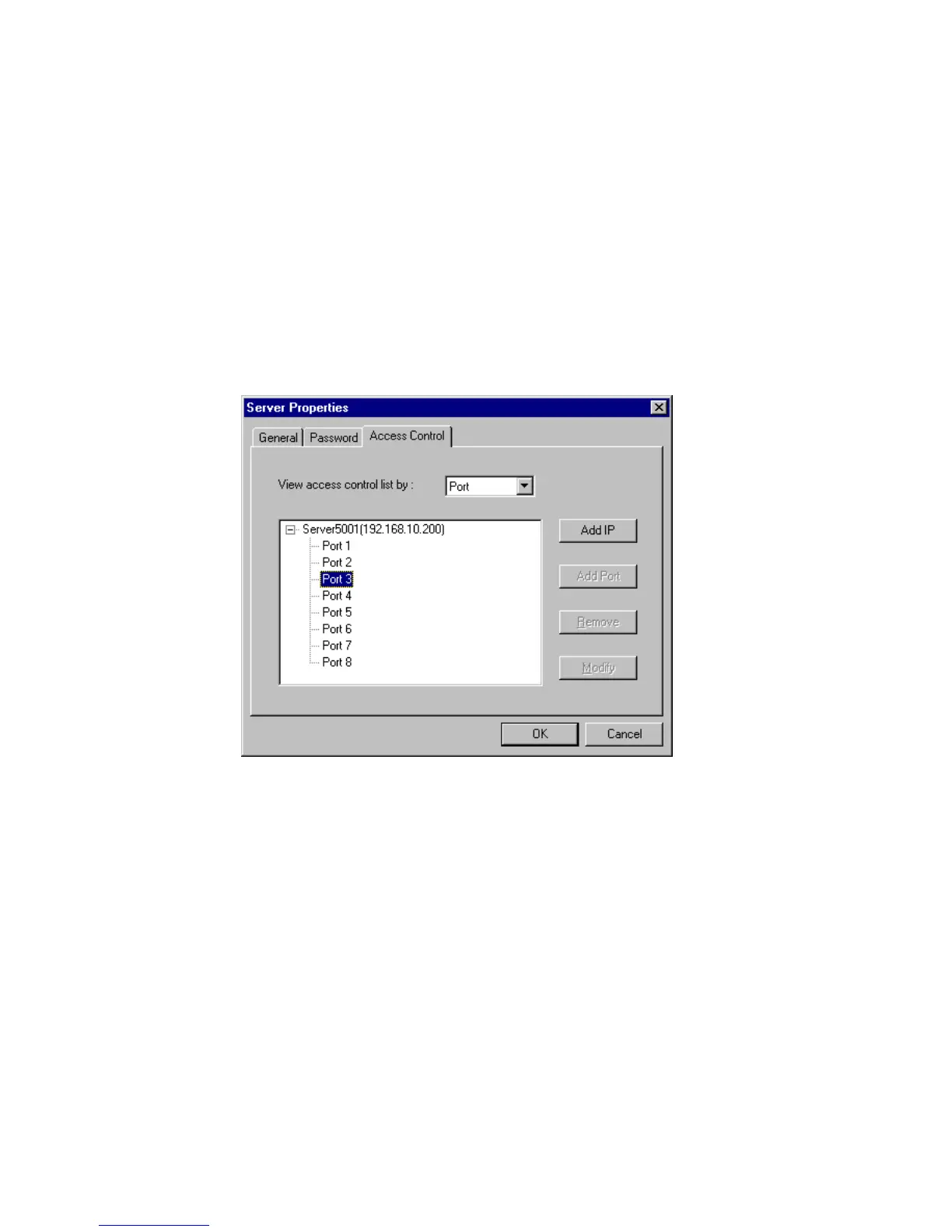
Configuring Through View by Port
By viewing access control list by Port, it is easy to see the access permission
granted for each port. It is easy for adding hosts to specific ports.
Adding Host IP address to Specific Port
1. Click on the Port where you like to add host.
2. Click on Add IP.













 To Next Page