NPort Server User’s Manual
4-14
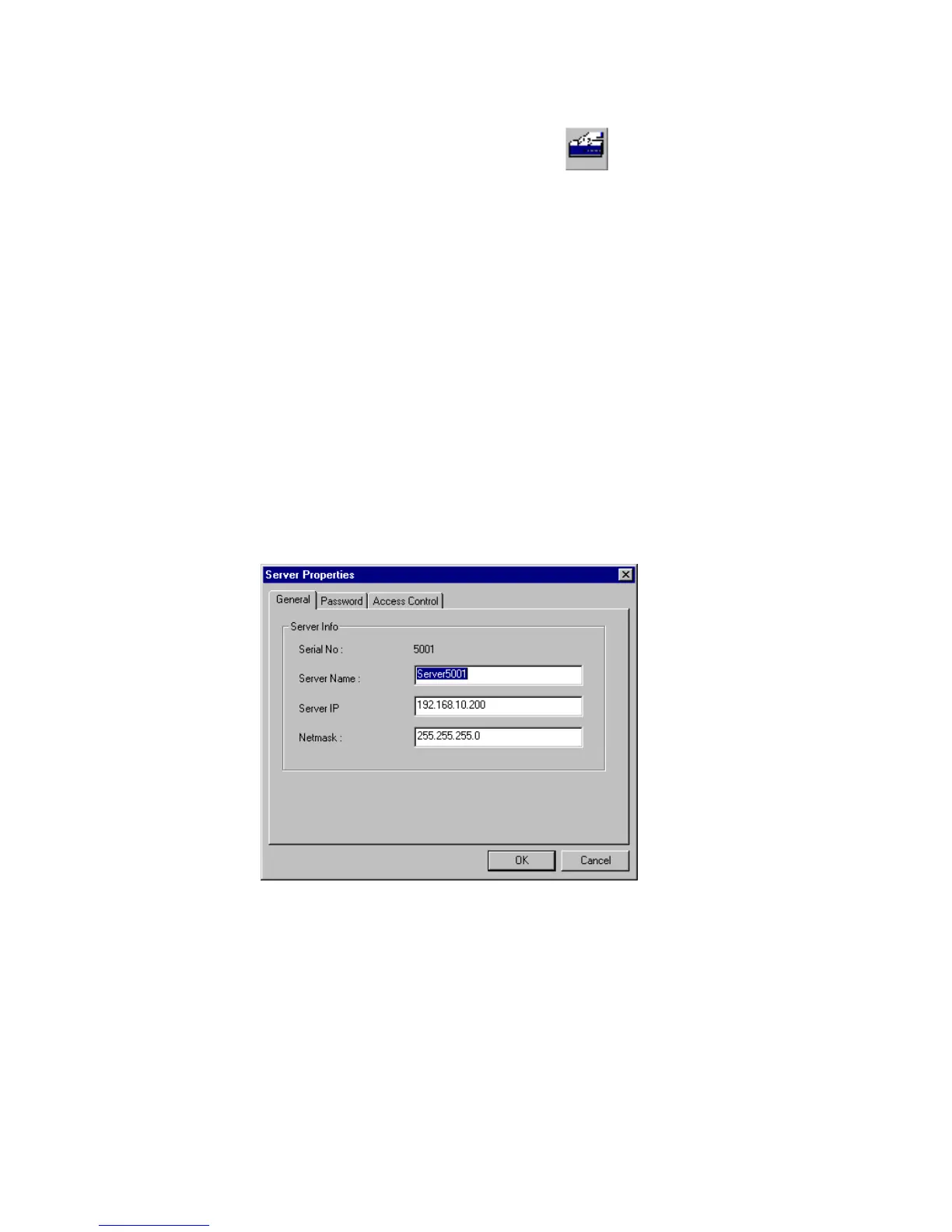
Configuring Server General Information
If you need to modify the server name and server IP address after Add Server
Wizard, please go to server properties. They are under the General page.
1. Go to the Server.
2. Click on Server Properties from toolbar.
. Note: You can modify server properties with following steps only with correct
server password. Otherwise, you will be asked to enter the server password,
if:1)You are the general user not the server administrator.2) You are the
administrator but the server password has been changed by other host. 3)
You check off the box for auto-save password to your NT host.
3. Modify the server name, IP address and netmask if needed.
4. Save Configuration as needed.













 To Next Page