Setting Up Custom 5-5
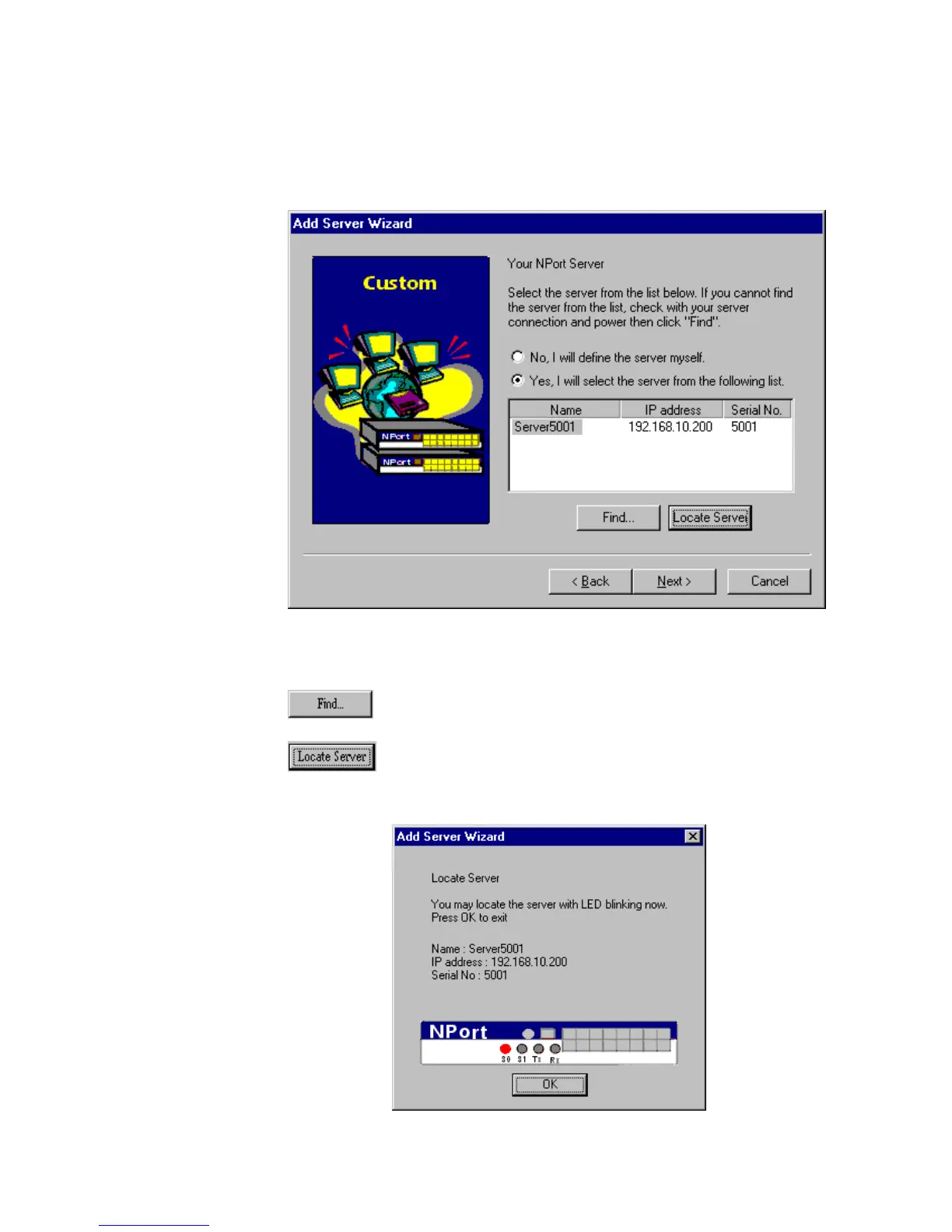
Adding NPort Server - Add Server Wizard
1. Select the server you want to add to your NT system from the list.
. Note: If the server is at remote site, you have to click ‘No’ and define the server’s IP
address.
If you forgot to power on your system, turn it on now and click
on this button.
This function will blink up S1 the LED on the server. It helps
you to locate which server is the one you selected.













 To Next Page