Setting Up Multi-Host
4-19
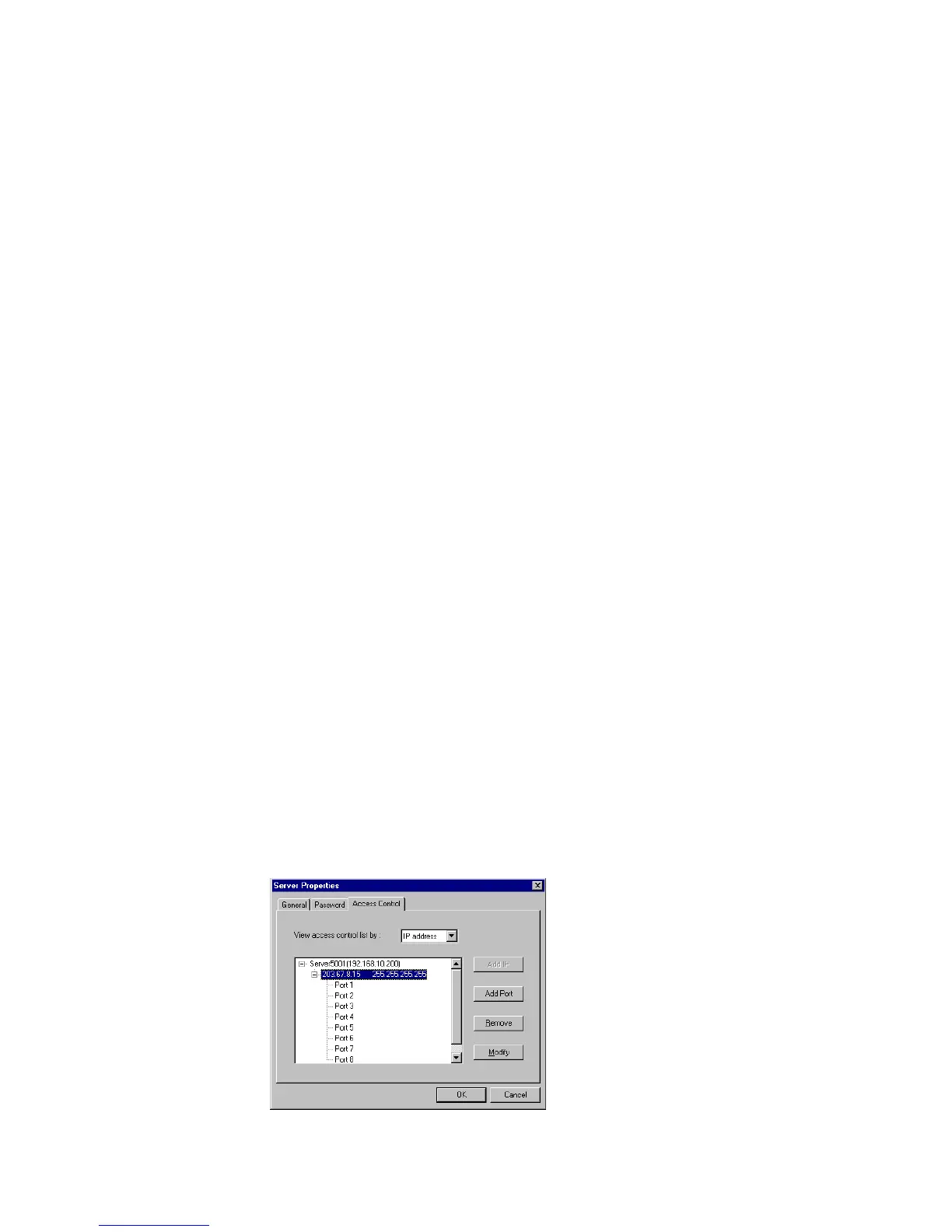
Modifying the Host Setting
1. Select the IP address of the host you like to modify.
2. Select on Modify button.
3. Modify any configuration for your needs.
4. Click OK to exit.
5. Click Save Configuration if you need to activate the settings now.
Removing Ports from a Granted Host
1. Click on the IP address of the host.
2. Click on the Port that you like to remove from the list.
3. Click Remove.
4. Click OK to exit.
5. Click Save Configuration if you need to activate the settings now.
Removing Host
If you do not allow the use of the host to any ports, simply remove it from the list.
Removing all hosts will grant server access to all computers.
1. Click on the IP address of the host.
2. Click on Remove button.
3. Click OK to exit.
4. Click Save Configuration if you need to activate the settings now.













 To Next Page