NPort Server User’s Manual
4-18
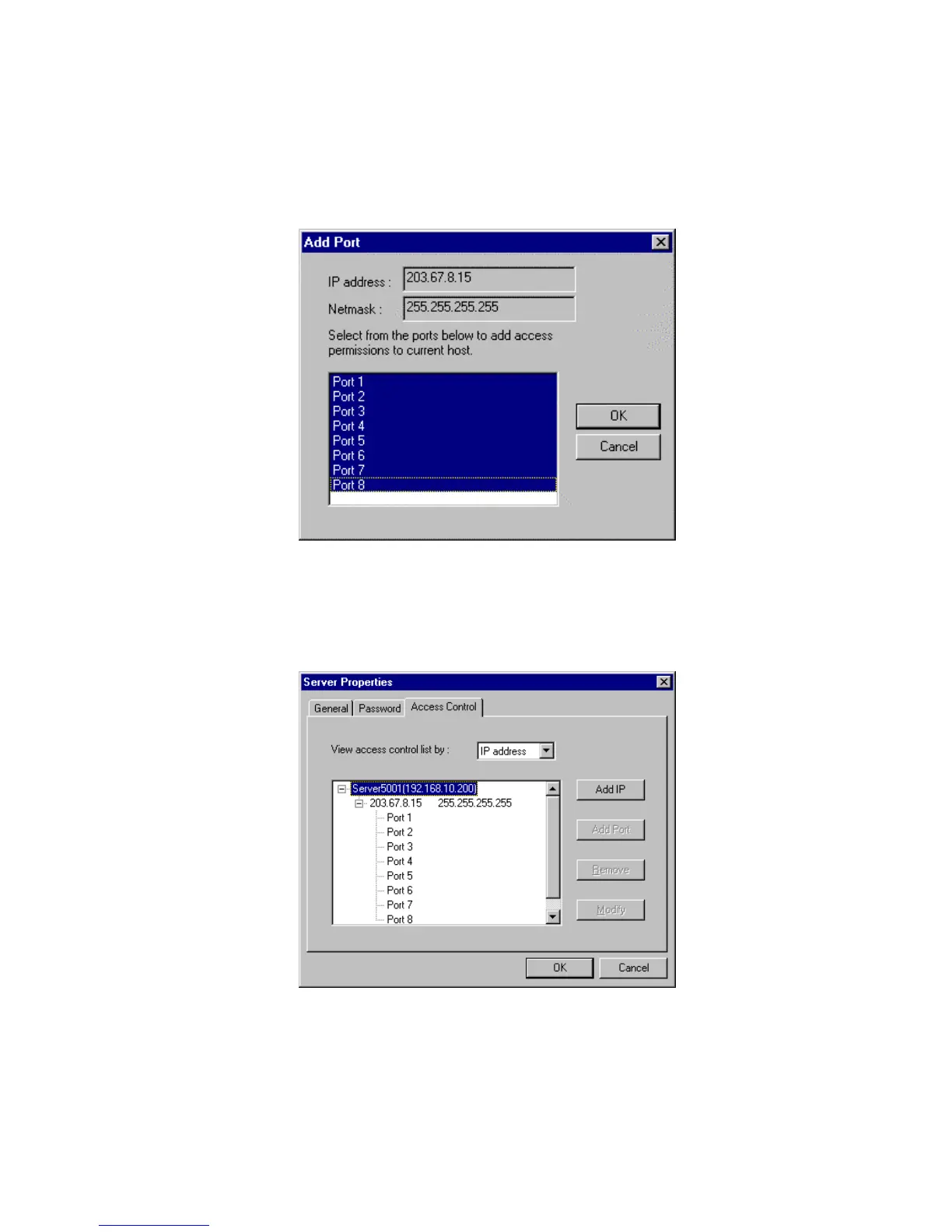
6. On the popped up screen, select the port(s) you wish to grant access to this
host. You may hold the mouse left key and scroll down to select multiple ports
on the NPort Server.
7. Click OK to finish.
8. Back to the “Access Control” page, you may see the IP with a list of ports.
Click OK to finish.
9. Save Configuration if you want to activate this setting.













 To Next Page