4 Product description
Maschinenfabrik Reinhausen GmbH 201828 5252433/02 ENECOTAP
®
VPD
®
CONTROL PRO
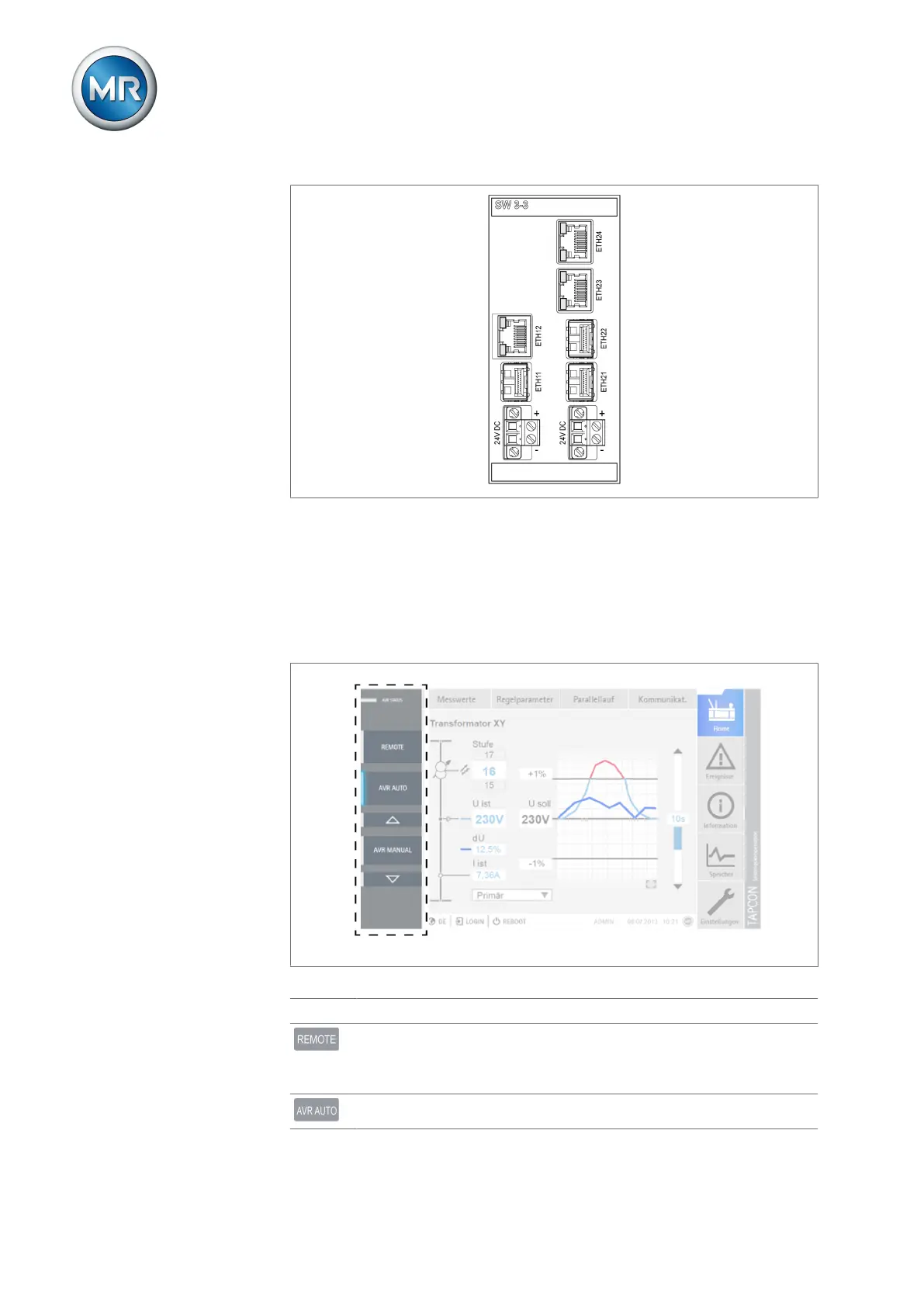
Figure9: SW 3-3 assembly
4.6 Additional operating controls and display elements when
using the MControl touch panel (optional)
If you are using the device with the optionally available MControl touch
panel, additional operating controls and display elements are displayed on
the left edge of the screen
Figure10: Additional display elements and operating controls
Status LED status Status display
1)
REMOTE key Select the operating mode:
▪ On: REMOTE
▪ Off: LOCAL
AVR AUTO key Activate auto mode.



 To Next Page