8 Operation
Maschinenfabrik Reinhausen GmbH 2018 675252433/02 EN ECOTAP
®
VPD
®
CONTROL PRO
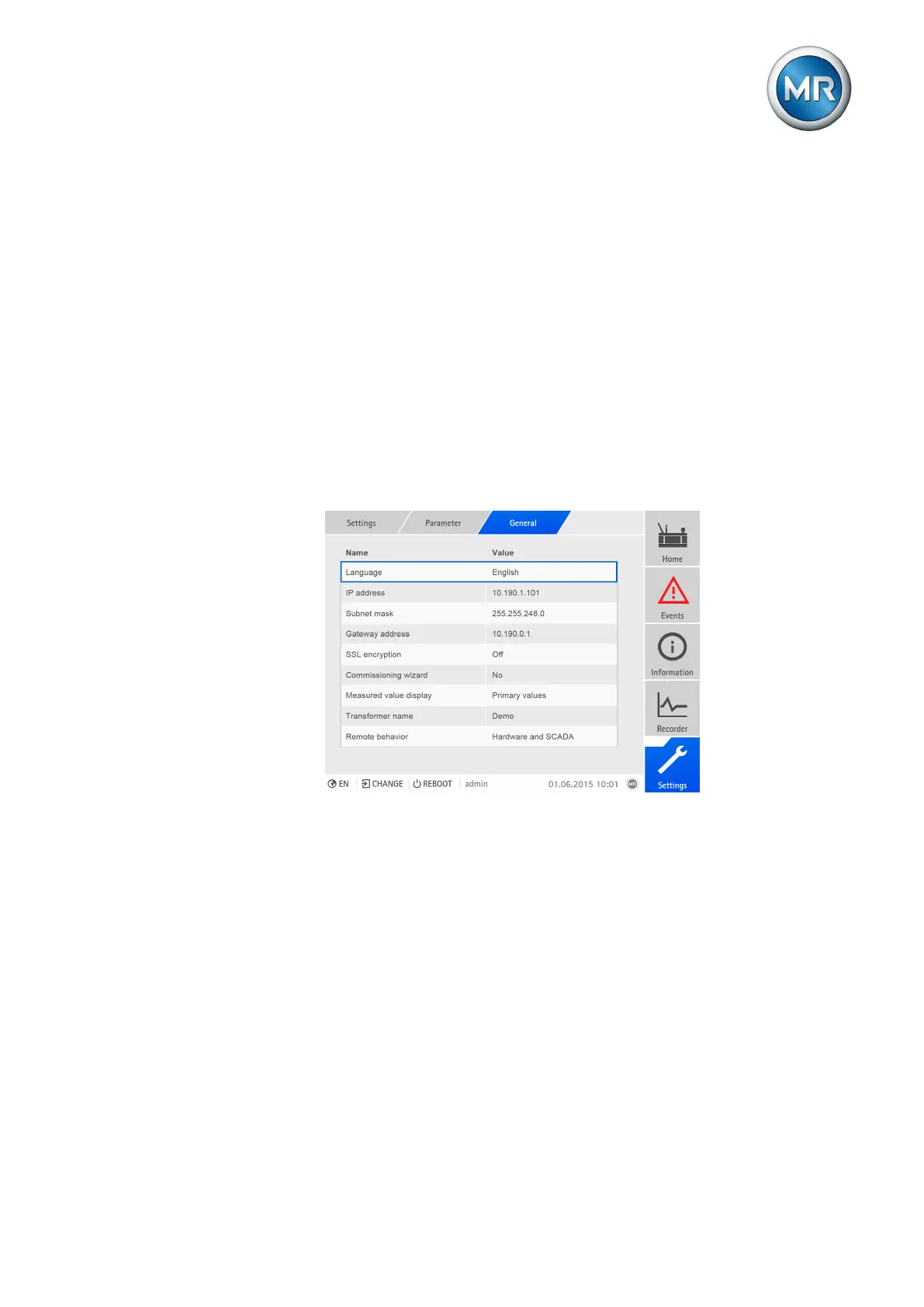
General settings
▪ Display language for the device
– Can also be set via the status bar [►Section 7.3.2.1, Page 64]
▪ Activate/deactivate launching the commissioning wizard after the device is
restarted
▪ Measured value display
▪ Transformer name
▪ Remote behavior
Settings for web-based visualization
▪ IP address
▪ Subnet mask
▪ Gateway address
▪ SSL encryption
Figure52: General
8.2.1 Activating/deactivating automatic launch of commissioning
wizard
You can use this parameter to set whether the commissioning wizard
[►Section 7.3.1, Page 62] is to launch automatically when the device is
restarted.
1. Go to Settings > Parameters > General > Commissioning wizard.
2. Select the desired option.
3. Press the Accept button to save the modified parameter.
8.2.2 Setting measured value display
This parameter lets you set whether the displayed measured values and
control parameters are to refer to the primary side or secondary side.



 To Next Page