8 Operation
Maschinenfabrik Reinhausen GmbH 201870 5252433/02 ENECOTAP
®
VPD
®
CONTROL PRO
2. Select the desired option.
3. Press the Accept button to save the modified parameter.
8.2.4.2 Accessing online help
The web-based visualization has an online help section. To call up the online
help, proceed as follows:
1. Call up the web-based visualization with the PC.
2. Select the MR logo in the status line.
ð The online help appears.
8.2.5 Activating/deactivating the USB interface
This parameter lets you deactivate the USB interface. You can select the fol-
lowing options:
▪ On: USB interface is activated
▪ Off: USB interface is deactivated
Proceed as follows to activate/deactivate the USB interface:
1. Go to Settings > Parameters > General > USB interface.
2. Select the desired option.
3. Press the Accept button to save the modified parameter.
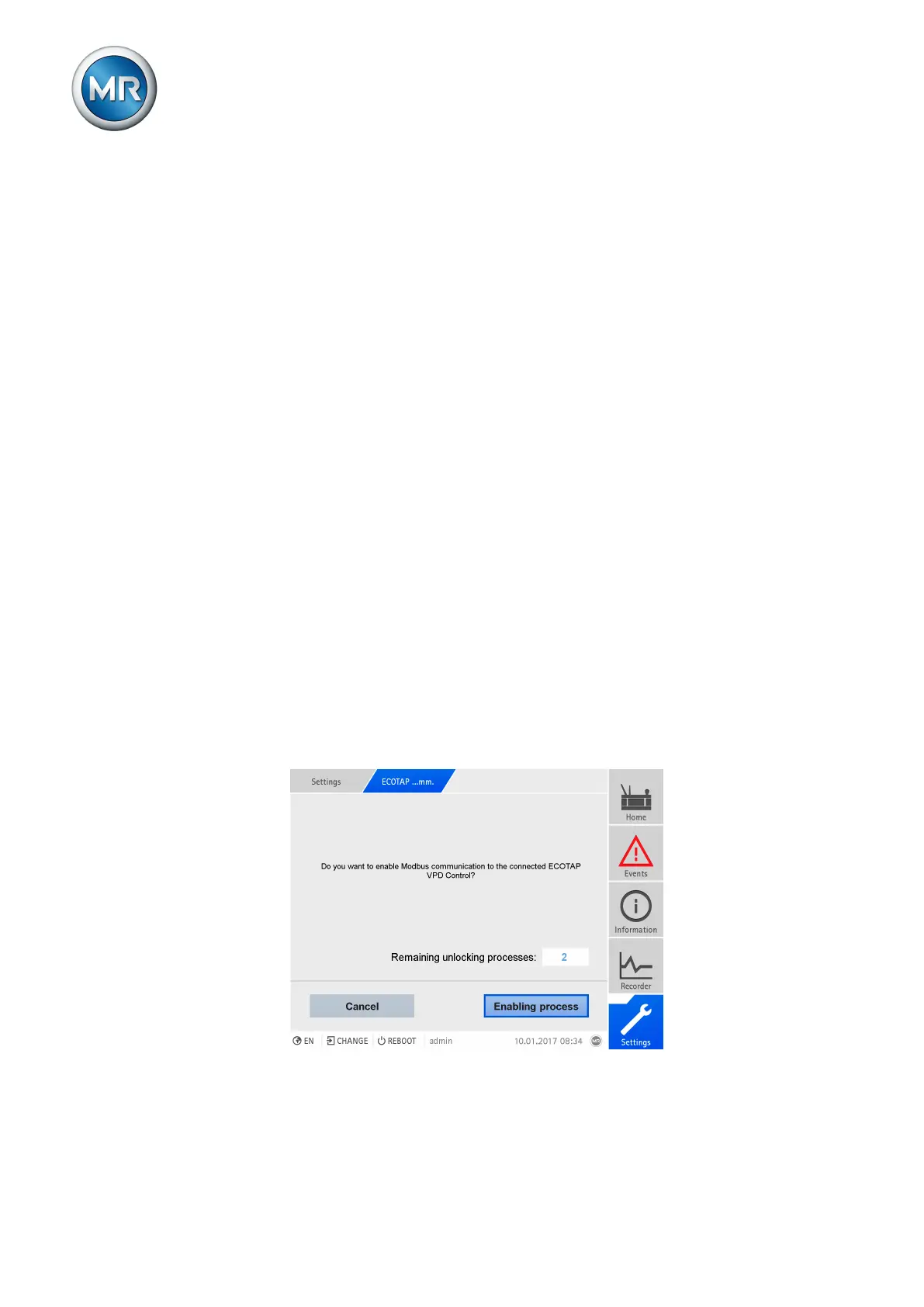
8.3 Unlocking ECOTAP VPD communication
With an ECOTAP Pro, you can unlock communication to an ECOTAP VPD
Control a maximum of three times. The number of remaining unlocking ac-
tions is displayed in the dialog window.
Figure53: Unlocking ECOTAP VPD communication



 To Next Page