6 Mounting
Maschinenfabrik Reinhausen GmbH 2018 575252433/02 EN ECOTAP
®
VPD
®
CONTROL PRO
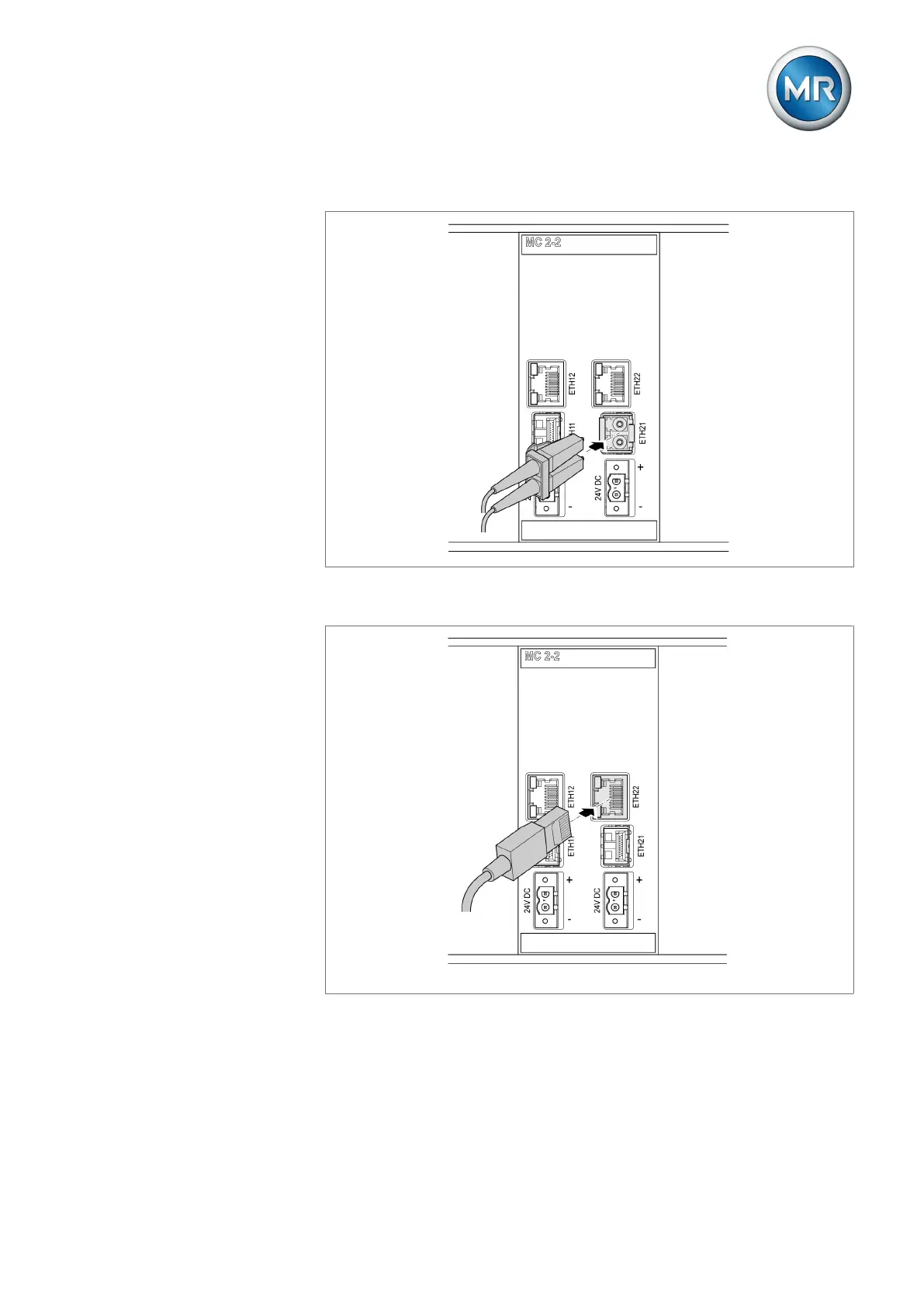
3. Insert the fiber-optic cable into the SFP module.
Figure43: Inserting the fiber-optic cable
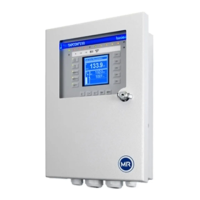
4. Insert the network cable.
Figure44: Inserting the network cable
6.5.8 Connecting the power supply
You may only connect the device to circuits with an external overcurrent pro-
tection device and an all-pole isolating device, enabling the equipment to be
fully de-energized if required (service, maintenance etc.).


 To Next Page