7 Commissioning
Maschinenfabrik Reinhausen GmbH 2018 635252433/02 EN ECOTAP
®
VPD
®
CONTROL PRO
To call up the commissioning wizard, you will need the necessary access
rights [►Section 8.13, Page 145].
When in delivery status, you can log in as the administrator as follows:
▪ User name: admin
▪ Password: admin
To set the parameters with the help of the commissioning wizard, proceed
as follows:
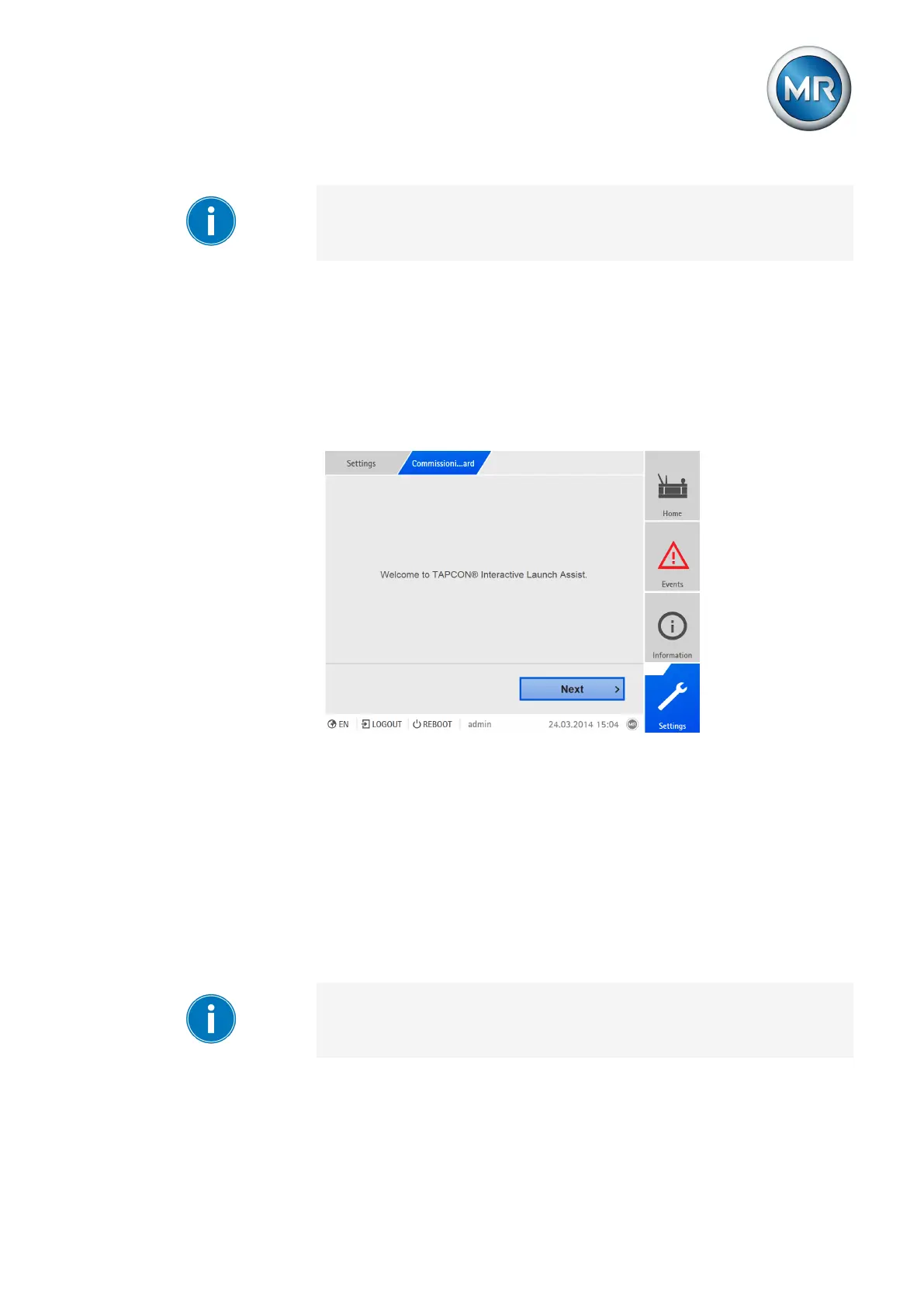
1. Log in as a user with the necessary access rights.
2. Go to Settings > Commissioning wizard.
Figure48: Calling up the commissioning wizard
3. Press the Next button to launch the commissioning wizard.
4. Follow the on-screen instructions.
Once you have entered all of the parameters relevant to commissioning,
continue with the function test.
7.3.2 Setting the parameters manually
To commission the device, you must set the following parameters. You will
find more detailed information about these parameters in the respective sec-
tions.
To set the parameters, you need the necessary access rights [►Section
8.13, Page 145].



 To Next Page