7 Commissioning
Maschinenfabrik Reinhausen GmbH 201864 5252433/02 ENECOTAP
®
VPD
®
CONTROL PRO
When in delivery status, you can log in as the administrator as follows:
▪ User name: admin
▪ Password: admin
7.3.2.1 Setting the language
You can use this parameter to set the display language for the device. The
device comes with a maximum of 4 languages. The following languages are
available:
English Italian*
German Portuguese*
French* Russian*
Spanish* Chinese*
Korean* -
*) Language is available as an option
To set the language, proceed as follows:
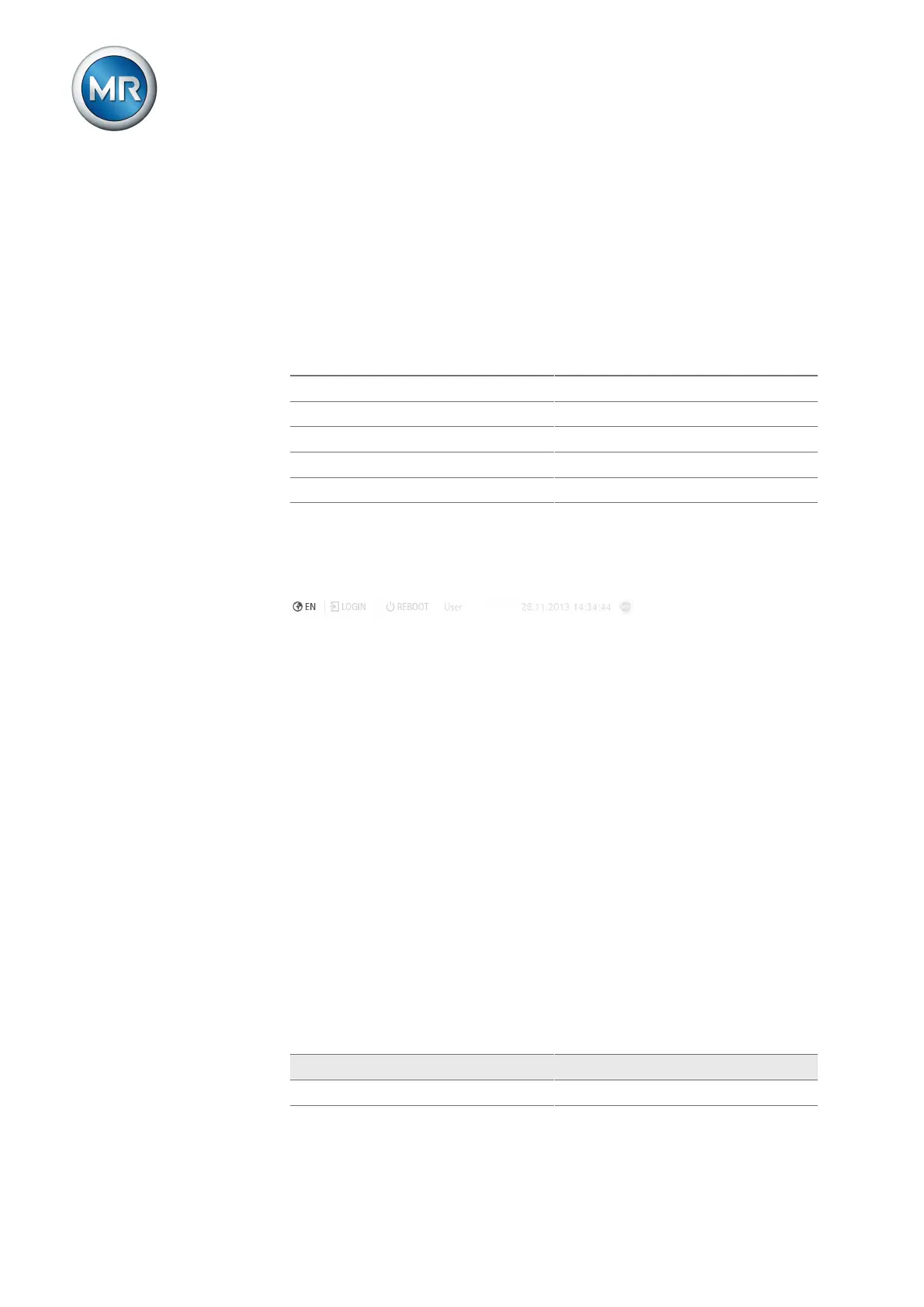
1. Press the Language button in the status bar.
Figure49: Setting the language
2. Select the language you want from the list box.
3. Press the Accept button to save the modified parameter.
ð The "Restart device" dialog appears.
4. Restart the device to apply the changed language setting.
7.3.2.2 Setting date and time
You can set the date and time in the following ways:
▪ Manually
▪ Time synchronization via control system (SCADA)
▪ Time synchronization via SNTP time server
If you are using a control system, the device automatically synchronizes the
date and time with the control system. If you would like to use an SNTP time
server, you must set the required parameters. When doing so, observe the
information provided in the Time synchronization [►Section 8.12, Page 142]
section.
If you would like to set the date and time manually, you must enter the val-
ues in the following formats:
Date Time
DD.MM.YYYY HH:MM
Table11: Formats



 To Next Page