7 Commissioning
Maschinenfabrik Reinhausen GmbH 2018 655252433/02 EN ECOTAP
®
VPD
®
CONTROL PRO
The time does not switch from daylight saving time to standard time and
back automatically.
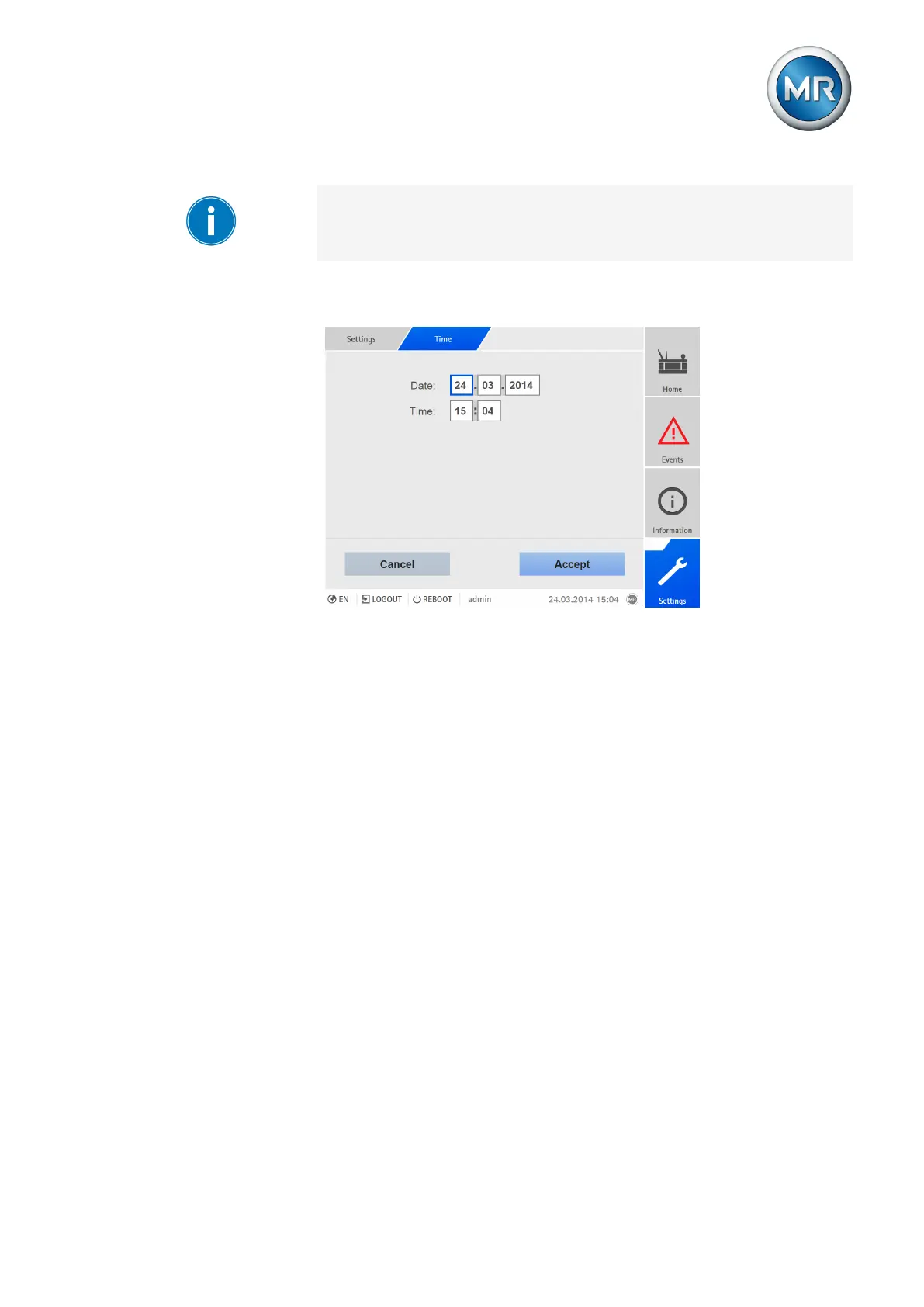
Proceed as follows to set the date and time manually:
1. Go to Settings > Time.
Figure50: Setting date and time
2. Enter date and time.
3. Press the Accept button to save the modified parameter.
7.3.2.3 Setting further parameters
Set further parameters to commission the device. You will find more detailed
information about the respective parameters in the Operation [►Section 8,
Page 66] chapter.
1. Activate ECOTAP VPD communication [►Section 8.3, Page 70].
2. Set transformer data [►Section 8.5, Page 81].
3. Set control parameters [►Section 8.4, Page 71].
4. Set control system protocol (optional) [►Section 8.11, Page 119].



 To Next Page