8-Advanced Function of Oscilloscope
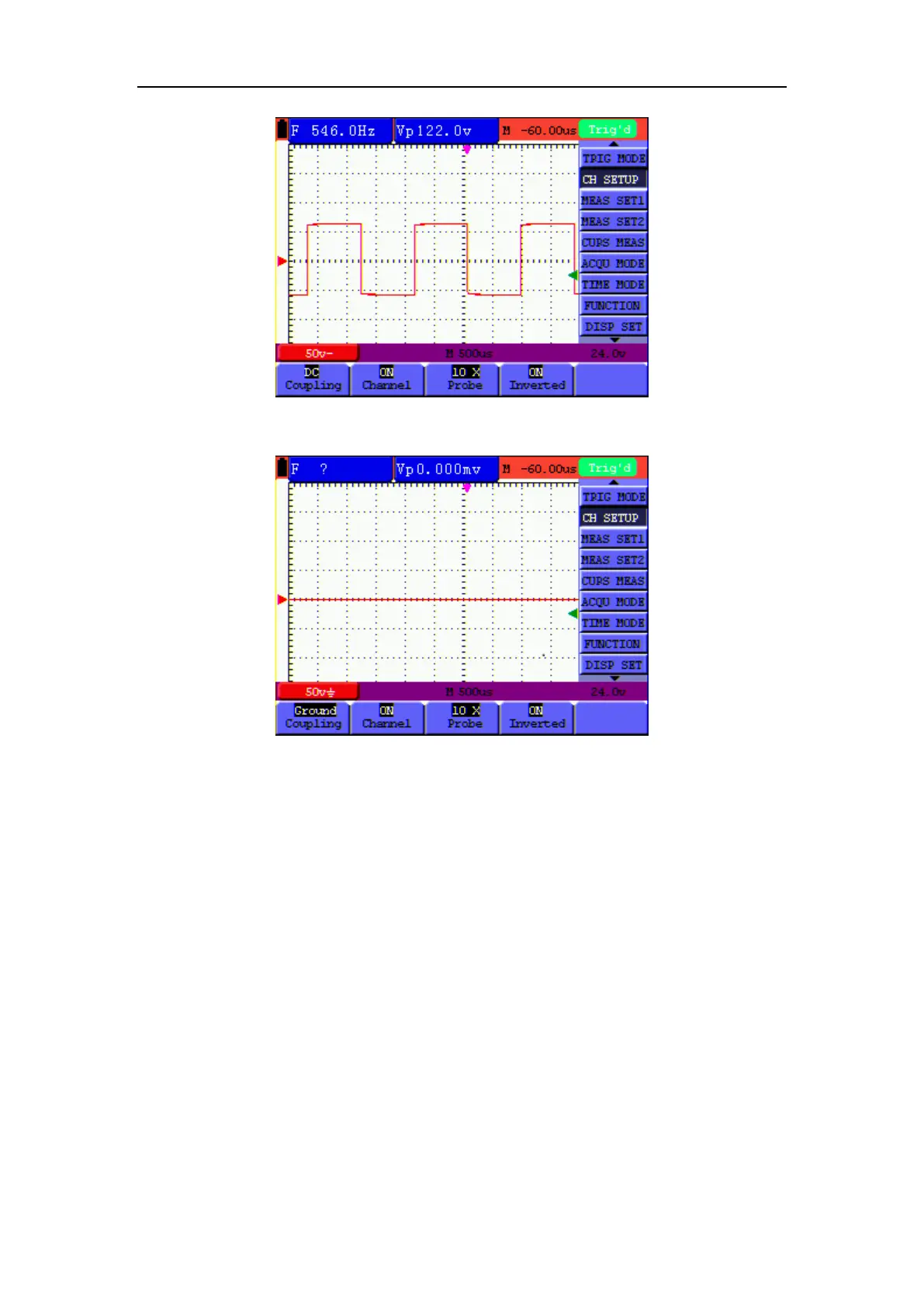
Figure 33: DC Coupling
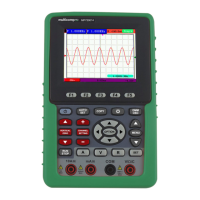
Figure 34: Ground Coupling
8.2.2 Open and Close Settings on Channel
Press F2 Channel key first, and then OFF to make a Close setting on channle.
Press F2 Channel key first, and then ON to make an Open setting on channle.
8.2.3 Setting the probe attenuation
To prevent excessive input voltage, we recommend you to set the probe attenuation level to the
10X position to prevent excessive voltage.
After attenuating the probe level by 10:1, you also need to magnify the display level by 10 X to
match the displayed amplitude with the real amplitude.
Press F3 Probe to adjust the probe attenuation level.



 To Next Page